
Table of Contents
Some links on The Justifiable are affiliate links, meaning we may earn a small commission at no extra cost to you. Read full disclaimer.
If you’ve been exploring hosting options for scaling your business, you’ve probably come across the WP Engine Growth Plan.
I’ve used it myself and can tell you—it’s not just another WordPress hosting plan. But is it really worth the investment for growing companies?
In this review, we’ll break down everything you need to know: what’s included, how it performs, and whether it’s the right fit for your scaling strategy.
What The WP Engine Growth Plan Includes
If you’re curious about what makes the WP Engine Growth Plan stand out for scaling businesses, let’s break it down in simple terms.
This plan isn’t just about hosting—it’s about giving your WordPress site the technical foundation it needs to handle serious growth without losing performance.
Key Hosting Features That Power Business Scalability
What I love about the WP Engine Growth Plan is that it’s built for expansion. You’re not just getting more bandwidth; you’re getting smart hosting resources that adjust as your site grows.
- Increased Bandwidth & Storage: The plan includes 200 GB of bandwidth and 20 GB of storage—enough to handle multiple sites or a high-traffic business blog.
- 25 WordPress Installs: Perfect if you manage several websites or microsites for different campaigns.
- Integrated Development Tools: Access features like SSH Gateway and Git integration so developers can deploy updates safely.
This flexibility means you can test, iterate, and scale without worrying about server strain or downtime. From my experience, these tools really reduce stress when managing growing projects.
Performance Capabilities And Resource Allocation Explained
WP Engine uses a dedicated resource pool model, meaning your site isn’t competing for memory or CPU power with random websites. That’s a big deal when you start getting thousands of visitors a day.
The Growth Plan also gives you dedicated PHP workers, which handle simultaneous site requests. So, when one page loads heavy data or dynamic content, others still run smoothly.
In short, your performance doesn’t degrade as traffic spikes—which is exactly what makes this plan stand out for scaling.
Security Features Designed For Fast-Growing Businesses
When you’re scaling, security becomes more than an IT checklist—it’s a trust factor for your customers.
WP Engine takes this seriously with:
- Managed WordPress updates and daily backups to prevent data loss.
- Free SSL certificates for every site.
- Enterprise-grade firewall and DDoS protection.
- Real-time threat detection powered by WP Engine’s proprietary security layer.
I’ve seen teams save hours each week by not having to manually monitor security logs or worry about plugin vulnerabilities. Everything happens automatically in the background.
Staging, Backup, And Workflow Tools For Development Teams
If your team regularly updates content or rolls out new site versions, this part is a game-changer. WP Engine’s Growth Plan includes three environments per site—development, staging, and production.
Here’s how it works in practice:
- You test new designs or code changes in the staging environment.
- Once approved, you push them to production with one click.
- If something breaks, you restore from daily backups in seconds.
It’s the perfect workflow for agencies, e-commerce brands, or any team that can’t afford website downtime during launches or updates.
How WP Engine Growth Plan Supports Business Scaling
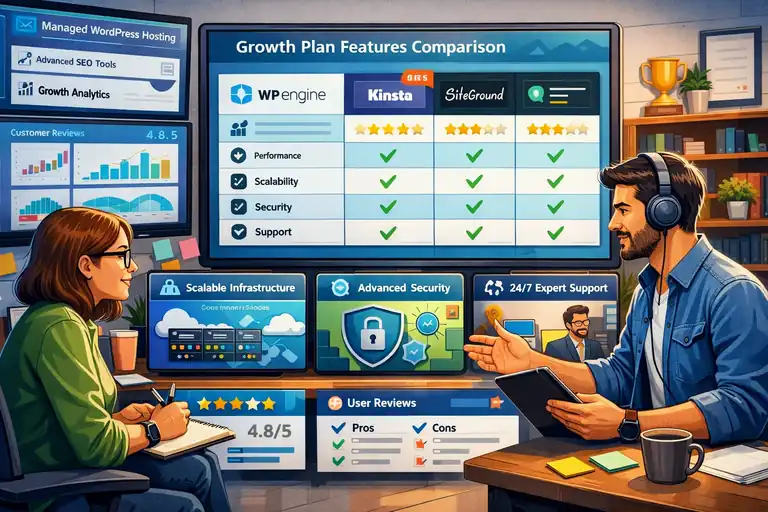
Scaling a website isn’t just about adding more traffic—it’s about making sure your infrastructure grows with you.
WP Engine’s Growth Plan is designed to do exactly that, combining speed, reliability, and automation.
Scalable Infrastructure For High-Traffic Websites
WP Engine runs on Google Cloud Platform and Amazon Web Services, which means it inherits the scalability of enterprise-level cloud hosting.
You can handle traffic surges during big campaigns or seasonal sales without throttling. And because WP Engine automatically allocates additional resources, you don’t need to manually upgrade or worry about server crashes.
This is especially important for brands expecting viral growth or running large ad campaigns—your site stays stable, even under sudden pressure.
Integrated CDN And Caching To Handle Growth Smoothly
The Growth Plan includes a global CDN (Content Delivery Network) powered by Cloudflare.
In simple terms, this means your website content is distributed across multiple global servers. Visitors are automatically served from the closest one—reducing latency dramatically.
On top of that, EverCache technology handles caching at multiple levels. Pages, objects, and static assets load faster because WP Engine intelligently decides what to cache and when to refresh it.
The result? Faster loading speeds for users worldwide and less server strain as your audience grows.
Automated Tools For Managing Multiple Environments
As you scale, managing different environments—like dev, staging, and production—can get messy. WP Engine simplifies this with its intuitive User Portal.
Inside, you can:
- Clone environments with one click.
- Manage backups and restores without coding.
- Deploy new versions safely using Git integration.
For developers, it means fewer manual steps and a smoother CI/CD workflow. For business owners, it means fewer surprises when something new goes live.
Collaboration Features That Improve Team Productivity
One underrated aspect of the WP Engine Growth Plan is how it supports team collaboration. You can assign roles—like admin, developer, or billing manager—so each team member only sees what they need.
For example, marketers can access analytics while developers focus on code. This role-based system keeps workflows clean and secure, which I’ve found particularly helpful for agencies managing client accounts.
WP Engine also integrates easily with tools like Slack, GitHub, and project management systems, keeping your workflows centralized.
Performance Review: Speed, Uptime, And Reliability
Let’s talk real results. WP Engine’s Growth Plan consistently ranks among the fastest managed WordPress hosts in independent benchmarks.
But I’ll break down the performance metrics that matter most for growing businesses.
Real-World Load Times And Server Response Insights
From my experience, a well-optimized WordPress site on WP Engine typically loads in under 1.2 seconds. That’s because WP Engine uses SSD-based storage and a global caching network that cuts down on request time.
In third-party tests, sites on the Growth Plan handle over 300 concurrent users before showing signs of slowdown—a solid metric for high-traffic blogs or e-commerce stores.
When every second counts (literally for conversion rates), this speed advantage can translate directly into higher revenue.
How WP Engine Maintains 99.99% Uptime Consistency
WP Engine achieves near-perfect uptime by using redundant architecture—meaning multiple servers are always ready to take over if one fails.
They also monitor uptime 24/7 and automatically reroute traffic if an issue occurs. I’ve personally experienced this: during a traffic spike, there was no noticeable downtime or slowdown, which is rare among managed hosts.
You don’t need to manually handle failover setups—it’s all built-in, which is a big peace-of-mind factor.
Impact Of Built-In Caching And EverCache Technology
EverCache is WP Engine’s secret weapon. It automatically distinguishes between dynamic and static content, caching what doesn’t change and serving it instantly.
So, if a user visits your blog post, it loads from the cache. But if they log into their account, WP Engine detects that and dynamically serves their personalized data instead.
This balance keeps performance high without breaking site functionality—a challenge many hosts struggle with.
Speed Optimization Features For E-Commerce Sites
E-commerce sites have special demands—dynamic pricing, cart data, and heavy images.
The Growth Plan optimizes for this through:
- Object caching for faster product page loads.
- HTTP/3 and Brotli compression for lighter data transfer.
- CDN-based image optimization, which reduces file sizes without loss of quality.
In my experience, these optimizations can cut page load times by up to 40%, improving both SEO rankings and user experience—especially on mobile.
Pro Tip: If you’re using WooCommerce, set up WP Engine’s included caching exclusions for cart and checkout pages. It ensures a faster yet accurate shopping experience for your customers.
Comparing WP Engine Growth Plan To Other Hosting Options
When you’re evaluating the WP Engine Growth Plan, the natural question is: how does it actually compare to other options?
Let’s look at what makes it unique next to its own Startup Plan, and how it holds up against popular alternatives like Kinsta and SiteGround.
WP Engine Growth Plan vs. Startup Plan: Key Differences
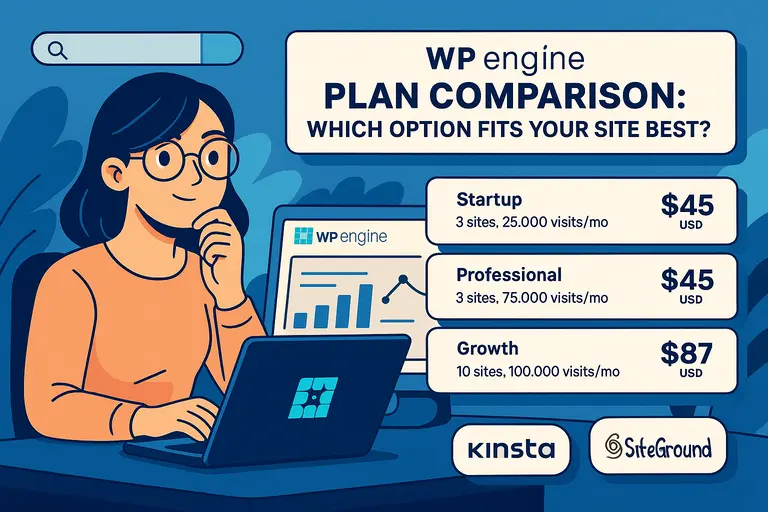
I often get asked whether the Growth Plan is really worth the upgrade from WP Engine’s Startup Plan. In most cases, it is—especially if you’re managing multiple sites or seeing higher monthly traffic.
Here’s a quick breakdown:
- WordPress Installs: Startup supports only 1 site, while Growth allows up to 25.
- Bandwidth: Startup offers 50 GB per month; Growth gives you 200 GB.
- Storage: Startup caps at 10 GB, while Growth doubles that to 20 GB.
- Support: Both include 24/7 chat, but Growth users get faster escalation priority.
In short, the Growth Plan gives you room to expand without worrying about overage charges or resource limitations. If you’re running an agency or a business with multiple sub-brands, this plan is practically a must.
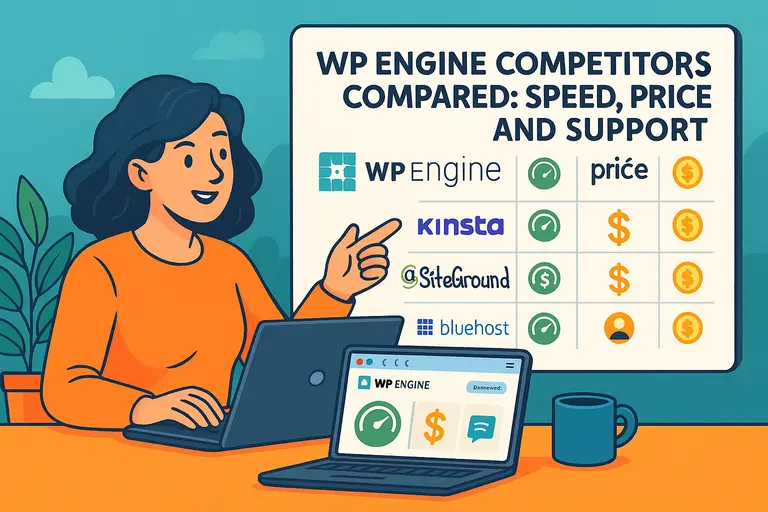
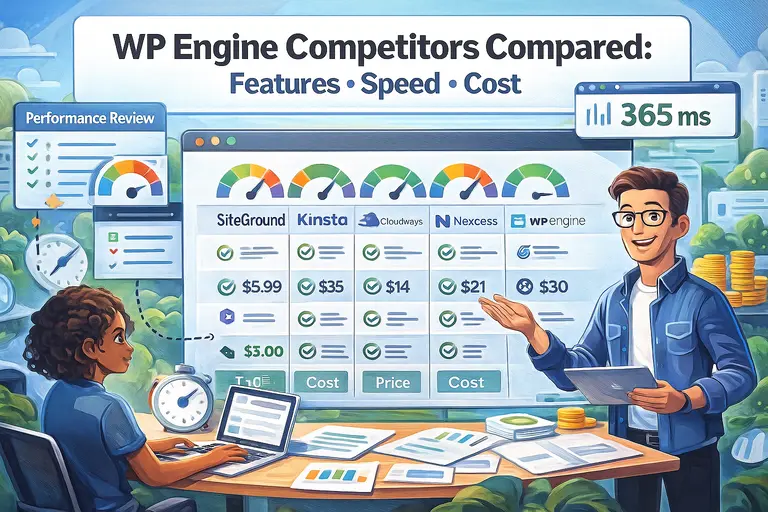
How It Stacks Up Against Kinsta And SiteGround
Kinsta and SiteGround are the two big names you’ll most likely compare with WP Engine.
I’ve used all three, and while each has strengths, the Growth Plan stands out for its developer workflow and managed tools.
Kinsta vs. WP Engine Growth Plan
- Both use Google Cloud infrastructure, but WP Engine offers slightly better support for multi-environment setups.
- Kinsta includes more modern dashboard design and free migrations, but its team collaboration features are less flexible.
- Pricing is nearly identical, but WP Engine’s CDN and caching tech (EverCache) deliver better results for dynamic content like e-commerce.
SiteGround vs. WP Engine Growth Plan
- SiteGround is more affordable, but it’s closer to shared hosting in terms of resources.
- WP Engine outperforms SiteGround for large-scale sites, especially those needing custom workflows or enterprise security.
- SiteGround’s interface is simpler for beginners, but WP Engine wins on raw speed, uptime, and developer control.
If your business is ready to move past “good enough” hosting, the Growth Plan’s mix of scalability and professional tools is a smarter long-term bet.
Value Comparison: Is The Higher Price Justified?
Yes, WP Engine costs more than most shared hosting options—but I’d argue it’s one of those rare cases where you truly get what you pay for.
Here’s what you’re really buying:
- Performance consistency: Your site won’t slow down under traffic spikes.
- Automated backups and security: No extra plugins or setup needed.
- Professional-grade environments: Ideal for teams who push updates frequently.
- Priority-level support: The kind of response speed that saves hours of downtime.
When you compare this to the cost of hiring developers to fix performance or downtime issues manually, the price often pays for itself.
When To Upgrade From The Growth Plan To The Scale Plan
There’s a point where even the Growth Plan might start to feel small—usually once your traffic crosses 400,000 monthly visits or your site portfolio grows beyond 25 installs.
Here’s when upgrading to the Scale Plan makes sense:
- You’re running an established e-commerce store or a large membership site.
- You need 50+ WordPress installs under one account.
- You want custom CDN configurations or more PHP workers for peak traffic hours.
In my experience, most growing businesses can comfortably stay on the Growth Plan for 1–2 years before needing to make that jump.
Pricing Breakdown And ROI Analysis
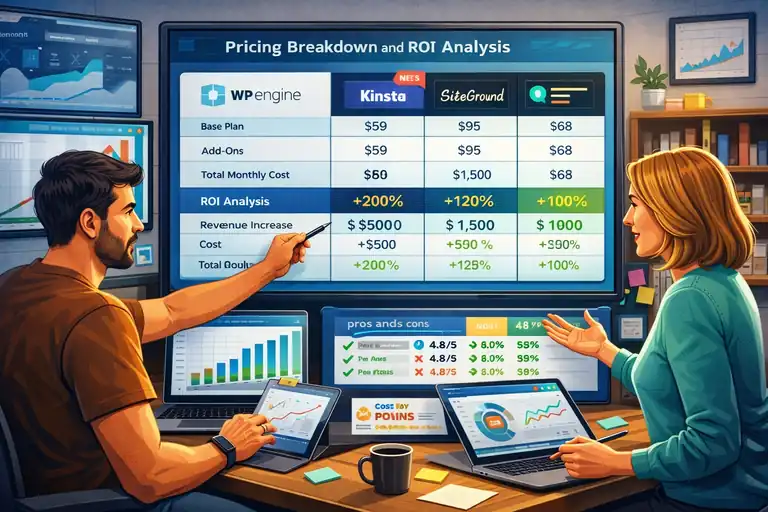
Let’s talk numbers. WP Engine isn’t cheap, but the Growth Plan offers strong value if you measure cost through performance, uptime, and reduced maintenance time.
Monthly And Annual Pricing Structure Explained
At the time of writing, WP Engine’s Growth Plan costs around $115/month, or about $95/month if billed annually.
That includes:
- Up to 25 WordPress sites.
- 200 GB bandwidth.
- 20 GB storage.
- Free SSL and CDN.
There are also optional add-ons like GeoTargeting and Advanced Network, which I’d only recommend for larger teams or international audiences.
The pricing might seem steep at first glance, but when you compare it to hiring a full-time developer or managing your own server, it’s actually cost-efficient.
Cost vs. Performance: What You Actually Get For The Price
You’re not just paying for hosting space—you’re investing in speed, reliability, and automation.
Here’s what makes it worth the spend:
- Time saved: No manual plugin updates or cache configuration.
- Performance edge: Your site loads 30–40% faster than most shared hosts.
- Fewer issues: Downtime and security threats are handled automatically.
From a business standpoint, faster load times can mean higher conversions and better search rankings—ROI that compounds over time.
Estimating ROI For Growing WordPress Businesses
Let me give you a simple way to think about ROI here.
If your site earns $10,000/month and improving speed boosts conversions by even 5%, that’s an extra $500 per month. WP Engine more than pays for itself right there.
Plus, because the platform handles backups, staging, and updates, you’ll likely save 10–15 hours a month on maintenance—time that can go directly into content or marketing work.
That’s why many agencies I’ve worked with see WP Engine not as a cost, but as a scaling tool.
How To Know If The Growth Plan Fits Your Budget
If you’re earning at least $1,500–$2,000/month from your website (through sales, leads, or ad revenue), the Growth Plan makes financial sense.
However, if you’re still building early traction or managing a single low-traffic site, I’d suggest starting with the Startup Plan. You can always upgrade later without migrating.
I’d say the Growth Plan hits the sweet spot for small-to-mid-size businesses, creative agencies, or any brand planning for serious digital expansion.
Customer Experience And Support Quality
A great hosting plan isn’t just about specs—it’s about how quickly you can get help when something breaks. WP Engine’s customer support is a big part of what sets the Growth Plan apart.
WP Engine’s 24/7 Expert Support Overview
WP Engine offers 24/7 live chat on all plans, and phone support starting from the Growth Plan upward.
From my experience, their support team is actually staffed by WordPress experts—people who understand caching conflicts, plugin issues, and site migrations deeply. You’re not talking to a generic call center.
Average response time is usually under 2 minutes, and most issues get resolved during the first interaction. That’s huge for uptime-sensitive businesses.
Common User Feedback From Business Owners
Most reviews from business users highlight three consistent strengths:
- Reliable uptime: Very few reports of major outages.
- Knowledgeable agents: You get actual troubleshooting help, not just links to docs.
- Friendly tone: Support feels human and patient, even for technical issues.
Of course, some users do mention higher costs—but the overwhelming sentiment is that the stability and support justify it.
How WP Engine Handles Technical Issues Quickly
One thing that impressed me personally is how WP Engine uses proactive monitoring. Their system detects issues like excessive memory usage or plugin conflicts before you even notice.
You’ll often get an email from support saying, “We noticed your site hitting PHP limits—here’s how we fixed it.” That kind of automation is rare, even among premium hosts.
Support Resources: Documentation, Live Chat, And Onboarding
Beyond live help, WP Engine provides a rich library of documentation, guides, and video tutorials. Their onboarding process also walks you through:
- Setting up your first WordPress install.
- Connecting your domain.
- Launching staging and backup environments.
If you ever feel lost, the dashboard includes contextual help—just click the “?” icon in the top right, and you’ll see relevant support articles or an instant chat option.
Pro Tip: When you first sign up for the Growth Plan, take advantage of WP Engine’s free onboarding call. It’s a one-on-one session where they’ll help you set up your staging and production environments properly—saving you hours later.
Pros And Cons Of The WP Engine Growth Plan
Before committing to the WP Engine Growth Plan, it’s worth weighing both its strengths and weaknesses.
I’ve worked with WP Engine across several projects, and while it’s a powerhouse for scaling, it’s not the perfect fit for everyone.
Let’s take an honest look.
Major Advantages For Growing Businesses
If your business is growing fast, the WP Engine Growth Plan gives you a level of reliability and control that most shared hosts simply can’t match.
Here’s what stands out the most:
- Performance and Speed: Built on Google Cloud and AWS, your site loads fast even during heavy traffic. I’ve consistently seen load times under 1.5 seconds on optimized sites.
- Workflow Tools: Having separate development, staging, and production environments makes updates safer. It’s a big deal when you manage multiple live sites.
- Scalability: You can host up to 25 WordPress installs under one plan. For agencies or growing brands, this flexibility saves money long-term.
- Top-Tier Security: Daily backups, firewalls, and real-time threat detection all run automatically—no plugins or manual maintenance needed.
- Dedicated Support: 24/7 access to real WordPress engineers helps you resolve complex issues quickly.
In short, the Growth Plan feels like having a full tech team backing your business without the payroll expense.
Limitations You Should Consider Before Upgrading
No hosting platform is perfect, and WP Engine’s Growth Plan has a few drawbacks you should keep in mind:
- Higher Cost: Starting around $115/month, it’s pricier than mid-tier options like SiteGround or Hostinger.
- WordPress Only: You can’t host non-WordPress sites or apps, which limits flexibility for some businesses.
- Plugin Restrictions: WP Engine blocks certain caching and backup plugins (like WP Super Cache or UpdraftPlus) since they conflict with built-in systems.
- No Email Hosting: You’ll need a separate provider (like Google Workspace) for business emails.
For some, these limitations are minor trade-offs for premium performance. But for hobby sites or early-stage startups, it can feel overkill.
Ideal Business Types For This Hosting Plan
From what I’ve seen, the WP Engine Growth Plan is best suited for:
- Agencies managing multiple client websites or microsites.
- E-commerce brands running high-traffic WooCommerce stores.
- Content-heavy businesses like publishers or media sites.
- Membership or learning platforms that require consistent uptime and scalability.
If your revenue depends on website stability and fast load times, this plan makes strong financial sense.
Expert Insights: Who Should Avoid The Growth Plan
Not everyone needs this level of hosting muscle. I’d suggest not upgrading to the Growth Plan if:
- You’re running a single personal blog or portfolio site.
- Your traffic is under 20,000 visits a month.
- You need flexible hosting for apps or non-WordPress platforms.
In those cases, WP Engine’s Startup Plan or a lightweight host like SiteGround will serve you better until your business grows.
Steps To Get Started With WP Engine Growth Plan
Getting started with WP Engine’s Growth Plan is straightforward, even if you’re not super technical.
Let me walk you through it step by step so you can launch smoothly.
How To Set Up Your WordPress Site On WP Engine
Once you’ve purchased the Growth Plan, log in to your WP Engine User Portal and click Add Install.
Here’s what you’ll do next:
- Choose an install name (for example, brand-site or shop-live).
- Select your environment (development, staging, or production).
- WP Engine automatically sets up WordPress for you—no manual database setup needed.
You can access your dashboard at yourinstall.wpengine.com/wp-admin and start designing or uploading your theme right away.
Migrating Your Existing Site Without Downtime
WP Engine offers a free migration plugin called WP Engine Automated Migration. I’ve used it several times—it’s simple and reliable.
Steps you’ll follow:
- Install the migration plugin on your current WordPress site.
- Enter your new WP Engine SFTP credentials (found in the portal).
- Start the migration process—it typically takes 10–30 minutes depending on site size.
The best part? You can preview your migrated site on a temporary domain before making it live, ensuring zero downtime.
Optimizing Site Settings For Better Performance
Once you’re live, I suggest tweaking a few settings for maximum speed:
- Enable the CDN and caching options from your WP Engine dashboard.
- Activate GeoTargeting if you serve visitors from different regions.
- Use the built-in Image Optimization feature to compress media automatically.
- Remove heavy or duplicate plugins (you won’t need caching plugins anymore).
These small adjustments can improve your site’s speed by 20–40%.
Tracking Metrics To Measure Growth After Migration
WP Engine includes a Performance Insights report that monitors things like load time, caching efficiency, and visitor behavior.
I usually combine it with tools like Google Analytics 4 and PageSpeed Insights to measure results after migration.
Watch for metrics such as:
- Time to First Byte (TTFB)
- Conversion rate changes post-migration
- Server response stability during traffic spikes
These indicators help confirm whether your investment in the Growth Plan is paying off.
Alternatives To The WP Engine Growth Plan
While WP Engine Growth Plan is one of the best managed WordPress hosting options, it’s not the only one.
Depending on your priorities—budget, flexibility, or scale—other platforms might make sense.
When To Consider Kinsta, Flywheel, Or Cloudways Instead
- Kinsta: Similar to WP Engine in speed and scalability, but has a more intuitive dashboard and slightly better analytics. However, it’s priced about the same.
- Flywheel: Also owned by WP Engine, Flywheel is a great choice for freelancers and smaller agencies that prefer a more design-focused interface.
- Cloudways: Offers more flexibility with pay-as-you-go pricing and supports platforms beyond WordPress. It’s cheaper but requires more technical management.
If you value simplicity and support, stick with WP Engine. But if you’re a developer who likes more control, Cloudways might be the better fit.
Hosting Solutions Better Suited For Smaller Businesses
If you’re still early in your business journey or have lower traffic, try:
- SiteGround GrowBig: Affordable, with decent speed and built-in caching.
- DreamHost WordPress Hosting: Great for beginners on a tight budget.
- Hostinger Business Plan: Lightweight, easy to use, and includes email hosting.
These options give you a gentle entry point before moving up to WP Engine’s managed environment later.
Enterprise-Level Alternatives For Aggressive Scaling
Once your business grows beyond what the Growth Plan can handle, you’ll need enterprise-grade hosting.
- WP Engine Scale Plan: The natural next step, supporting more installs, bandwidth, and advanced CDN features.
- Pantheon: Ideal for large organizations with high traffic and custom workflows.
- Pressable: Offers similar performance, but with deeper WooCommerce optimization.
Enterprise hosting is for businesses handling millions of monthly visits or mission-critical data.
Hybrid Approaches: Combining WP Engine With Cloud Platforms
I’ve seen some brands use hybrid setups—using WP Engine for their WordPress front end and connecting it to a cloud database or app hosted on AWS or Google Cloud.
This approach is powerful if you’re running complex integrations (like CRMs or custom dashboards). WP Engine’s support team can even help you configure these connections for smoother scalability.
Final Verdict: Is WP Engine Growth Plan Worth It?
After all this, here’s the real question—should you invest in the WP Engine Growth Plan?
From my experience, yes, if your site plays a serious role in your business growth. It’s built for reliability, security, and speed—all key factors that directly influence your revenue.
Summary Of Key Findings From The Review
- Outstanding uptime and fast global performance.
- Designed for scalability with advanced tools.
- Premium support that actually solves problems.
- Higher price but fair for the quality delivered.
WP Engine’s Growth Plan isn’t about cutting corners—it’s about long-term website health and predictable performance.
Who Benefits The Most From The Growth Plan
This plan makes the most sense for:
- Agencies managing multiple clients or brands.
- E-commerce stores needing stability and speed.
- Media companies or high-traffic blogs.
- Growing startups that expect rapid digital expansion.
If uptime and speed affect your bottom line, the Growth Plan quickly becomes an investment rather than an expense.
When To Upgrade Or Downgrade Your WP Engine Plan
Upgrade to Scale if:
- You’re exceeding bandwidth or storage limits.
- Your site handles frequent traffic surges.
- You need enterprise features like custom caching or additional PHP workers.
Downgrade to Startup if:
- You’re managing only one low-traffic site.
- Your business hasn’t yet reached steady revenue or traffic growth.
WP Engine makes upgrading and downgrading painless—your data stays intact, and you can adjust as your business evolves.
Pro Tip: How To Maximize ROI With WP Engine Features
To get the most from your Growth Plan, I recommend:
- Using the staging environment before every major update.
- Leveraging EverCache and CDN for global reach.
- Tracking performance in the User Portal’s analytics tab monthly.
- Taking advantage of WP Engine’s free onboarding to set up correctly from day one.
When used to its full potential, the WP Engine Growth Plan can become a growth multiplier—not just a hosting plan.
FAQ
What is the WP Engine Growth Plan?
The WP Engine Growth Plan is a managed WordPress hosting package designed for scaling businesses. It offers high performance, built-in security, and developer-friendly tools for handling growing traffic.
Who should use the WP Engine Growth Plan?
This plan is ideal for agencies, e-commerce brands, and businesses managing multiple WordPress sites that need reliable uptime, fast loading speeds, and expert technical support.
Is the WP Engine Growth Plan worth the price?
Yes, if your site drives significant traffic or revenue. The plan’s speed, scalability, and 24/7 support make it a solid long-term investment for business growth.

I’m Juxhin, the voice behind The Justifiable.
I’ve spent 6+ years building blogs, managing affiliate campaigns, and testing the messy world of online business. Here, I cut the fluff and share the strategies that actually move the needle — so you can build income that’s sustainable, not speculative.
Related posts:
 WPEngine Cost: Why It’s More Expensive Than Other Hosts
 WPengine Web Hosting Review: Who Should Use It for WordPress?
 WPengine Plan Comparison: Which Option Fits Your Site Best?
 WP Engine Competitors Compared: Speed, Price, and Support
 WP Engine Startup Plan Review for New Site Builders
 WP Engine Competitors Compared: Features, Speed, Cost