
Table of Contents
Some links on The Justifiable are affiliate links, meaning we may earn a small commission at no extra cost to you. Read full disclaimer.
Quillbot pricing can feel confusing if you’re not sure which plan actually fits your writing needs. Should you stick with the free version, upgrade to Premium, or go for the Team Plan?
This guide breaks down exactly what each plan offers, what you’re really paying for, and which one delivers the best value depending on how you write, edit, or manage a team.
Let’s unpack the details and clear up the confusion around Quillbot’s pricing once and for all.
Overview Of Quillbot Pricing Plans
Before spending a cent, it helps to know how Quillbot structures its pricing and what you’re actually getting in return.
Quillbot’s pricing is divided into three main tiers: Free, Premium, and Team. Each one is designed for a different type of writer — from casual users to full-on content teams.
What Makes Quillbot’s Pricing Different From Competitors
Quillbot stands out because it doesn’t hide its core features behind a paywall. Unlike many AI writing tools that limit essential options, Quillbot lets you try nearly every feature in some form before upgrading.
For example:
- You can paraphrase up to 125 words at a time with the free plan.
- You get access to the grammar checker, summarizer, and AI detector — just with lighter limits.
What’s smart about this pricing model is that it rewards heavy users rather than locking out beginners. If you write occasionally, the free version might be all you need.
But if you depend on AI tools daily for editing, rewriting, or optimizing content, the Premium or Team Plan becomes cost-effective over time.
Another key difference: Quillbot bundles tools that many competitors charge separately for, like plagiarism checking and an AI humanizer. This makes it more of an all-in-one writing toolkit rather than a simple paraphraser.
Understanding How The Free, Premium, And Team Plans Compare
Each plan builds on the one before it. Here’s the breakdown in simple terms:
- Free Plan: Paraphrases up to 125 words per run, with 2 rewrite modes (Standard and Fluency). You also get basic grammar corrections and summaries.
- Premium Plan: Offers unlimited paraphrasing, 8+ rewrite modes (like Formal, Creative, or Expand), advanced grammar and plagiarism checks, and full AI Detector access.
- Team Plan: Includes everything in Premium, plus admin tools for managing users, data control, team analytics, and centralized billing.
If you’re a solo creator, Premium is usually the sweet spot. Teams and agencies, on the other hand, gain visibility into usage patterns and shared billing — something the individual plan can’t offer.
I’d compare it to having a solo Netflix account versus one for your whole household. Both stream the same content, but the management flexibility is entirely different.
Compare All Quillbot Plans. See which plan fits your writing habits and budget. Check current pricing, modes, and limits directly on Quillbot’s official page.
How Billing Works: Monthly Vs. Annual Subscriptions
Quillbot gives you two payment options: monthly or annual. The annual plan costs €8.33/month (billed once per year), while the monthly plan costs more per month if you prefer flexibility.
In my experience, the annual plan is the smarter investment if you use Quillbot regularly. The savings add up — roughly 40–50% cheaper than paying month to month.
There’s also a 14-day money-back guarantee, which makes upgrading risk-free. You can cancel any time and still use the remaining days you’ve paid for.
Here’s a quick breakdown:
- Free Plan: €0/month
- Premium Plan: €8.33/month (billed annually)
- Team Plan: Custom pricing (depends on team size and usage)
If you’re testing the waters, start free. But if you find yourself hitting word limits every other day, it’s usually cheaper to upgrade than to keep restarting sessions.
What You Get With Quillbot’s Free Plan

The free version of Quillbot gives a generous taste of what the platform can do.
It’s ideal for students, occasional bloggers, or anyone wanting to clean up short text snippets without a subscription.
Word Limits And Paraphrasing Modes Available
With the free plan, you can paraphrase up to 125 words at a time. That’s enough for short paragraphs, product descriptions, or social captions.
You also get access to two modes:
- Standard: Keeps your meaning intact while adjusting sentence flow.
- Fluency: Focuses on grammar corrections and natural readability.
Both are great for rewriting text quickly. But if you want creative tone shifts or specific styles like “shorten,” “expand,” or “formal,” you’ll need Premium.
Here’s an example: If you input “Quillbot helps improve writing efficiency,” the Standard mode might reword it as “Quillbot enhances your ability to write effectively,” while Fluency could give “Quillbot helps you write more smoothly and accurately.”
That subtle difference in tone is what Premium expands upon.
Grammar Checking And AI Tools You Can Access For Free
Even in the free plan, Quillbot includes several mini AI tools:
- Grammar Checker: Identifies and fixes basic grammar, punctuation, and spelling mistakes.
- Summarizer: Generates short summaries of text or articles.
- AI Detector (limited): Tells you whether text is likely written by a human or AI.
It’s impressive how much Quillbot includes here. Many competitors make grammar checking a paid feature. For light editing, the free version is genuinely useful — particularly for students or social media writers.
That said, the depth of corrections and AI detection accuracy improve dramatically in Premium, especially when analyzing longer documents.
When The Free Plan Is Enough For Most Users
I recommend the free plan if you:
- Write short content occasionally (emails, captions, short essays).
- Only need paraphrasing for under 125 words at a time.
- Don’t rely heavily on tone or style customization.
It’s also perfect for testing the user interface. You’ll quickly get a feel for how the rewrite modes respond to your input.
However, if you’re paraphrasing or proofreading daily — say, rewriting blog posts, research papers, or client content — the word limits will slow you down. In that case, upgrading to Premium becomes a time-saver and productivity boost, not just a cost.
As a rule of thumb: if you hit the “125-word limit” notification more than twice a day, it’s time to move beyond the free plan.
Try Quillbot Premium Free for 14 Days. Unlock unlimited paraphrasing, advanced rewrite modes, plagiarism checks, and a smoother writing workflow.
Inside The Quillbot Premium Plan
If you use Quillbot often, Premium is where the platform truly shows its power.
It removes the limitations of the free version and gives you access to the full suite of AI tools—perfect for anyone who writes, edits, or optimizes content professionally.
What Unlimited Paraphrasing Really Means
When Quillbot says unlimited paraphrasing, it means exactly that. You’re no longer capped at 125 words per input—you can paste entire articles, research papers, or blog drafts and rephrase them in one go.
In the Premium interface, you’ll notice more rewrite options beyond the standard two.
Here’s what you get:
- Creative mode: Rewrites text with a more original flair.
- Formal mode: Ideal for academic writing or professional communication.
- Shorten mode: Trims fluff without losing meaning.
- Expand mode: Adds clarity or depth for longer explanations.
- Simple mode: Makes text easier to read for a general audience.
In my experience, these modes are particularly useful when tailoring content for different platforms. For instance, I often take a detailed blog paragraph, run it through “Shorten,” and instantly have a cleaner social caption.
Another feature worth noting is freeze words—you can lock key terms (like brand names or keywords) so Quillbot doesn’t change them during paraphrasing. That’s a lifesaver for SEO or branded content where consistency matters.
Advanced Grammar And Plagiarism Tools Explained
The grammar checker in Premium goes beyond spotting simple typos. It analyzes sentence structure, word choice, and style suggestions—similar to Grammarly, but built into the same workspace as the paraphraser.
Here’s how it works in practice: You paste your draft, click “Grammar Check,” and the AI highlights issues in color-coded suggestions. It not only corrects mistakes but explains why—making it useful for improving your own writing habits over time.
The plagiarism checker is another big advantage. It scans your text against billions of web pages and academic sources, flagging potential matches instantly.
For students, freelancers, and editors, that’s peace of mind before submitting or publishing anything.
If you write for clients, I’d argue this alone justifies the upgrade. It keeps you compliant and saves time otherwise spent double-checking sources or citations manually.
Why The Annual Plan Offers Better Value Than Monthly Billing
At first glance, paying annually may feel like a commitment—but it’s easily the better deal. The Premium plan costs €8.33 per month when billed annually, compared to around €19.95 if paid monthly. That’s almost 60% cheaper long term.
If you write often, those savings add up fast. For context, a freelance writer or content creator using Quillbot five times a week would recoup that cost in just a few days of work efficiency.
There’s also the 14-day money-back guarantee, so you can test the plan without risk. From what I’ve seen, most users who upgrade rarely go back to free—it’s one of those tools that quickly becomes part of your workflow.
Personally, I advise choosing the annual plan if you use Quillbot for school, blogging, or client projects year-round. Monthly works only if you’re testing it short-term.
Who Should Upgrade To Premium (And Who Shouldn’t)
Premium is perfect for anyone who writes consistently or needs precision.
I recommend it if you:
- Create content for clients or manage multiple blogs.
- Edit academic, technical, or marketing materials.
- Need plagiarism and grammar tools integrated in one workspace.
- Want to paraphrase long texts without word caps.
However, you may not need Premium if you only use Quillbot occasionally or for short emails and captions. The free version already handles light rewriting effectively.
In other words: if writing is part of your career, Premium is an investment. If it’s just part of your communication, free might still serve you well.
The Quillbot Team Plan For Organizations

The Team Plan takes Quillbot beyond individual use.
It’s built for businesses, agencies, and educational institutions that need multiple users to collaborate securely under one centralized account.
How The Team Dashboard And Usage Metrics Work
Once you upgrade to the Team Plan, you gain access to a shared admin dashboard. This is where you can manage user accounts, track tool usage, and monitor activity across the team.
For example, a content agency could see how many paraphrases or grammar checks were run each week. This helps identify power users, allocate resources, or even justify renewals based on real usage data.
The metrics are broken down clearly—showing how often features like summarization or AI detection are used. That transparency is something I’ve found most other writing tools don’t offer natively.
Managing Centralized Billing And Data Control
The Team Plan’s billing is centralized, which means one payment covers everyone under the account. This setup makes expense management simple for organizations—no need to track individual subscriptions.
There’s also a data control layer that ensures all paraphrasing and document analysis stay secure within the team environment. For companies handling confidential content—think legal documents, reports, or unpublished drafts—that’s a big plus.
I’ve seen teams use this setup to standardize writing workflows across departments. Instead of every writer using different paraphrasing tools, the Team Plan keeps everyone aligned with consistent output quality.
Why The Team Plan Suits Agencies, Startups, And Content Teams
I’d say the Team Plan is ideal if you’re scaling content production or managing a remote writing team.
Here’s why:
- Shared access: Everyone gets Premium-level tools without separate logins.
- Performance tracking: The admin dashboard helps managers see productivity trends.
- Security: Data stays private within your organization’s workspace.
- Support: Dedicated customer assistance for team accounts ensures faster resolutions.
Imagine a startup content team producing blog posts, emails, and ads daily.
With Quillbot’s Team Plan, every writer can paraphrase, check grammar, and verify originality under one coordinated system. That saves hours—and often reduces editing cycles dramatically.
For agencies juggling multiple clients, the ability to monitor usage and maintain consistent writing tone across team members can make Quillbot a genuine operational advantage.
Pro Tip: If you manage multiple writers, start with a small team subscription—say, three to five users—and track performance for a month. You’ll see how often the AI tools actually boost turnaround speed before scaling to a full company license.
Get Quillbot Premium (Best Value Annual Plan). Save up to 60% with yearly billing and unlock the full suite of editing, rewriting, and plagiarism tools.
Comparing Quillbot Free Vs Premium Vs Team
Each Quillbot plan serves a distinct purpose. If you’re trying to decide which one fits best, the key lies in understanding not only what’s included—but what actually makes a difference in your day-to-day writing.
Feature Breakdown: What’s Worth Paying For
When comparing Quillbot Free, Premium, and Team, it helps to look at the features side by side. Here’s a simple comparison table I often share with writers:
| Feature | Free Plan | Premium Plan | Team Plan |
| Paraphrasing Limit | 125 words/run | Unlimited | Unlimited |
| Rewrite Modes | 2 (Standard, Fluency) | 8+ (including Creative, Shorten, Expand) | All Premium modes |
| Grammar Checker | Basic | Advanced | Advanced |
| Plagiarism Checker | Not included | Included | Included |
| AI Detector | Limited | Unlimited | Unlimited |
| Summarizer | Basic | Custom-length summaries | Custom summaries + shared results |
| Humanizer Tool | Basic | Advanced | Advanced |
| Admin Dashboard | No | No | Yes |
| Centralized Billing | No | No | Yes |
| Cost | €0 | €8.33/month (billed annually) | Custom pricing |
In my experience, the most impactful Premium features are unlimited word counts, the plagiarism checker, and access to all paraphrasing modes. These alone can turn a 2-hour rewriting task into 30 minutes of smooth, accurate editing.
The Team Plan adds real management value, but unless you’re coordinating multiple writers or departments, you won’t use its extra admin tools enough to justify the cost.
Real Cost Comparison Based On Usage
Here’s a quick breakdown of what you’d pay and what you’d likely get for that investment:
- Free Plan: €0 – best for students or hobby bloggers paraphrasing short text once or twice a week.
- Premium Plan: €8.33/month (billed annually) – suited for content creators, freelancers, and professionals who write daily.
- Team Plan: Custom pricing – ideal for agencies or businesses managing several users.
Let’s put that into perspective. Suppose you write 20 blog posts a month and Quillbot saves you 30 minutes per post on rewriting and editing. That’s 10 hours saved monthly. Even if your time is worth €20/hour, you’re effectively gaining €200 worth of productivity for an €8 investment.
That’s what makes Premium a no-brainer for heavy users—it’s not just about cost; it’s about return on efficiency.
The Long-Term ROI Of Upgrading
The return on investment with Quillbot Premium becomes clear after just a few weeks. Faster paraphrasing, stronger grammar accuracy, and built-in plagiarism checking mean less time switching between tools and fewer subscription costs elsewhere.
For example, using separate tools for grammar, plagiarism, and summarization (like Grammarly, Turnitin, and Wordtune) could easily cost €30–€50 per month combined. Quillbot consolidates those capabilities into one platform for less than a third of the price.
For teams, the ROI compounds. You’re not just saving time per writer—you’re standardizing the writing process across your organization. That consistency can directly improve output quality and client satisfaction.
If you’re serious about scaling your writing or editorial workflow, the Premium or Team plan quickly pays for itself.
Expert Tip: How To Maximize Quillbot’s Value
You can stretch the value of your Quillbot subscription further with a few smart habits and complementary tools.
I’ve tested these approaches personally, and they make a measurable difference in both speed and quality.
Combine Paraphrasing With Summarization For Better Output
Quillbot’s Summarizer tool works beautifully with its Paraphraser. Start by summarizing a long article to condense key ideas, then run the summary through a paraphrasing mode like “Expand” or “Creative” to make it more natural and readable.
For example: If you import a 1,500-word blog post into the Summarizer, you might get a 300-word outline. Feed that into the Paraphraser, and you’ll have a polished draft in less than 10 minutes—something that used to take hours manually.
This workflow is my go-to for repurposing content quickly without losing originality.
Save Costs By Using Quillbot Alongside Free AI Tools
If you’re trying to keep costs low, Quillbot pairs well with other free tools:
- Grammarly Free for basic grammar checks before you paraphrase.
- Hemingway Editor for readability improvements.
- Google Docs’ built-in AI for quick idea drafting.
Use Quillbot for its unique rewriting and summarization strengths, while relying on these free apps for polishing. This hybrid setup gives you professional-level results without stacking multiple paid subscriptions.
My Recommendation Based On Real-World Use
I’ve used Quillbot for client projects, content marketing, and personal writing—and I can say confidently that the Premium plan hits the sweet spot for most users.
It’s affordable, reliable, and eliminates the word and mode restrictions that make the free plan feel limited over time.
If you work solo, Premium is the best balance of power and price. But if you’re managing writers or content teams, the Team plan is the smarter long-term investment—especially for maintaining consistent tone and editorial quality across users.
The takeaway is simple: choose based on how often you write. For occasional writers, Free is enough.
For professionals, Premium is worth every euro. And for teams, Quillbot becomes a true operational asset.
Pro Tip: Combine Quillbot Premium with an editorial checklist. Paraphrase your draft, run grammar and plagiarism checks, then read it once in Fluency mode to polish tone. This small workflow consistently yields publish-ready content—and that’s the kind of value most tools can’t deliver in one place.
Quillbot Pricing FAQs Answered
Here are the most common questions I hear about Quillbot pricing—and the honest answers based on my own use and research.
Does Quillbot Offer A Money-Back Guarantee?
Yes, Quillbot provides a 14-day money-back guarantee on all paid plans. You can test Premium or Team features and request a full refund if you’re not satisfied.
To get your money back, just go to Account Settings → Payments → Request Refund within the 14-day window. I’ve seen users receive refunds within 2–3 business days, which makes it genuinely risk-free to try.
Can You Switch Between Plans Anytime?
Absolutely. You can move between Free, Premium, and Team plans whenever you want.
If you downgrade from Premium to Free, you’ll keep access to the premium features until your billing period ends. Likewise, upgrading mid-cycle immediately unlocks all Premium tools.
For teams, you can adjust the number of users from your dashboard—handy if your staff or project size changes over time.
Is There A Student Discount Or Promo Option?
Yes, Quillbot occasionally offers student discounts and seasonal promotions. Students can often get 20–40% off through educational partnerships or limited-time sales.
I suggest checking the Quillbot Pricing page around major academic periods (like back-to-school seasons). Signing up for their newsletter is another smart move since discount codes are often sent directly to subscribers.
Even without a student discount, the annual plan remains one of the most affordable AI writing tools for what it delivers.

I’m Juxhin, the voice behind The Justifiable.
I’ve spent 6+ years building blogs, managing affiliate campaigns, and testing the messy world of online business. Here, I cut the fluff and share the strategies that actually move the needle — so you can build income that’s sustainable, not speculative.
Related posts:
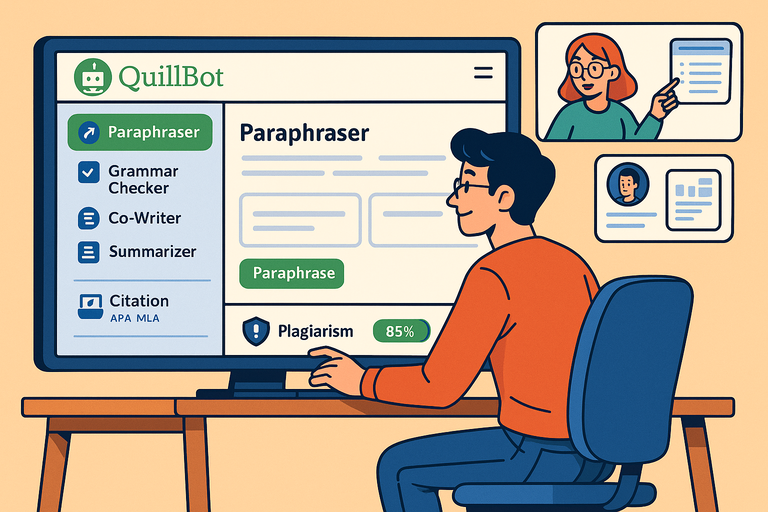 QuillBot Website Guide: How To Use Every Tool Feature
 Paraphrasing Tool Quillbot Reviewed on 10 Texts
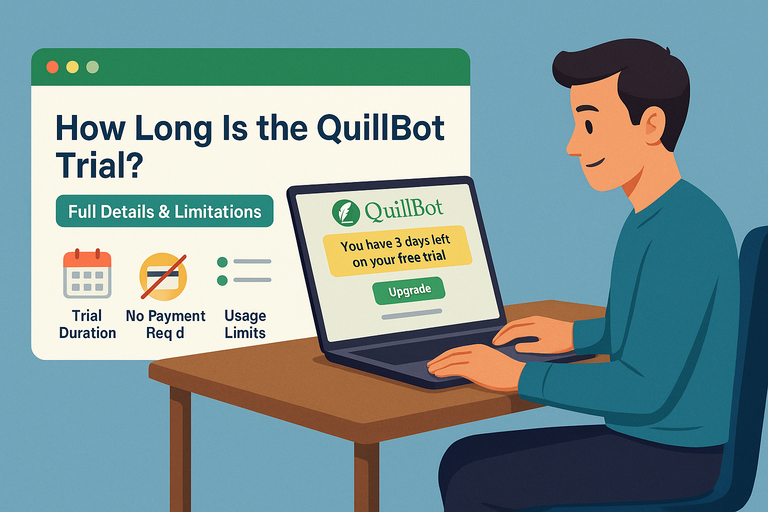 How Long Is the Quillbot Trial? Full Details & Limitations
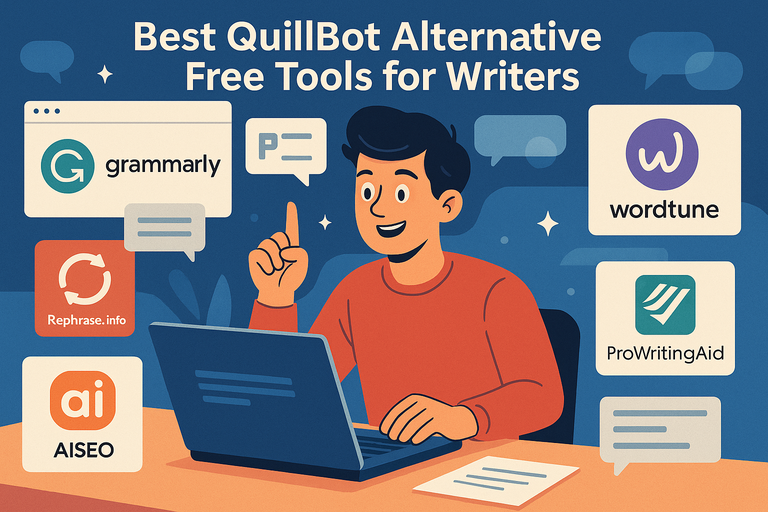 Best QuillBot Alternative Free Tools For Writers
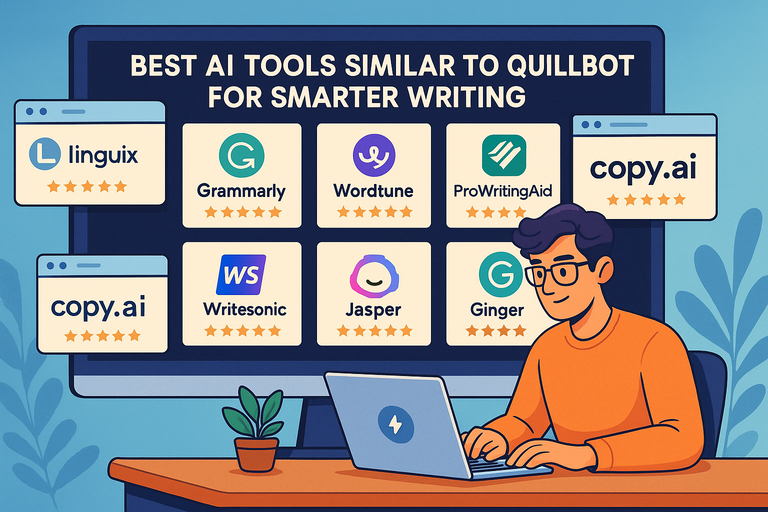 Best AI Tools Similar To QuillBot For Smarter Writing
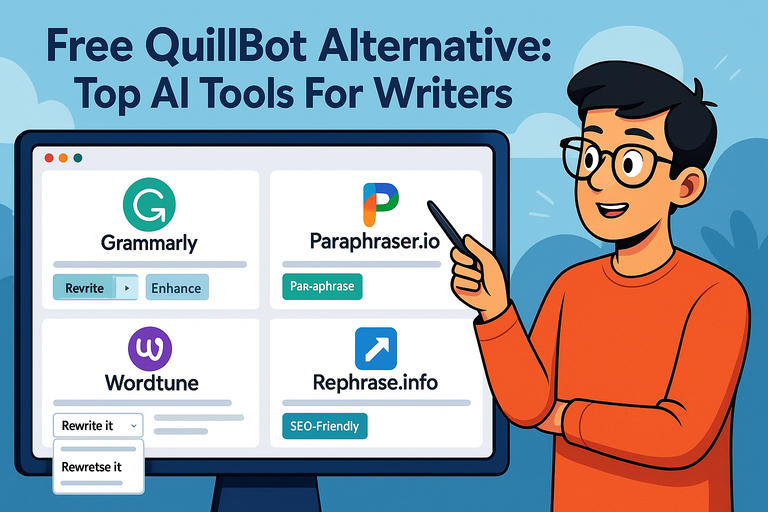 Free QuillBot Alternative: Top AI Tools For Writers