
Table of Contents
Some links on The Justifiable are affiliate links, meaning we may earn a small commission at no extra cost to you. Read full disclaimer.
LearnWorlds pros and cons for educators become much clearer once you stop looking at marketing pages and start judging the platform like a real teaching business owner.
If you are trying to decide whether LearnWorlds fits your courses, coaching, training program, or digital academy, you probably do not need hype. You need an honest breakdown of where it shines, where it gets expensive, and who will actually benefit from its feature depth.
That is what I am giving you here, based on current LearnWorlds pricing, official feature documentation, and recent user feedback from major review platforms.
What LearnWorlds Is And Who It Is Really Built For
LearnWorlds sits in an interesting middle ground. It is not just a simple course uploader, and it is not a heavyweight corporate LMS in the classic enterprise sense either.
What The Platform Actually Does
At its core, LearnWorlds is an online course platform with LMS-style features. In plain English, that means you can build a branded school, host courses, sell them, track learner progress, run assessments, issue certificates, and manage learning paths from one system.
Its official feature set includes interactive video, ebooks, quizzes, certificates, SCORM and HTML5 content, live sessions, memberships, funnels, and learner reporting.
That mix matters because many educators do not need “just a website” or “just a video library.” They need a platform that can teach, assess, and monetize at the same time. LearnWorlds clearly leans into that use case. The company also positions the product for educators, coaches, consultants, customer education teams, nonprofits, and trainers rather than only for solo creators.
In my experience, this is the first big clue about whether LearnWorlds is right for you. If your teaching business includes structured learning, certificates, learner tracking, or branded delivery, LearnWorlds makes more sense. If you only want to upload five video lessons and collect payments, the platform may feel like more machine than you need.
That gap between power and simplicity is the foundation of almost every LearnWorlds pro and con for educators.
The Educators Who Tend To Benefit Most
The strongest LearnWorlds fit is usually one of three educator types.
- Structured course educators: People teaching multi-module programs with assessments, progress tracking, certificates, and a clear completion path. LearnWorlds supports tests, quizzes, graded assessments, certificates, and detailed user progress reporting, which all matter more in this model.
- Brand-first academy owners: Educators who want their own website, domain feel, funnel pages, and white-label experience instead of sending learners to a marketplace or generic course portal. LearnWorlds offers white-label site options and branded mobile app options on relevant tiers or add-ons.
- Training businesses with more complex content: If you use SCORM packages, live sessions, segmented reporting, or group-based learning, LearnWorlds is more capable than many beginner creator platforms. Official plan documentation shows unlimited SCORMs on the Learning Center tier, while support pages and product pages highlight reporting and advanced learner tracking.
Where I would be careful is this: educators who are brand new to online teaching often overbuy. They see a feature-rich platform and assume more features automatically mean better outcomes. Usually, better outcomes come from matching the tool to the teaching model.
LearnWorlds rewards clarity and system thinking. If that sounds like you, it can be excellent. If that sounds exhausting, one of its biggest “pros” may turn into a daily burden.
The Biggest LearnWorlds Pros For Educators
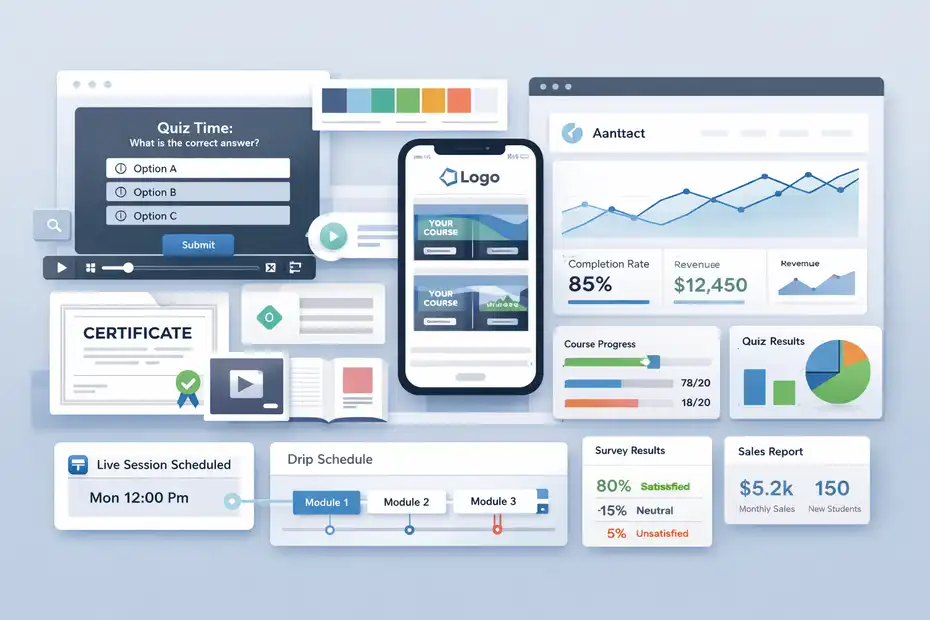
This is where LearnWorlds earns its reputation. It has real instructional depth, not just sales features wrapped in an education theme.
Strong Learning Design Features, Not Just Course Hosting
One reason educators stay with LearnWorlds is that the platform treats learning design seriously. The official feature pages highlight interactive videos, assessments, ebooks, surveys, certificates, drip-fed pathways, private or paid courses, and live learning formats such as 1:1 and group sessions. That matters because learner engagement usually improves when students do more than passively watch a video.
Interactive video is especially worth mentioning because it is one of LearnWorlds’ more distinctive advantages. The platform says educators can add quizzes, buttons, titles, pointers, watermarks, transcripts, and tables of contents into video-based learning experiences. For many educators, that is not a gimmick. It is a way to reduce drop-off and create learning checkpoints inside the lesson itself.
Imagine you teach exam prep, compliance training, or a language course. A regular video lesson forces students to watch and then act later. An interactive lesson lets you insert recall moments while attention is still high. I believe that is one of the clearest cases where LearnWorlds feels like an education platform first, not just a content locker with checkout pages.
Better Branding And White-Label Control Than Many Basic Platforms
Another major advantage is branding control. LearnWorlds offers white-label website options, the ability to remove platform branding on higher plans, and even a branded mobile app experience with custom name, logo, colors, push notifications, and native iOS and Android support through its mobile app builder.
This matters more than some people expect. From a student’s point of view, a polished learning environment changes perceived quality. If your school looks generic, your course can feel cheaper, even if the content is excellent. For educators selling premium transformation, professional development, or continuing education, the brand layer supports trust and pricing power.
I also think this is where LearnWorlds beats many simpler course platforms for serious educators. You are not just publishing lessons. You are building an academy. That distinction affects how parents, professionals, clients, or institutional buyers perceive your offer.
If you plan to grow into licenses, cohorts, bundles, memberships, or B2B training later, a stronger brand foundation now can save you a messy platform migration later.
Robust Analytics And Reporting For Educators Who Optimize
LearnWorlds also gives educators more reporting depth than many beginner-friendly platforms. Official reporting pages describe user progress tracking, exam results, survey responses, course participation history, scheduled reports, segment-based reporting, product insights, and even sales analytics covering gross versus net revenue, refunds, pricing models, and payment methods.
That is a huge pro if you actually use data. A lot of educators say they want analytics, but what they really want is one dashboard that tells them whether students are learning, finishing, and buying more. LearnWorlds gets closer to that than many platforms that stop at “views” and “sales.”
Here is a realistic example. Suppose your completion rate on a flagship course is 38%. With stronger progress reporting, you can identify where learners stall, whether one module creates most drop-off, and whether a pricing model like installment plans affects refunds or completion. That helps you improve both pedagogy and business performance.
In most education businesses, those two things are tightly linked.
The Most Important LearnWorlds Cons For Educators
No honest LearnWorlds review is complete without saying this clearly: its strength is also its friction. The platform can absolutely feel heavier than expected.
The Learning Curve Is Real
Recent Capterra summaries explicitly note that LearnWorlds can feel complex for first-time users, and that advanced features are locked behind higher-priced plans. That aligns with the broader pattern you see in feature-rich platforms: more options create more decisions.
For an educator, this shows up fast. You are not just creating one course shell. You are making choices around course players, assessments, certificates, communities, site pages, funnels, email flows, pricing models, integrations, and reporting views. None of that is impossible, but it can slow your launch if you prefer clean simplicity over configurability.
I suggest being brutally honest with yourself here. If you regularly abandon tools because they feel “too much,” LearnWorlds may frustrate you during setup. If, on the other hand, you are the kind of educator who likes control and can tolerate some initial setup pain for a more polished long-term result, the learning curve is usually worth it.
The wrong move is buying it because it looks powerful and then using only 15% of what you pay for.
Pricing Can Become Hard To Justify For Smaller Educators
LearnWorlds currently lists Starter at $24 per month annually or $29 monthly, Pro Trainer at $79 annually or $99 monthly, and Learning Center at $249 annually or $299 monthly, with a custom High Volume & Corporate tier above that. The Starter plan also includes a $5 fee per course enrollment, while upper plans do not.
That pricing structure is not outrageous for a serious LMS-style platform, but it can be expensive for solo educators who are still validating demand. The jump from “I want to test my course idea” to “I need advanced reporting, SCORM, and deeper admin controls” is meaningful.
Once you reach Learning Center territory, the platform starts to make more sense for established academies, training companies, or educators with premium pricing.
I think this is one of the biggest hidden cons. LearnWorlds looks affordable at first glance because the entry price is low. But the features many educators get excited about are often what make the higher tiers attractive in the first place. So the real question is not “Can I start cheaply?” It is “Can I profitably stay on the plan that gives me the experience I actually want?”
Some Benefits Are Most Valuable Only If You Already Have A Business Model
A lot of LearnWorlds’ best features make the most sense when you already have an audience, a validated offer, or a broader training strategy. Advanced analytics, custom user roles, bulk actions, white-labeling, automations, API access, and branded app delivery are powerful, but they are not always urgent on day one.
That means a beginner educator can end up paying for future potential instead of current necessity. I have seen this pattern often with course platforms. Someone building their first small cohort program buys for the school they hope to have in two years, not the one they need right now. The result is a more complicated setup, a longer launch, and sometimes a weaker first offer.
So yes, LearnWorlds has strong upside. But one of the most honest LearnWorlds pros and cons for educators is this: its value grows as your business model gets more mature. When your systems are simple, some of its strongest features can be wasted capacity. When your business is more developed, those same features can feel like a relief.
Pricing, Plan Limits, And Feature Trade-Offs
Before you choose LearnWorlds, you need to understand not just the sticker price, but the feature gates that affect daily teaching.
Current Pricing Snapshot For Educators
Here is the simplest current plan breakdown based on LearnWorlds’ official pricing pages:
| Plan | Official Price | Key Limitation Or Advantage | Best Fit |
|---|---|---|---|
| Starter | $24/mo annually or $29/mo monthly | $5 per course enrollment; no free courses on this tier | Testing a paid offer with basic needs |
| Pro Trainer | $79/mo annually or $99/mo monthly | No transaction fees; more selling and management tools | Growing solo educator or small academy |
| Learning Center | $249/mo annually or $299/mo monthly | Interactive video with AI, unlimited SCORMs, advanced reports, more admins | Established school, training business, or serious education brand |
| High Volume & Corporate | Custom | Enterprise controls, higher uptime commitments, more SSO | Larger organizations and scaled training operations |
That table tells a bigger story than the prices alone. Starter is really a validation plan. Pro Trainer is where many independent educators become operationally comfortable. Learning Center is where LearnWorlds starts behaving like a more serious LMS-business hybrid.
Which Features Actually Matter At Each Stage
Many educators do not need every advanced capability. The trick is knowing which ones change outcomes.
- Early stage: You mainly need course creation, checkout, quizzes, maybe a basic funnel, and clean delivery. Starter can cover the absolute basics, but the enrollment fee means it becomes less attractive as sales volume grows.
- Growth stage: Pro Trainer starts to make more sense when you want zero transaction fees, more revenue flexibility, memberships, affiliate tools, user progress reports, and stronger integrations.
- Advanced stage: Learning Center becomes relevant when your educational model depends on interactive video, unlimited SCORMs, automations, more admin roles, scheduled reports, course insights, API and webhook access, or branded delivery at scale.
I recommend doing a “must-have versus nice-to-have” audit before you buy. If your must-have list is short, LearnWorlds may be overpowered. If your must-have list includes reporting, certificates, structured pathways, white-label control, and richer learning activities, the math starts to look much better.
The Hidden Cost Question Most Educators Miss
The real cost is not only the subscription. It is the combination of software cost, setup time, maintenance effort, and underused features.
For example, the Starter plan’s $5 enrollment fee can quietly eat margin on lower-ticket products. On the other hand, upgrading too early can hurt profitability if your course catalog is small and your traffic is inconsistent. LearnWorlds gives you room to grow, but that growth room is only valuable if your business is actually moving in that direction.
There is also an opportunity-cost angle. A platform with deeper reporting, stronger structure, and better branding might help you retain more learners and justify higher prices. If that happens, the higher monthly fee can be a smart trade.
But if you are still trying to prove that anyone wants your course, a simpler and cheaper platform may create faster momentum. I believe educators should price software by stage, not by aspiration.
How LearnWorlds Performs In Real Educator Use Cases
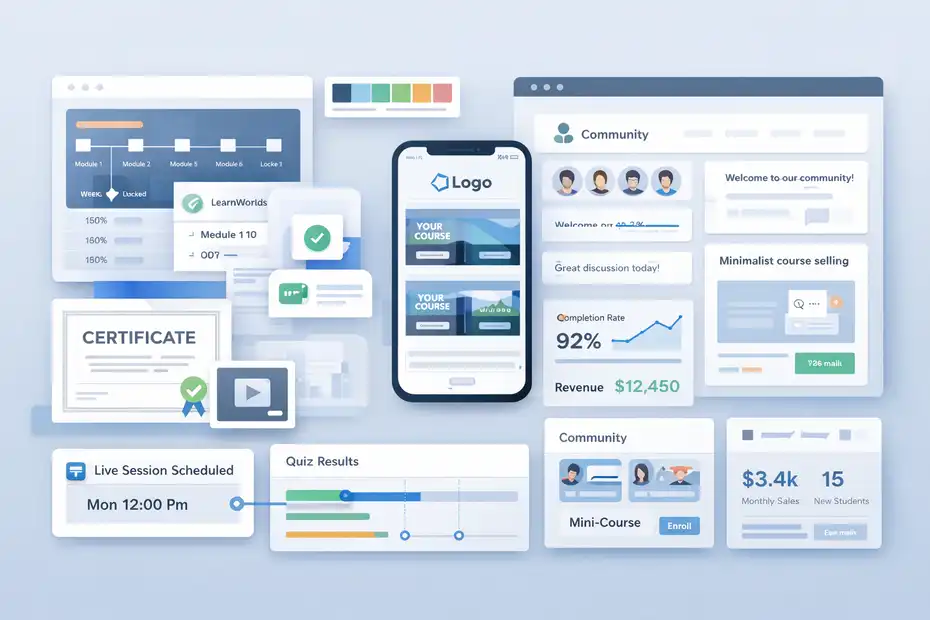
A platform can look impressive on paper and still be wrong in practice. The best way to judge LearnWorlds is by scenario.
Best For Cohort Programs, Certification, And Structured Academies
LearnWorlds is especially strong when your education offer is structured and outcome-driven. If you run a certification pathway, exam-prep program, internal academy, continuing education product, or multi-level curriculum, the platform’s assessments, certificates, progress tracking, SCORM support, and advanced reports fit naturally.
Here is a simple example. Imagine you teach a six-week teacher training program. You need weekly modules, live sessions, quizzes, certificates, student progress checks, and maybe a community space. LearnWorlds can support that stack inside one branded environment, which reduces the need to stitch together multiple tools just to make the experience feel complete.
That is why I think LearnWorlds appeals to educators who see themselves as operators, not just content creators. It supports schools and training systems, not only standalone products. That distinction matters a lot once you start thinking about completion rates, renewals, cohorts, and institutional credibility.
Less Ideal For Tiny Courses Or Minimalist Teaching Businesses
On the flip side, LearnWorlds is often less ideal for very small teaching businesses that want the lightest possible setup. If your entire model is one low-ticket mini-course, one sales page, and a simple email list, the platform’s depth may not translate into better results. The Capterra summary calling it complex for first-time users is relevant here.
A common mistake is assuming that more educational features always improve student outcomes. Sometimes the opposite is true. Too many components can create friction for both the educator and the learner.
If your audience mainly wants fast access, clean videos, and a straightforward checkout, then heavy customization and richer admin systems may not create enough return to justify the extra complexity.
I would be cautious if you are a solo educator who hates tech setup, has a tiny catalog, and does not care much about deep reporting or white-label presentation. LearnWorlds can still work, but it may not feel elegant for your situation. A good platform should fit your business model, not ask your business model to grow around the platform.
Community, Mobile, And Student Experience Considerations
LearnWorlds also tries to strengthen learner engagement beyond static coursework. The platform offers a community feature designed to support communication, updates, collaboration, and belonging, while its mobile app offering includes push notifications, in-app purchases, visual editing, and native iOS and Android delivery.
For many educators, these features are optional. But for others, they are a serious advantage. If your learners need reminders, peer interaction, mobile access, or a stronger sense of membership, these tools can improve retention and perceived value.
A branded app, for example, is not essential for every teaching business, but it can feel very premium in coaching academies, language learning brands, and membership-style education offers.
I would treat these as multipliers, not starting points. Build a solid course experience first. Then add community and mobile only if they directly support learning or retention. Too many educators try to launch the “complete ecosystem” before they have proved the course itself works. LearnWorlds gives you room to expand, but expansion should follow traction, not replace it.
How To Decide Whether LearnWorlds Is Worth It For You
This final step is where the honest platform breakdown turns into a decision.
A Simple Decision Framework For Educators
I recommend asking yourself these three questions:
- Do I need structured learning tools? If you need quizzes, certificates, progress tracking, SCORM, live sessions, or detailed reporting, LearnWorlds becomes much more compelling.
- Do I care about brand control? If you want your own school identity, more polished delivery, and possibly a branded mobile app, LearnWorlds stands out more strongly.
- Can my business justify the higher-value plan? This is the big one. The platform’s strongest advantages often become more practical on the upper tiers.
If you answer yes to all three, LearnWorlds is probably a serious contender. If you answer no to two or more, I would pause before committing. In most cases, the best platform is not the one with the longest feature list. It is the one that lets you launch, teach well, and improve results without drowning in setup.
My Honest Verdict On LearnWorlds Pros And Cons For Educators
Here is the clearest version of my opinion. LearnWorlds is a strong platform for educators who want more than a basic course host. It is especially good for structured programs, branded academies, premium learner experience, assessments, and analytics-driven improvement.
Recent review data is also broadly positive, with LearnWorlds showing a 4.7-star average on G2 across hundreds of reviews, which suggests users generally see real value in the platform.
Its weaknesses are just as clear. It can feel complex, some of the most attractive capabilities live on higher-priced plans, and beginners can easily overpay for capacity they will not use yet. The platform is not bad for small educators, but it is usually better for intentional educators with a system, not just an idea.
So my honest verdict is this: LearnWorlds is worth it when your teaching model is structured, branded, and growth-oriented. It is less worth it when your business is tiny, your setup needs are simple, or you want the fastest possible launch with the fewest moving parts. That is the real answer behind most searches for learnworlds pros and cons for educators.
Final Pros And Cons Snapshot
To make the decision even easier, here is the short version:
| Pros | Cons |
|---|---|
| Strong instructional features like assessments, certificates, interactive video, and structured pathways | Can feel complex for first-time users |
| Better branding and white-label control than many basic course platforms | Best features often sit on higher-priced plans |
| Solid analytics, reporting, and learner progress visibility | Starter plan includes a $5 per course enrollment fee |
| Good fit for academies, certification programs, and training businesses | Can be overkill for very small or minimalist course offers |
| Supports community and branded mobile delivery for deeper engagement | Setup effort is higher than with simpler beginner tools |
FAQ
What are the main LearnWorlds pros and cons for educators?
LearnWorlds offers strong course design tools, branding control, and detailed analytics, making it ideal for structured learning programs. However, it has a learning curve and higher pricing on advanced plans. Educators with simple course needs may find it more complex and expensive than necessary.
Is LearnWorlds good for beginner educators?
LearnWorlds can work for beginners, but it may feel overwhelming due to its advanced features and setup requirements. New educators who want a simple course launch might prefer easier platforms, while those planning long-term growth can benefit from its scalability and professional tools.
Why is LearnWorlds considered a powerful LMS platform?
LearnWorlds is considered powerful because it combines course hosting with advanced learning tools like interactive video, assessments, certificates, and detailed reporting. This allows educators to create structured, engaging learning experiences rather than just delivering video content.
How much does LearnWorlds cost for educators?
LearnWorlds pricing starts at a lower entry level but increases significantly for advanced features. Plans range from basic options with transaction fees to higher-tier plans that include analytics, white-label branding, and interactive tools, making cost a key factor in long-term platform decisions.
Who should use LearnWorlds instead of simpler course platforms?
Educators who run structured programs, certifications, or branded academies benefit most from LearnWorlds. It is best suited for those who need advanced features and control over the learning experience, rather than creators who only want to upload simple courses quickly.

I’m Juxhin, the voice behind The Justifiable.
I’ve spent 6+ years building blogs, managing affiliate campaigns, and testing the messy world of online business. Here, I cut the fluff and share the strategies that actually move the needle — so you can build income that’s sustainable, not speculative.
Related posts:
 LearnWorlds Platform Guide: Build Your Online School
 LearnWorlds Examples of Successful Course Websites
 LearnWorlds Features Overview: Tools That Power Online Courses
 Social Media Marketing for Small Business – Best Tips
 Methods for Marketing Affiliate Websites – Simple Ways
 Internet Marketing Ideas: Increase Your Marketing Efforts