
Table of Contents
Some links on The Justifiable are affiliate links, meaning we may earn a small commission at no extra cost to you. Read full disclaimer.
Email marketing solutions have become the backbone of modern digital sales funnels, helping businesses turn cold subscribers into loyal customers.
But with so many tools promising automation, personalization, and conversion power, which ones truly help you nurture leads and boost sales?
In this guide, we’ll break down the best platforms and what makes each one stand out—so you can confidently choose the right fit for your goals and business model.
1. ActiveCampaign: Advanced Automation for Lead Nurturing

ActiveCampaign is one of the most powerful email marketing solutions when it comes to automation and personalization.
It’s built to help you go beyond simple newsletters, turning every email into a conversion opportunity.
Dynamic Segmentation and Behavior Tracking
ActiveCampaign stands out for its dynamic segmentation, which means your email lists automatically update based on how people interact with your business.
For example, if someone clicks a link about “email automation” in your last campaign, you can automatically tag them as interested in automation and move them into a nurturing sequence focused on that topic.
You can set this up easily in the dashboard: Contacts → Manage Tags → Create Tag Rule → Add Automation Trigger. Once this is live, your audience segments itself while you focus on content strategy.
This behavior tracking also extends to your website and store. You can track pages visited, forms submitted, or even abandoned carts—and use those triggers to send the right message at the right moment.
I’ve seen small e-commerce stores increase their open rates by up to 40% just by using behavior-based tagging properly.
Email Sequences That Convert Leads into Customers
The automation builder in ActiveCampaign is a visual drag-and-drop editor where you can map your entire customer journey.
Each “block” represents a step, such as sending an email, waiting a few days, or checking a contact’s engagement level.
Here’s an example sequence for lead nurturing:
- Welcome Email: Introduce your brand story and value.
- Follow-Up Tip: Send educational content related to what they signed up for.
- Engagement Trigger: If they click or open, add a tag like “Interested.”
- Sales Email: Present your offer or product demo.
This blend of timing, relevance, and personalization keeps leads engaged.
I often advise new marketers to start small with 3–5 emails in their first automation—then refine using open and click data before scaling.
CRM and Lead Scoring for Smarter Campaigns
Unlike basic tools, ActiveCampaign includes a built-in CRM (Customer Relationship Management) system. It connects directly with your email automations, giving you a unified view of every contact’s interactions—from opened emails to site visits to purchase history.
The lead scoring feature is particularly valuable. You can assign points for specific actions (like clicking a link or attending a webinar).
Once a contact hits a certain threshold—say 50 points—they automatically move to a sales-ready list. This allows you to prioritize high-intent leads and personalize outreach.
In practice, I’ve seen service-based businesses use this system to cut manual follow-ups in half. When sales teams only focus on warm leads, conversion rates naturally climb.
Best Practices for E-Commerce and Service Businesses
For e-commerce, pair ActiveCampaign with Shopify or WooCommerce. Use triggers like “product viewed but not purchased” to send a reminder email or limited-time offer.
For service providers, create pipelines for different client stages—prospect, meeting scheduled, proposal sent—so no lead slips through the cracks.
A few extra tips that work well:
- Always A/B test your subject lines and CTAs (calls-to-action).
- Automate re-engagement for inactive subscribers after 90 days.
- Integrate with tools like Calendly or Typeform to capture leads seamlessly.
ActiveCampaign’s real power lies in how it connects automation, CRM, and analytics. Once set up, it runs like a living system that learns and adapts with every interaction.
2. Kit (formerly ConvertKit): Tailored Email Marketing for Creators
Kit was designed for creators—bloggers, podcasters, YouTubers, and course builders—who want to nurture their communities without dealing with bloated enterprise tools.
What I love about ConvertKit is how it simplifies automation without sacrificing power.
Simple Funnel Building for Content and Course Creators
Kit’s visual funnel builder makes it easy to design automated sequences that nurture leads from signup to sale. You can literally drag and connect blocks that represent emails, forms, and conditions.
For example, if someone signs up for your “Free Writing Course,” you can create a funnel like this:
- Email 1: Welcome them and share a personal story.
- Email 2: Send a quick tip with value.
- Email 3: Introduce your paid course or offer.
Each step can be customized to trigger based on engagement. If a subscriber clicks the course link, you can automatically move them into a “warm leads” segment for targeted follow-up.
Visual Automation and Tag-Based Segmentation
Kit uses tags instead of traditional lists, which gives you much more flexibility. Instead of juggling multiple lists (like “newsletter” or “buyers”), you apply tags that follow a subscriber’s behavior.
For instance, if a user downloads your free eBook, they get tagged as “eBook Downloaded.” If they later buy your course, you can remove that tag and apply “Course Customer.”
It’s a clean, logic-based system that prevents duplicates and makes personalization effortless.
I recommend using the Automations tab → New Rule → Add Tag → Trigger on Action to create behavior-based flows. Once you get comfortable, it becomes second nature.
Integrations with Membership and Creator Platforms
Kit integrates beautifully with platforms like Teachable, Gumroad, and Patreon. If you sell digital products, you can trigger thank-you emails or upsell offers automatically.
Here’s an example workflow for creators selling courses:
- A student buys through Teachable → Kit applies “Customer” tag.
- Automation starts → Sends a thank-you email and bonus material.
- After 7 days → Triggers feedback or referral request email.
It’s simple, elegant, and keeps your communication human—even when automated.
When ConvertKit Outperforms Complex Enterprise Tools
Kit isn’t about being flashy—it’s about being fast and effective. Enterprise tools like Salesforce or Marketo might overwhelm smaller creators with unnecessary layers of setup and cost.
Kit offers exactly what most independent businesses need: automation, segmentation, and personalization—without the clutter.
If your focus is building relationships and selling digital content, Kit can outperform tools five times its price in terms of deliverability, clarity, and ease of use.
I often suggest it to creators earning under $250K annually who want automation without frustration. It grows with you, instead of forcing you to adapt to it.
3. AWeber: Classic Email Marketing Made Simple
AWeber has been one of the most reliable email marketing solutions for small businesses and freelancers for over two decades. It’s built for simplicity—no steep learning curve, no complicated setup.
You can start building campaigns in minutes, even if you’ve never used email software before.
Pre-Built Templates and Intuitive Drag-and-Drop Builder
AWeber’s biggest strength is how beginner-friendly it feels. Inside the dashboard, just go to Messages → Create a Message → Drag & Drop Email Builder, and you’ll instantly see a clean workspace where you can build emails visually.
There are over 700 pre-built templates—categorized for product launches, newsletters, and events—so you don’t start from scratch. You can easily swap colors, images, and fonts to match your brand.
What I personally like about AWeber’s editor is that it includes Smart Designer, an AI tool that automatically creates email templates based on your website’s design.
I’ve seen small business owners save hours this way—it picks up your logo, brand colors, and imagery instantly.
AWeber’s interface feels intuitive enough that you can design, test, and schedule an entire week of emails in under an hour. It’s not flashy, but it works—and that’s what most business owners truly need.
Automation Workflows for Lead Nurturing
Automation in AWeber is handled through what they call Campaigns. You can access it via Messages → Campaigns → Create a Campaign. Here, you’ll find automation triggers such as “Tag Applied,” “Subscribed to List,” or “Opened an Email.”
A simple example of a nurturing workflow could look like this:
- Day 1: Send a welcome email introducing your business and what subscribers can expect.
- Day 3: Share a valuable resource (like a checklist or free guide).
- Day 5: Send social proof—a testimonial or short case study.
- Day 7: Offer a discount or free consultation.
I recommend using tags to personalize these automations.
For instance, if someone clicks a “Learn More” link in your email, apply a tag like “Interested in Product X.” This tag can trigger a more specific campaign related to that product.
Even though AWeber doesn’t have as complex automation as ActiveCampaign, its straightforwardness makes it perfect for small businesses that want results without overengineering the process.
Integration with Landing Pages and E-Commerce Tools
AWeber connects smoothly with major e-commerce platforms like Shopify, WooCommerce, and Etsy. You can trigger emails when a product is purchased, abandoned, or reviewed.
For creators and coaches, integrations with tools like Canva, PayPal, and WordPress make list-building simple.
It also includes a Landing Page Builder that you can find under Landing Pages → Create a Landing Page. The templates are clean, mobile-responsive, and fast to publish—ideal for quick lead generation campaigns or promoting limited-time offers.
I often suggest this setup for freelancers: connect your PayPal account to AWeber, then use an automation to send a thank-you email with a digital download link right after payment. It’s effortless and feels professional.
When AWeber Is the Best Fit for Small Businesses
If your priority is simplicity and deliverability, AWeber is a top choice. Its deliverability rates consistently rank above 99%, which means your messages actually land in inboxes, not spam folders.
AWeber works best for:
- Small businesses running basic lead generation campaigns.
- Freelancers who want consistent communication without complex automation.
- Entrepreneurs who value fast setup and no steep learning curve.
In my experience, AWeber is like that dependable old friend—it may not have every fancy feature, but it never lets you down.
4. MailerLite: Affordable Yet Powerful Email Marketing Tool
MailerLite is one of the most budget-friendly email marketing solutions out there, yet it manages to offer features that rival premium platforms.
It’s perfect for freelancers, startups, and growing businesses that want automation without the price tag.
Drag-and-Drop Editor for Quick Campaigns
Inside MailerLite, go to Campaigns → Create Campaign → Drag & Drop Editor, and you’ll find one of the cleanest editors on the market. Everything is intuitive—just click, drag, and type.
It includes Content Blocks for buttons, videos, countdown timers, and even product showcases if you run an online store. You can preview your email instantly on both desktop and mobile screens before sending.
I recommend using Saved Blocks if you send similar emails often—like a weekly newsletter. It saves time because you can reuse your branding layout and only change the content each week.
What I’ve found with MailerLite is that it encourages consistency. Because it’s so easy to use, you’re more likely to actually send regular, well-designed emails—something many businesses struggle with.
Automation Templates That Save Time
MailerLite offers pre-built automation templates under Automation → Create Workflow → Choose Template. You can select workflows for welcomes, abandoned carts, post-purchase follow-ups, or re-engagement campaigns.
For example, if someone signs up for your free guide, MailerLite can automatically send:
- A welcome email.
- A follow-up with related blog posts.
- A soft promotion after a few days.
You can visualize each step in the automation builder. It’s simple yet flexible—you can add conditions like “If subscriber clicks a link, move to this path.”
For freelancers, this means you can automate onboarding emails, client check-ins, or follow-ups without spending hours managing communications manually.
Landing Page Builder and Pop-Up Forms
MailerLite also includes a Landing Page Builder under Sites → Landing Pages → Create Page. It’s an underrated feature. You can create lead capture pages or mini sales pages without any external website builder.
Pop-up forms are another strong feature. You can choose when and where they appear—on exit intent, scroll depth, or time spent on page. They integrate smoothly with automations, helping convert more visitors into subscribers.
I’ve seen freelancers use MailerLite’s pop-ups to capture leads directly from portfolio sites—then automatically nurture those leads with an email sequence offering portfolio highlights or testimonials.
Ideal for Freelancers and Small Business Owners
MailerLite is best for anyone who wants solid automation and landing page capabilities without paying enterprise-level prices. Its free plan supports up to 1,000 subscribers and includes automation, which is rare at that tier.
In my experience, it’s the perfect “first serious tool” for freelancers transitioning from beginner platforms. It’s simple enough to learn in a day but powerful enough to grow your client base for years.
5. Brevo (Formerly Sendinblue): Multi-Channel Marketing in One
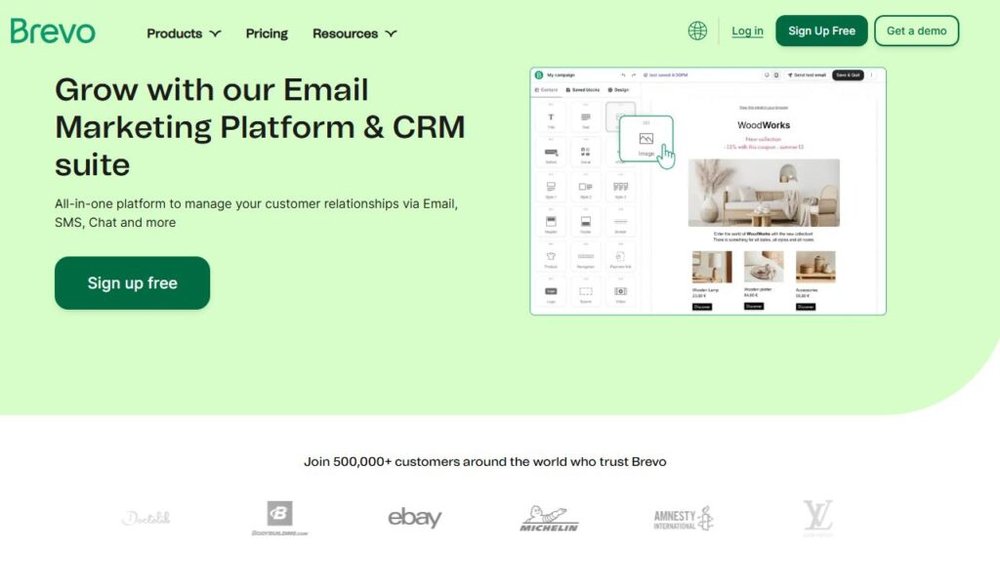
Brevo, previously known as Sendinblue, isn’t just an email platform—it’s an all-in-one marketing hub that combines email, SMS, and chat automation.
It’s designed for businesses ready to manage all communication from one dashboard.
Combining Email, SMS, and Chat Automation
You’ll find these under Campaigns → Create Campaign → Choose Channel. What’s unique here is that you can send follow-up messages across different channels depending on how someone interacts with your email.
For instance:
- If a user doesn’t open your email, send them an SMS reminder.
- If they click a link but don’t buy, trigger an on-site chat message next time they visit.
This omnichannel approach increases engagement because you meet people where they are—email, text, or website. I’ve seen campaigns using both SMS and email outperform single-channel campaigns by up to 25%.
Transactional Email Features for Online Stores
Brevo excels at transactional emails—the ones triggered by purchases, password resets, or shipping updates. You can set this up under Transactional → Email API → Configure SMTP or API Key.
E-commerce brands love this because it keeps branding consistent even for automated receipts or order confirmations. Plus, Brevo includes templates you can customize with dynamic variables like {firstName} or {orderNumber}.
I recommend linking Brevo with Shopify or WooCommerce so transactional messages automatically reflect real-time order data. It’s seamless and saves hours of manual setup.
Scalable Pricing for Growing Businesses
Brevo’s pricing is based on the number of emails you send, not the size of your contact list. This makes it extremely cost-effective for startups and growing businesses.
The free plan includes 300 emails per day, and paid plans scale affordably as your volume increases.
For example, a company sending 40,000 emails a month might pay half what they’d pay on competitors like Mailchimp or ActiveCampaign.
I often suggest Brevo to growing e-commerce brands because it scales naturally as they expand their reach.
When Brevo Beats Traditional Email-Only Platforms
Brevo wins when you need more than email. If your strategy involves combining multiple touchpoints—like cart recovery SMS, chat support, and transactional notifications—Brevo handles it all from one place.
It’s also ideal for teams that need real-time collaboration. You can assign campaigns, monitor open rates live, and manage shared contact lists without leaving the dashboard.
From my perspective, Brevo shines for businesses that want to grow fast without juggling multiple tools. It’s not just another email software—it’s a complete communication ecosystem.
6. GetResponse: Webinar and Funnel-Focused Email Solution

GetResponse is one of the few email marketing solutions that blends automation, sales funnels, and webinars into a single tool. It’s ideal for businesses that rely on both education and conversion-driven campaigns.
I often recommend it to service providers, coaches, and online educators who want to sell while they teach.
Built-In Sales Funnels and Webinar Tools
GetResponse’s Conversion Funnel feature lets you build a full marketing funnel—from capturing leads to converting them—without needing multiple apps. To access it, go to Menu → Conversion Funnels → Create Funnel.
You can choose a goal like “Sell a product,” “Build a list,” or “Host a webinar.” Once you select one, GetResponse automatically sets up everything you need: a landing page, email sequence, payment processor, and thank-you page.
Its Webinar Tool is especially powerful. You can host live or on-demand sessions directly from your GetResponse dashboard and integrate them into your funnel.
That means you can automatically send reminder emails, post-webinar follow-ups, or replay links—all without leaving the platform.
I’ve seen coaches increase conversions by 30–40% simply by using these webinar funnels. The integration between teaching and selling feels natural, not pushy, which helps nurture leads effectively.
AI-Powered Email Scheduling and Optimization
GetResponse uses an AI feature called Perfect Timing. It analyzes subscriber behavior and sends each email at the time they’re most likely to open.
You can activate it by toggling “Perfect Timing” when scheduling your campaign under Email Marketing → Create Newsletter → Schedule → Perfect Timing.
From what I’ve seen, this small feature alone can improve open rates by 15–20%, especially for global audiences. Instead of blasting all subscribers at once, the system learns and adapts to their habits automatically.
It also offers AI Subject Line Generator—a simple but handy tool that suggests subject lines based on your content and industry.
I’d still advise tweaking the results for tone, but it’s a useful starting point if you’re short on inspiration.
Autoresponders That Engage and Re-Engage Leads
GetResponse’s autoresponders allow you to send time-based or action-based sequences that keep leads engaged even while you’re asleep. You can set them up through Tools → Autoresponders → Create Autoresponder.
A simple flow could look like this:
- Day 1: Welcome email with a free resource.
- Day 3: Educational tip or tutorial related to your offer.
- Day 5: Case study or testimonial.
- Day 7: Limited-time offer or booking link.
I recommend using segmentation rules like “If opened previous email” or “If clicked link” to send more personalized follow-ups.
It’s an easy way to increase click-through rates and show subscribers that your emails are tailored to them.
How to Use GetResponse for Hybrid Marketing Strategies
One of GetResponse’s biggest advantages is how it supports hybrid strategies—combining online education with sales automation. For example, you could:
- Run a webinar to build authority.
- Automatically send follow-up sequences promoting a course or consultation.
- Use the built-in funnel analytics to see how each stage performs.
This approach turns GetResponse into more than just an email platform—it becomes a mini digital marketing hub. If your business model mixes content, education, and direct sales, this is one of the smartest tools to invest in.
7. Constant Contact: Reliable Solution for Small Businesses
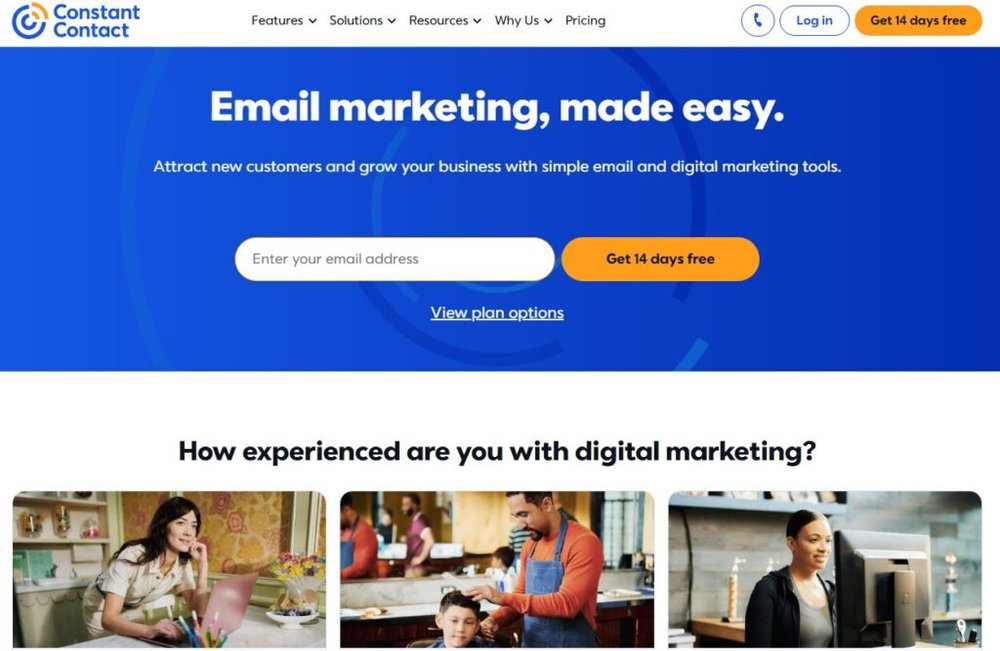
Constant Contact has been around for years, and for good reason—it’s straightforward, dependable, and built with small business owners in mind.
While it may not have the deep automation of other email marketing solutions, it’s perfect for teams that want easy campaign management and consistent results.
Easy Template Customization and List Management
You can start a new campaign through Campaigns → Create → Email, then choose from over 200 templates. Each is fully customizable with the drag-and-drop editor, letting you change colors, fonts, and layouts without touching code.
A small but handy feature is BrandKit, which automatically pulls your logo and color palette from your website URL. This ensures your emails always look consistent with your brand identity.
Constant Contact also makes list management easy. You can upload contacts manually, import from Excel, or sync directly from your CRM or e-commerce store. The segmentation options are simple yet effective—you can create lists based on engagement, location, or customer type.
For small teams, this simplicity means less time spent organizing data and more time focusing on strategy.
Event Marketing and Survey Features
One of Constant Contact’s standout features is Event Management. You can create, promote, and track events directly from the platform under Campaigns → Create → Event.
It handles everything—registration forms, automated confirmations, and reminder emails. For local businesses or nonprofits, this eliminates the need for separate event software like Eventbrite.
The Survey Tool is another underrated gem. You can collect feedback through built-in forms and embed results into follow-up campaigns. I’ve seen nonprofits use this to gauge donor satisfaction or local businesses to measure customer loyalty after workshops or events.
Integrations with Social Media and Ads
Constant Contact integrates well with Facebook, Instagram, and Google Ads. You can run social campaigns, manage posts, and track ad performance—all within the dashboard.
For example, through Integrations → Social Ads → Create Campaign, you can set a small ad budget, design your post, and promote your email signup form directly on Facebook or Instagram.
This helps you grow your list while maintaining control over ad spend.
I often recommend this feature for local businesses that want visibility without needing a full marketing agency. It’s a simple, cost-effective way to merge email and social outreach.
Why It Remains a Go-To for Local and Nonprofit Marketing
Constant Contact remains a favorite for local businesses, nonprofits, and community organizations because it focuses on clarity and reliability.
Its deliverability rates are strong, its learning curve is minimal, and its support team is genuinely helpful.
If you’re running fundraisers, local workshops, or recurring community events, Constant Contact makes it easy to stay connected and consistent.
It’s less about complex automation and more about building trust through dependable communication.
8. Drip: Automation Built for E-Commerce Growth

Drip is a powerhouse for online stores that want to turn visitors into repeat customers.
It’s an email marketing solution built specifically for e-commerce, combining automation, data tracking, and revenue insights in one clean interface.
Behavior-Based Triggers and Product Workflows
In Drip, you can set up behavior-based automation through Automation → Workflows → Create Workflow. The system lets you trigger campaigns based on actions like viewed product, added to cart, or abandoned checkout.
For instance, if a customer browses “winter jackets” but doesn’t buy, Drip can automatically send:
- A reminder email with the product they viewed.
- A follow-up with a 10% off coupon.
- A final nudge highlighting similar items.
This kind of personalization consistently boosts conversion rates. I’ve seen e-commerce brands lift revenue by over 20% just by using targeted cart abandonment flows.
Multi-Channel Touchpoints Across Email and SMS
Drip doesn’t stop at email. You can connect both email and SMS marketing within the same workflow. For example, if someone ignores your email, send them a quick SMS reminder 24 hours later.
To set this up, go to Automation → Create Rule → Add Action → Send SMS. The integration keeps the conversation seamless across platforms—your brand voice stays consistent, and customers feel personally attended to.
This omnichannel strategy is powerful for busy shoppers who might forget their cart but respond instantly to a text.
Revenue Attribution and Performance Tracking
Drip goes beyond open and click metrics.
Its Revenue Dashboard shows exactly how much money each campaign generates, letting you attribute sales to specific emails or workflows. You can view this under Analytics → Revenue Dashboard.
This data helps you see what’s working, what’s not, and where to reinvest your time. You can also compare lifetime value between customer segments—for example, “first-time buyers” versus “repeat customers.”
I advise using this feature to identify which emails actually drive purchases, not just engagement. It’s one of the best ways to tighten your marketing focus and increase profitability.
How Drip Helps Brands Build Long-Term Loyalty
Drip’s goal isn’t just to sell—it’s to help you create relationships with customers. Through segmentation, product recommendations, and re-engagement workflows, you can make every email feel personal.
Imagine a customer buys shoes from your store. A week later, Drip sends them a style guide with complementary products. Two weeks after that, it offers a loyalty discount. That’s not just automation—it’s relationship-building at scale.
For e-commerce brands aiming to balance automation with authenticity, Drip is one of the smartest investments.
It saves time, increases sales, and keeps your brand feeling human—three things every growing online business needs.
9. Moosend: Budget-Friendly Automation and Analytics
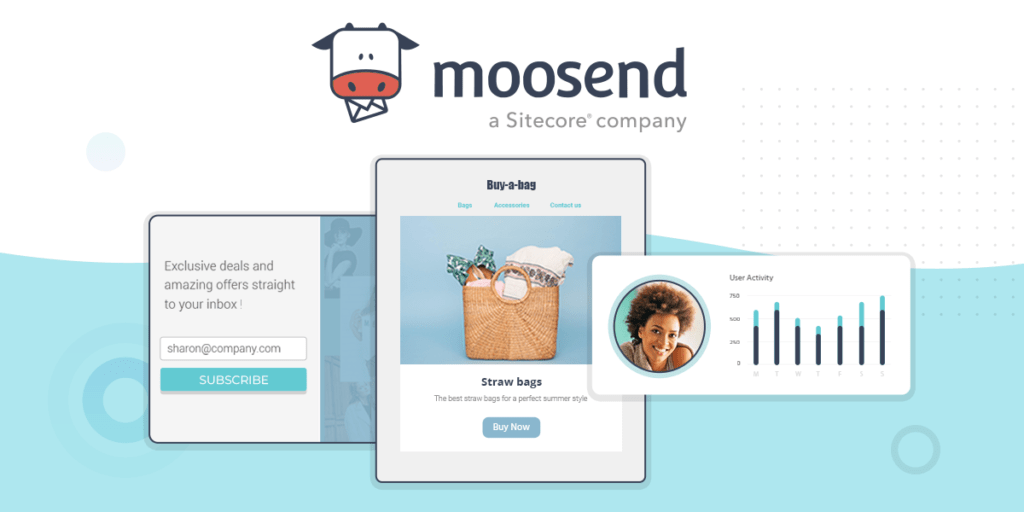
Moosend has earned a reputation as one of the most affordable email marketing solutions without sacrificing power.
It’s an ideal choice for startups, solopreneurs, and small businesses looking for enterprise-grade automation at a fraction of the cost.
Smart Personalization and Conditional Content
One of Moosend’s strengths is how easily it personalizes emails. Inside the editor, you can go to Campaigns → New Campaign → Create → Editor and insert conditional content blocks—these change dynamically based on subscriber data.
For example, if you have two customer segments (tech enthusiasts and marketers), Moosend can automatically show each group a different product recommendation within the same email.
Here’s how it works in practice:
- Add a personalization rule like If “Interest = Tech,” show Product A; else show Product B.
- Preview how each variation appears before sending.
I suggest using personalization for product launches, upsells, or newsletters. According to Moosend’s internal data, conditional content can lift click-through rates by as much as 40%. It’s the kind of smart automation that gives small businesses a big-brand feel.
Pre-Built Workflows for Lead Nurturing
You don’t need to start automation from scratch. Moosend offers ready-made workflow templates under Automation → Create New Workflow → Templates.
You’ll find sequences for welcome series, abandoned carts, re-engagement campaigns, and more.
A simple nurturing workflow could look like this:
- Trigger: Subscriber joins your list.
- Email 1: Send a welcome message and introduce your brand.
- Delay: Wait three days.
- Email 2: Share educational or value-driven content.
- Email 3: Offer a small promotion or next step.
I like that you can visually edit each step using the drag-and-drop workflow builder. It’s intuitive and requires zero coding.
Even better, Moosend allows behavior-based triggers—meaning if someone clicks or buys, you can automatically move them to another workflow.
This flexibility lets you nurture leads intelligently without overcomplicating your setup.
Real-Time Reporting and Campaign Insights
Under Reports → Campaign Overview, Moosend provides detailed performance data—open rates, click heatmaps, unsubscribes, and even geographic insights.
One standout feature is real-time analytics. You can watch engagement data update as people interact with your emails. This helps you adjust quickly if something underperforms—like resending to non-openers with a new subject line.
For businesses that rely on data-driven decisions, this visibility is invaluable. I often suggest monitoring “email-to-revenue” performance regularly. Even with free plans, Moosend’s analytics dashboard is robust enough to guide smarter campaigns.
When Moosend Makes More Sense Than Premium Tools
Moosend shines for anyone who values affordability and usability. If you’re a small business owner choosing between Moosend and high-end tools like ActiveCampaign or HubSpot, Moosend makes sense when:
- You need powerful automation without high monthly fees.
- You want to personalize campaigns but don’t need deep CRM integrations.
- You prefer a lightweight interface that’s easy to learn.
I’ve seen businesses switch from costly enterprise platforms and save up to 60% annually while maintaining nearly identical functionality. If you’re cost-conscious but still serious about automation and analytics, Moosend is a smart, sustainable choice.
Choosing the Right Email Marketing Solution for You
Selecting the best email marketing solution depends less on trends and more on your unique goals, budget, and tech comfort level. Let’s break down what to consider before committing to any tool.
Aligning Features with Your Business Model
Your business type should guide your tool choice:
- E-commerce brands need automation, cart recovery, and product recommendations. Tools like Drip or Brevo work best here.
- Content creators and coaches need clean funnels and lead magnets—ConvertKit or GetResponse excel in this.
- Small local businesses may prioritize simplicity and event promotion—Constant Contact or AWeber fit perfectly.
I recommend listing your top three must-have features (for example, “automation,” “CRM,” or “sales funnels”) and filtering tools by those priorities. It’s easy to get distracted by features you’ll never use.
Considering Scalability and Integration Needs
Think ahead: Will your business double in size next year? If so, pick software that scales without forcing a painful migration.
Here’s a quick tip: Check the Integrations tab in each platform’s dashboard to see if it connects with your current stack—like Shopify, WordPress, or CRM tools.
If your future involves multi-channel campaigns (email + SMS + chat), look for platforms like Brevo that support this from the start. That way, you won’t need to juggle multiple systems later.
Balancing Budget and Long-Term ROI
Price matters, but ROI matters more. A $60/month plan that drives measurable conversions beats a $20 tool that limits growth.
Still, if you’re starting small, it’s fine to begin with a free or low-tier plan like MailerLite or Moosend. You can upgrade later as your list grows.
I suggest tracking metrics like Cost Per Subscriber and Revenue Per Email Sent—these will show whether you’re getting true value for what you spend.
How to Test and Transition Between Platforms Smoothly
Before you fully switch, use a testing period. Send identical campaigns from two platforms to a small segment of your audience and compare deliverability, engagement, and ease of use.
When migrating:
- Export contacts in CSV format.
- Double-check that tags, segments, and automation triggers transfer correctly.
- Pause old workflows to avoid duplicate sends.
I also recommend overlapping tools for 2–3 weeks. It gives you a safety net in case deliverability drops or integrations misfire. Testing reduces surprises and ensures a smoother transition.
Expert Tip: How to Maximize Lead Nurturing Impact
Lead nurturing is where email marketing turns into long-term relationship-building.
Whether you’re using ActiveCampaign, MailerLite, or Drip, these strategies can significantly improve engagement and conversions.
Create Consistent, Value-Driven Email Sequences
The key to nurturing leads is consistency. Instead of sporadic emails, plan a sequence that educates, entertains, and builds trust.
Here’s a proven 4-email sequence I often suggest:
- Welcome: Introduce your brand and thank them personally.
- Educate: Share a valuable resource or insight.
- Social Proof: Highlight a testimonial or quick win story.
- Offer: Present a product, service, or booking link.
Each message should feel conversational—like talking to a friend, not pitching. When people trust your tone, they’re more likely to buy later.
Segment Leads Based on Interests and Behavior
Segmenting isn’t just about demographics. Use behavior-based triggers like “opened last 3 emails” or “clicked product links.”
For example, if a subscriber clicks on “SEO tools,” tag them accordingly and start an automation series focused on SEO strategies. This kind of targeting can increase conversions by up to 50%, according to multiple email marketing benchmarks.
I believe this is one of the most underrated tactics—sending fewer but more relevant emails always wins over volume.
Track Engagement Metrics and Adjust Strategy
Pay attention to metrics like open rates, click-through rates, and unsubscribe rates. These numbers tell stories about your audience’s interests.
If clicks drop, tweak your calls to action or test shorter copy. If unsubscribes rise, your content may feel too salesy. I suggest reviewing reports weekly and setting small goals, like improving click rates by 5% each month.
The best marketers treat their analytics as feedback, not failure.
Use Data to Refine Conversions Over Time
Once you’ve built a few campaigns, look at long-term trends. Which topics perform best? Which segments buy more?
Use that insight to:
- Refine your subject lines and tone.
- Double down on high-performing content.
- Drop low-performing offers or sequences.
A/B testing tools built into most platforms (like GetResponse or Drip) make this easy. Test one element at a time—subject line, layout, or call-to-action—and track changes.
Over time, your nurture strategy becomes less about guesswork and more about precision.

I’m Juxhin, the voice behind The Justifiable.
I’ve spent 6+ years building blogs, managing affiliate campaigns, and testing the messy world of online business. Here, I cut the fluff and share the strategies that actually move the needle — so you can build income that’s sustainable, not speculative.