
Table of Contents
Some links on The Justifiable are affiliate links, meaning we may earn a small commission at no extra cost to you. Read full disclaimer.
If you’ve been searching for the best email marketing solutions to automate your growth, you already know how overwhelming the options can be. Every platform claims to be “the best,” but which ones actually deliver?
And how can you find the right fit for your business—one that drives conversions, saves time, and scales as you grow?
In this guide, you’ll discover nine proven email marketing tools that go beyond simple newsletters. Each one is built to help you automate campaigns, personalize communication, and maximize ROI without getting lost in technical setups or inflated pricing.
1. HubSpot: All-in-One Marketing Powerhouse
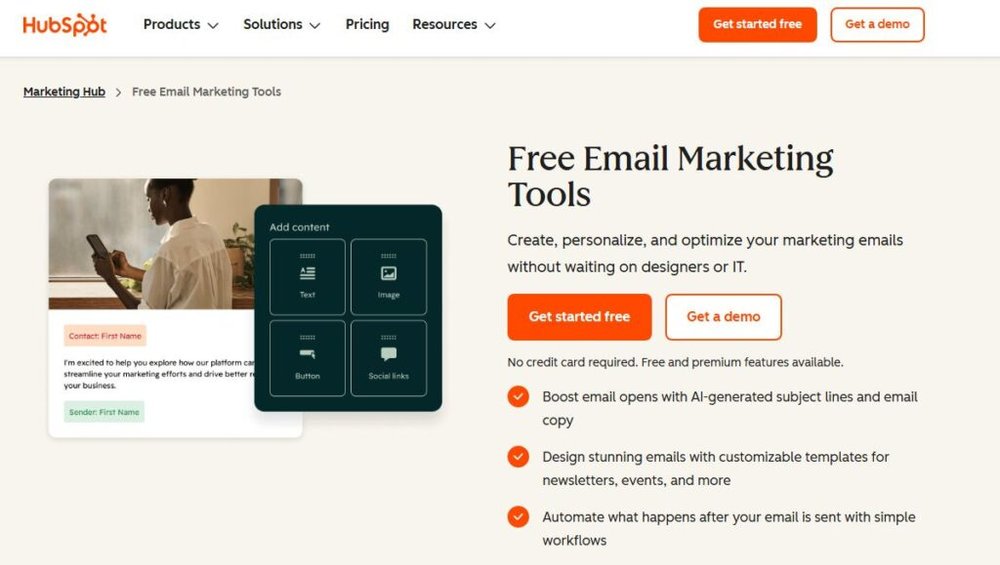
HubSpot stands out as one of the best email marketing solutions for businesses that want everything under one roof — CRM, automation, sales tracking, and marketing insights.
I often recommend it to teams who need a connected system that grows with them rather than juggling separate tools.
Streamline Workflows With Built-In CRM Integration
HubSpot’s built-in CRM (Customer Relationship Management) makes it effortless to link marketing and sales activities. You don’t need to switch between platforms to track leads or manage contacts — everything syncs automatically.
For example, you can set a workflow like this: When a lead downloads your ebook → assign them to a sales rep → trigger a follow-up email series. It’s as seamless as it sounds.
Quick path: Marketing > Workflows > Create Workflow > “Start from Scratch.”
This native CRM integration saves time and prevents data silos. I’ve seen businesses cut lead response times by up to 40% simply because their marketing and sales data finally “talked” to each other.
Personalize Campaigns With Smart Segmentation
HubSpot’s smart segmentation lets you tailor campaigns to specific audiences using real-time data like behavior, demographics, and engagement.
You can segment lists using filters such as:
- Contact lifecycle stage (lead, opportunity, customer)
- Website activity (pages visited, forms filled)
- Email engagement (clicks, opens, replies)
What I love is how you can build dynamic lists that update automatically. For example, if someone becomes a customer, they’re instantly moved from the “Leads” list to the “Customers” list. That means your targeting is always fresh and relevant.
Use Automation To Nurture Leads Effectively
Automation in HubSpot isn’t just about sending emails — it’s about building trust at scale.
You can set rules to deliver the right message at the right time based on user actions.
Scenario example:
- Day 1: Send a welcome email.
- Day 3: Share your top blog post.
- Day 7: Offer a demo invitation if they’ve clicked links before.
The platform’s “if/then” logic gives you full control without needing code. I’ve used this for clients who turned cold leads into paying customers through a single automated sequence.
Track Performance Through Real-Time Analytics
HubSpot’s analytics dashboard offers deep visibility into every campaign metric — open rates, click-throughs, conversions, and even revenue attribution.
The best part? You can connect marketing emails directly to your sales outcomes. For instance, it can show you exactly how many deals were influenced by a specific campaign.
Quick path: Reports > Analytics Tools > Email Analytics.
These insights help you pivot fast, adjust content, and focus resources where they make the biggest impact.
2. ActiveCampaign: Advanced Automation Made Simple
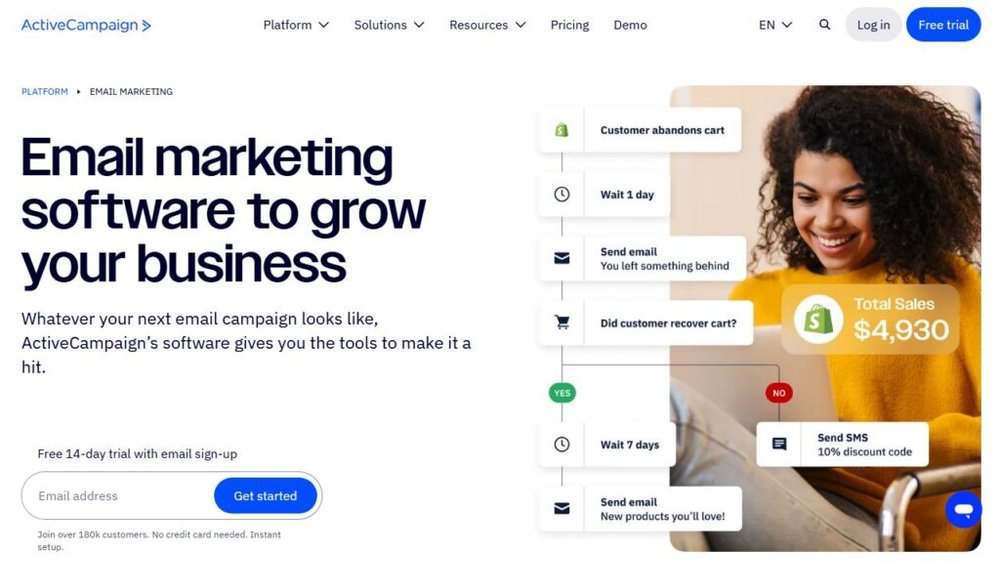
ActiveCampaign combines power and simplicity better than most email platforms.
I suggest it for marketers who want advanced automation and personalization without the overwhelming learning curve.
Build Dynamic Customer Journeys Effortlessly
ActiveCampaign’s automation builder lets you map out entire customer journeys visually. You can see how each message connects — from the first email to post-purchase follow-ups.
Imagine a flow that reacts like this: If contact opens Email A → send Email B; if not → resend with new subject line. You can tweak every path based on engagement.
The drag-and-drop interface makes this intuitive. No code, no confusion — just clarity.
Leverage Behavioral Triggers To Increase Conversions
Behavioral triggers let you respond instantly to user actions. This could mean sending an email when someone abandons their cart, clicks a link, or visits a pricing page.
For instance, one of my clients set up a trigger that automatically sent a discount offer when a user viewed the pricing page twice. Conversions jumped by 18% within two weeks.
Triggers turn passive leads into active buyers — all without manual follow-up.
Combine Email, SMS, And CRM For Seamless Marketing
ActiveCampaign goes beyond email. You can mix email, SMS, and CRM automation inside one workflow. That means you can text leads who don’t open emails or assign follow-up tasks directly to your sales team.
Quick path: Automations > Create > Add New Trigger > Choose “SMS” or “Task.”
This cross-channel approach keeps your messaging consistent and timely, making every interaction feel personal.
Measure Engagement With Detailed Reporting
ActiveCampaign’s reporting dashboard helps you understand what’s working — and what’s not. You can view performance by campaign, list, or automation, drilling down into engagement rates and goal conversions.
I often use the automation reports to identify where leads drop off in a journey. A small timing adjustment or message tweak can dramatically improve flow completion rates.
Pro tip: Use split testing within automations to experiment with subject lines, content, or send times — all tracked automatically.
3. Kit (formerly ConvertKit): Best For Creators And Small Businesses
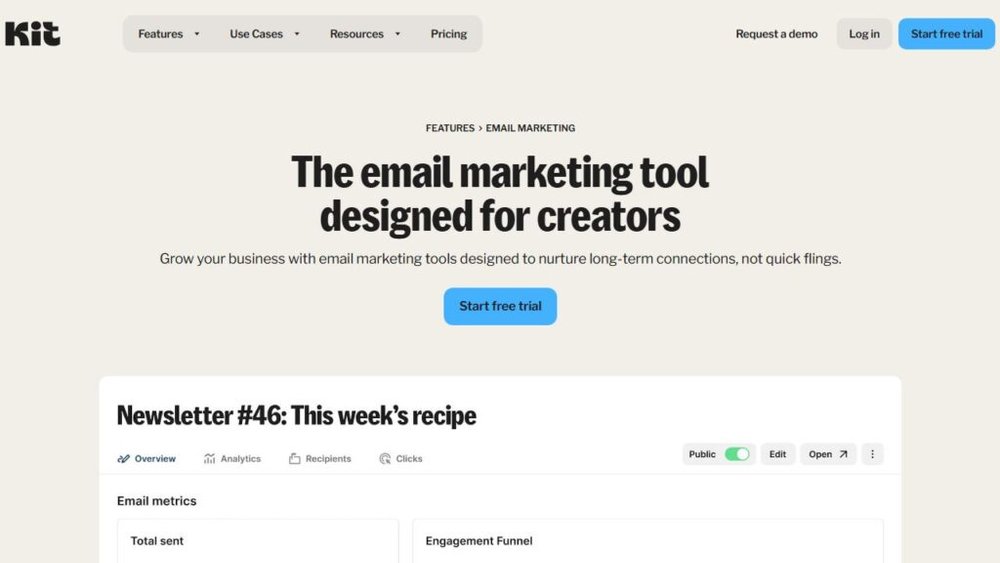
Kit is tailor-made for creators — bloggers, podcasters, coaches, and small business owners who want to grow an audience without the complexity of enterprise tools.
Create Personalized Sequences With Visual Automation
Kit’s visual automation editor makes it simple to design personalized email sequences. You can set rules like: If a subscriber downloads an ebook → start the nurture sequence → offer a course after 7 days.
I love how the interface displays everything visually — like a branching map. You can see exactly where your subscribers are in their journey.
Quick path: Automations > Visual Automations > New Automation.
Even non-technical users can build sequences that feel tailor-made for every subscriber.
Organize Subscribers Using Tags And Interests
Instead of static lists, Kit uses tags. Think of them as flexible labels that describe subscriber behavior or interests.
For example, you might tag users as “interested in SEO,” “purchased ebook,” or “attended webinar.”
This lets you send laser-targeted emails like, “Hey, I noticed you downloaded my SEO guide — here’s a new update I think you’ll love.”
It’s personalization without complication, and it keeps your audience segmentation adaptable as your business grows.
Monetize Your Audience With Creator Tools
Kit includes built-in tools to help you earn directly from your list — like selling digital products or paid newsletters.
You can set up a checkout page and connect it to an email sequence that promotes the offer automatically. For creators, it’s a huge time-saver.
Example: A course creator can Kit Commerce to sell directly from their newsletter without needing Shopify or Stripe setup headaches.
Simplify List Growth Through Custom Forms And Landing Pages
Kit’s forms and landing pages are clean, fast, and conversion-friendly. You can embed them anywhere or use hosted versions.
Templates are customizable with your branding, and you can trigger automations based on sign-up source.
For instance, a form for “free marketing checklist” can start a sequence different from the “webinar registration” form. It’s all about delivering the right content to the right person — automatically.
4. Mailchimp: The Reliable Choice For Beginners
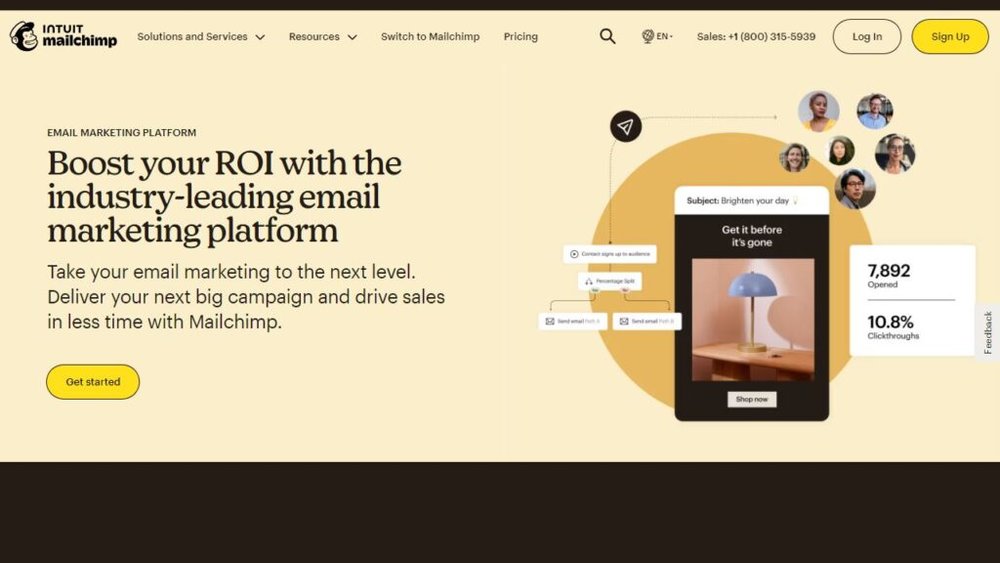
Mailchimp has earned its reputation as one of the best email marketing solutions for beginners who want quick setup, clean templates, and essential automation without steep learning curves.
I often recommend it to solo entrepreneurs and small teams who need reliable results fast.
Get Started Fast With Easy Templates And Setup
Mailchimp’s setup is refreshingly simple. You can go from sign-up to sending your first campaign in under an hour.
When you log in, click Create > Email > Regular to open the campaign builder. From there, you’ll find dozens of pre-made templates categorized by purpose — like Welcome, Announcement, or Newsletter.
The drag-and-drop editor lets you customize text blocks, buttons, and images in seconds. No coding required. I suggest starting with the “Simple Text” layout — it keeps emails mobile-friendly and easy to read.
Mailchimp also connects with over 250 apps, including Shopify, WordPress, and Squarespace, so syncing contacts and tracking sales happens automatically.
Automate Welcome Emails And Abandoned Cart Flows
Mailchimp’s automation tools are intuitive yet powerful. You can set up pre-built journeys that send timely messages to new subscribers or returning customers.
Example workflow:
- A visitor signs up for your newsletter.
- They instantly receive a Welcome Email.
- If they visit your store but don’t purchase, Mailchimp triggers an Abandoned Cart Email within 24 hours.
You’ll find these workflows under Automations > Customer Journeys. The automation builder is visual — you drag and drop triggers and actions into place.
I’ve seen small shops recover up to 15–20% of lost sales just through abandoned cart reminders, proving how automation can quickly drive ROI.
Segment Audiences Based On Behavior And Demographics
Mailchimp’s audience dashboard gives you control over your subscriber list. You can segment contacts using purchase behavior, engagement level, or demographic data (like location or age).
For instance, if you run an online store, you might target “customers who purchased in the last 30 days” or “subscribers who opened at least three emails.”
Tip: Go to Audience > Segments > Create Segment and use filters like Campaign Activity or Ecommerce Data.
Smart segmentation like this helps send relevant messages — not just more emails — which builds trust and reduces unsubscribe rates.
Analyze Campaign Results With Built-In Insights
Mailchimp’s analytics provide clear metrics: open rates, click rates, conversion data, and even e-commerce revenue (if you’ve connected your store).
You can view reports at Reports > Campaigns > View Report. Each report includes benchmarks comparing your stats against industry averages — a handy way to see if you’re outperforming competitors.
What I like most is the click map, which visually shows where people are clicking in your email. That data helps refine your layout and CTA placement for future campaigns.
5. Brevo (Formerly Sendinblue): Affordable Yet Powerful
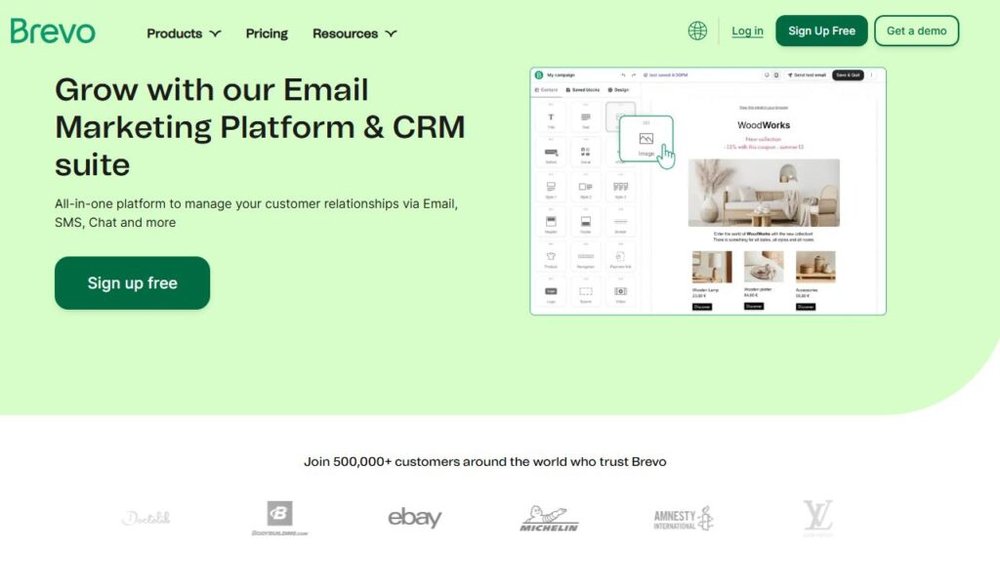
Brevo (previously known as Sendinblue) is one of the most cost-effective email marketing tools out there.
It’s ideal for startups or small businesses that want automation, multi-channel marketing, and solid deliverability — all without paying premium prices.
Automate Workflows Without Paying Premium Prices
Brevo gives you full workflow automation even on its lower-tier plans — something many competitors lock behind higher pricing.
For example, you can create an automation where:
- A contact signs up through a form.
- Brevo waits two days, then sends a follow-up offer.
- If the contact clicks the link, it tags them as “engaged.”
You’ll find this under Automation > Create a Workflow. The drag-and-drop builder feels intuitive, even for beginners.
I recommend starting with Brevo’s “Welcome Message” template — it’s an easy entry point to automation without getting overwhelmed.
Manage Email, SMS, And Chat In One Platform
Brevo stands out because it handles multiple communication channels — email, SMS, and live chat — from the same dashboard.
You can add SMS to automation sequences or enable the Chat widget on your website to answer questions in real time.
This all-in-one setup helps keep messaging consistent across channels, especially if you’re managing campaigns solo. The interface clearly separates each channel while showing unified analytics, so you can see which one converts best.
Improve Deliverability With Built-In IP Reputation Tools
Deliverability is where Brevo shines. Every account comes with shared IPs optimized for inbox placement, and premium users can set up dedicated IPs to build sender reputation.
To check your sender score, go to Settings > Senders & IPs > Manage IP Reputation.
A clean IP reputation ensures your campaigns land in inboxes, not spam folders. I’ve personally seen deliverability rates climb above 98% after warming up new IPs properly with Brevo’s tools.
Use Transactional Emails To Drive Repeat Sales
Brevo also handles transactional emails — those automatic messages like order confirmations or password resets.
You can set them up using the SMTP & API feature or connect directly through Shopify, WooCommerce, or your custom eCommerce system.
These emails may seem simple, but they’re prime real estate for subtle cross-sells or review requests. For instance, adding a “You might also like” section in a confirmation email can nudge repeat purchases without extra effort.
6. Klaviyo: The Ecommerce-Focused Email Solution
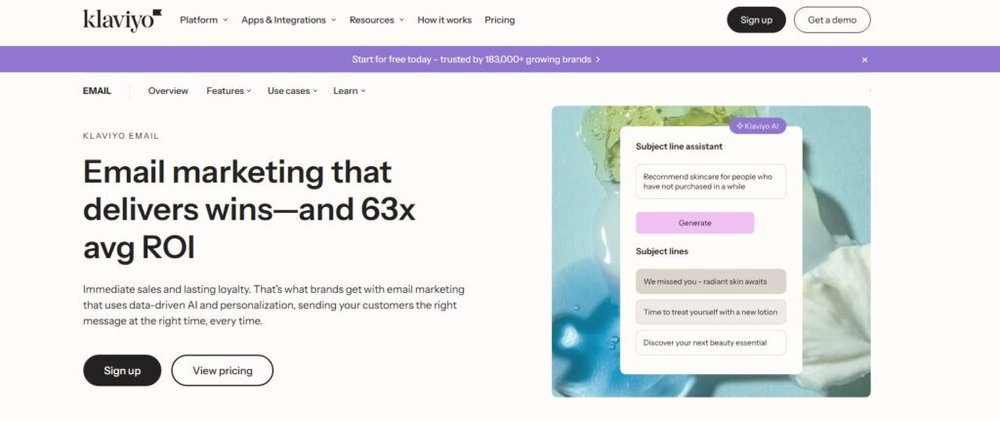
Klaviyo is the go-to platform for eCommerce brands that want personalization and data-driven automation.
I recommend it for online stores using Shopify, WooCommerce, or BigCommerce because of its deep integrations and precise targeting.
Connect Directly With Shopify, WooCommerce, And BigCommerce
Klaviyo’s integrations are plug-and-play. Once connected, it automatically pulls customer data like purchase history, browsing behavior, and average order value.
You can do this in minutes: Integrations > Shopify > Connect. The sync includes order data, abandoned carts, and even product recommendations.
This real-time connection helps you send hyper-personalized messages, such as reminding customers about items they viewed or offering discounts on related products.
Personalize Product Recommendations Automatically
Klaviyo uses machine learning to suggest products based on customer activity. For instance, if someone buys running shoes, the system might automatically recommend socks or water bottles next time.
To set this up, go to Flows > Browse Abandonment > Edit Email > Add Product Block.
I’ve seen eCommerce stores lift average order values by 10–15% simply by using personalized product recommendations like this. It’s personalization that actually translates into revenue.
Build Revenue-Driven Flows For Retargeting And Upselling
Klaviyo excels in creating automated flows designed for profit.
You can build advanced sequences like:
- Welcome Series to introduce your brand.
- Post-Purchase Flow to encourage reviews and repeat sales.
- Win-Back Campaigns to re-engage inactive customers.
Each flow uses data from your store to target users precisely. For example, if a customer buys once but doesn’t return in 60 days, Klaviyo can trigger a “We miss you” offer automatically.
Optimize Campaigns With A/B Testing And Predictive Analytics
One of Klaviyo’s most advanced features is its predictive analytics — it forecasts future purchase behavior and churn probability.
Using this, you can target customers who are likely to buy soon or might churn, adjusting offers accordingly.
You’ll find this under Analytics > Predictive Analytics. Combine it with A/B Testing (Campaigns > Create > A/B Test) to test subject lines, content, and timing.
Stores that test and optimize regularly through Klaviyo often see up to 25% higher email revenue. It’s proof that data-backed marketing beats guesswork every time.
7. GetResponse: Smart Automation For Growing Businesses

GetResponse is one of the best email marketing solutions for businesses that want to scale fast without juggling multiple tools.
It’s built for efficiency—combining automation, landing pages, funnels, and webinars into one intuitive platform.
I often recommend it to marketers who want to streamline their funnel-building and focus on conversions, not just sending newsletters.
Create Conversion Funnels In Minutes
GetResponse’s Conversion Funnel Builder (formerly called Autofunnel) helps you design end-to-end marketing funnels in just a few clicks.
You can launch a lead magnet, nurture sequence, and sales page—all from one dashboard.
Here’s how you can set it up:
- Go to Menu > Conversion Funnel.
- Choose your goal: Build List, Sell a Product, or Promote a Webinar.
- Pick a ready-made funnel template.
Everything connects automatically: opt-in forms, emails, and payment gateways.
For example, I once used GetResponse to build a mini-course funnel for a coaching client—it took less than an hour to create and started generating leads within days.
This tool is ideal for solopreneurs or small teams who want marketing automation without dealing with multiple platforms.
Combine Email, Landing Pages, And Webinars Seamlessly
Unlike most competitors, GetResponse includes built-in landing pages and webinars. This makes it a complete marketing suite rather than just an email tool.
You can:
- Create a landing page using Menu > Landing Pages > Create New.
- Host live or automated webinars through Menu > Webinars > Create Webinar.
- Automatically connect both to your email sequences.
I particularly like the ability to add webinar reminders into automated email flows. It keeps your registrants engaged and drastically reduces no-show rates.
For online educators and consultants, this integration is a game changer.
Use AI-Powered Recommendations For Better Engagement
GetResponse has quietly added AI tools that make automation smarter. Their AI Email Generator can draft campaign content, while their AI-powered Product Recommendations analyze customer behavior to suggest what to promote next.
For eCommerce users, this means you can automatically show customers the most relevant products based on their browsing or purchase history—no manual tagging required.
This feature alone can lift click-through rates by 15–20% because it personalizes every email with data-driven precision.
Track Conversions With Deep Analytics And Reports
GetResponse’s reporting dashboard gives you visibility into your entire funnel, not just emails.
You can track:
- Email performance: Opens, clicks, bounces, and unsubscribes.
- Sales conversions: Revenue per email and total ROI.
- Funnel metrics: Signup-to-purchase conversion rates.
Navigate to Reports > Email Analytics to view results or Conversion Funnel > Stats for a broader funnel overview.
What I appreciate most is that the platform visualizes performance in simple graphs, making it easier to identify weak spots in your campaigns and fix them fast.
8. Drip: Ecommerce Automation With A Personal Touch

Drip was built specifically for online stores that want to go beyond basic email marketing.
It focuses on personalization, behavior-based triggers, and lifecycle automation—making it one of the smartest email marketing solutions for ecommerce.
Design Personalized Customer Journeys At Scale
Drip’s visual workflow builder helps you map personalized journeys based on real customer actions. Every message can react to what your customer does (or doesn’t do).
For instance, you can set up:
- “If user viewed product page → send reminder email.”
- “If user added item to cart → wait 2 hours → send discount.”
To build this, go to Workflows > Create Workflow > From Scratch.
It feels like playing with logic blocks—you drag triggers and actions, and Drip handles the rest. I’ve used it to design full buyer journeys that mimic real-world conversations, not robotic campaigns.
Integrate With Ecommerce Tools Like Shopify And Magento
Drip integrates directly with major ecommerce platforms like Shopify, Magento, and WooCommerce. Once connected, it automatically syncs purchase data, browsing behavior, and customer lifetime value.
Setup is straightforward: Integrations > Add Integration > Choose Platform.
That connection lets you target customers based on events like “first-time purchase,” “average order value,” or “items left in cart.” It’s precise targeting that translates into meaningful engagement.
Trigger Emails Based On Purchase Behavior
Behavioral triggers are where Drip shines. You can send messages that respond instantly to a customer’s actions—like product views, abandoned carts, or post-purchase milestones.
Example workflow:
- Trigger: Customer buys Product A.
- Action: Wait 3 days, then send care tips for Product A.
- Follow-up: Offer complementary Product B.
This isn’t just smart automation—it’s relationship marketing. I’ve seen brands increase repeat purchases by over 20% using such follow-ups.
Boost Retention With Automated Post-Purchase Campaigns
Retention is often overlooked, but Drip makes it easy to keep customers coming back. You can automate thank-you notes, review requests, or loyalty offers—all based on previous purchase data.
Go to Workflows > Templates > Post-Purchase to explore ready-made flows.
For example, one brand I advised used Drip to send follow-up sequences with how-to guides after each purchase. Their customer satisfaction scores improved by 27%—proof that thoughtful automation pays off.
9. Moosend: Budget-Friendly Automation For All Sizes
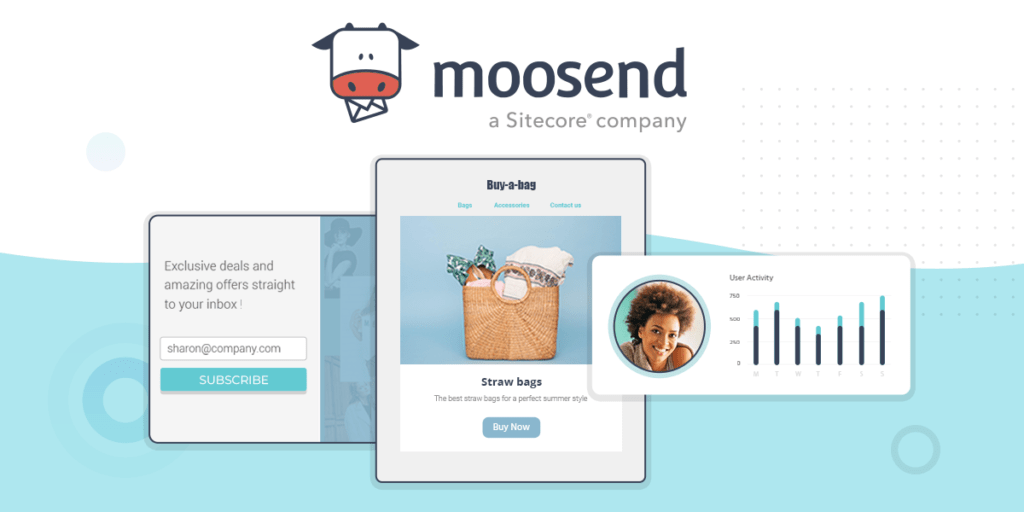
Moosend might not be the flashiest platform, but it delivers exceptional value for money.
It’s perfect for startups or small businesses that want advanced automation, real-time analytics, and scalability—without expensive monthly fees.
Automate Email Series With Drag-And-Drop Builder
Moosend’s automation builder is visual and intuitive. You simply drag triggers (like sign-ups or clicks) and connect them to actions (like “send email” or “add to list”).
To create one, head to Automations > New Workflow.
For example, you can set a simple welcome sequence:
- Trigger: New subscriber joins the list.
- Action: Send welcome email immediately.
- Delay: Wait 3 days.
- Action: Send product recommendations.
It’s a plug-and-play setup that works even for users new to automation.
Use Real-Time Analytics To Refine Campaigns
Moosend’s reporting dashboard updates in real time, showing key metrics like open rates, click-throughs, and device performance.
You can access this at Reports > Campaign Overview.
I particularly like the “Heat Map” feature—it visually highlights where users click most within your emails. It’s a small detail that helps optimize future layouts for higher engagement.
If you’re running multiple campaigns, Moosend also ranks them side by side, helping you quickly spot top performers.
Access Pre-Built Workflows For Common Marketing Goals
Moosend includes dozens of automation templates that cover popular marketing goals like:
- Welcome sequences
- Abandoned cart reminders
- Birthday and anniversary campaigns
To use one, just go to Automations > Templates and choose a goal.
These templates are especially helpful for beginners or small teams that need to get campaigns running quickly without designing from scratch.
Scale Easily Without Complex Pricing Tiers
Moosend’s pricing model is refreshingly simple—you pay based on subscriber count, not limited features. All plans include automation, landing pages, and analytics.
This means small businesses get enterprise-grade features without inflated costs. I often suggest it to clients who are scaling from a few hundred to tens of thousands of subscribers but want predictable pricing.
The result is flexibility without compromise—ideal for businesses focused on sustainable growth.

I’m Juxhin, the voice behind The Justifiable.
I’ve spent 6+ years building blogs, managing affiliate campaigns, and testing the messy world of online business. Here, I cut the fluff and share the strategies that actually move the needle — so you can build income that’s sustainable, not speculative.
Related posts:
 How to Integrate Aweber with ClickFunnels
 Top 5 Email Marketing Platforms: Boost Your ROI Now!
 Best Email Marketing Solutions to Nurture Leads and Boost Sales
 What’s The Best Strategy for Email Marketing? Tips, Tricks and Techniques for Successful Campaigns
 Aweber Email Marketing: Boosting Your Business Through Effective Email
 How Automated Marketing Solutions Save Time and Increase Revenue