
Table of Contents
Some links on The Justifiable are affiliate links, meaning we may earn a small commission at no extra cost to you. Read full disclaimer.
A real wp engine managed wordpress hosting review has to answer one thing honestly: are you paying for meaningful time savings and better site stability, or just a premium logo?
I’ve looked at WP Engine from the angle that matters most to actual site owners: speed, workflow, support, security, pricing, and what daily use feels like. If you run a business site, WooCommerce store, publisher, or client projects, this host can absolutely make sense.
But for many smaller sites, the cost is hard to justify unless you will truly use the managed features.
What WP Engine Is Really Selling
WP Engine is not trying to be cheap hosting. It is selling a managed WordPress environment with performance tooling, security layers, staging and development workflows, backups, migration help, and 24/7 support built specifically around WordPress.
Its small business plans currently start around $30 to $32 per month, while higher tiers rise quickly to $55, $109, $276, and beyond.
WP Engine also promotes daily backups, included CDN, staging, and expert support on its hosted WordPress plans.
What “Managed WordPress Hosting” Means In Practice
Managed WordPress hosting sounds fancy, but the simple version is this: you are paying a host to handle a lot of the annoying operational work that usually lands on you. That includes platform maintenance, backups, security hardening, performance layers, and recovery tools.
On a cheap shared host, you usually get server space and basic control. After that, a lot is your problem. Plugin conflicts, backups, update anxiety, weak staging, and inconsistent support often become part of your weekly routine. WP Engine tries to remove that mess.
That matters more than many people realize. Imagine you run a service business site that brings in leads from Google. One broken plugin update can quietly wipe out contact forms for three days.
On bargain hosting, you might notice late. On a stronger managed setup, you are more likely to have backups, safer update habits, and an easier restore path.
In my experience, this is the core value proposition: less babysitting. If your site is tied to revenue, leads, booked calls, memberships, or client reputation, that reduction in stress has real value. If your site is mostly a hobby blog with light traffic, the same features can feel like overkill.
The Company’s Positioning Tells You A Lot
WP Engine describes itself as a managed hosting platform for WordPress and says it is trusted by more than 5 million websites. It also highlights 24/7 support, proactive security, backups, and growth-focused tooling.
That positioning matters because it explains the product philosophy. This is not a “give everyone unlimited everything for pennies” company. It is built more like premium infrastructure with support layers and operational controls around it.
You can see that in the plans. Even the marketing language is about reliability, growth, and mission-critical sites rather than bargain pricing. Enterprise materials emphasize isolated resources and a 99.99% uptime SLA, while support documentation and plan pages stress expert help and managed workflows.
I believe that’s useful context before judging the price. People often say WP Engine is expensive, and they are right.
But it is expensive in the same way managed IT support is expensive: the seller assumes downtime, broken updates, weak hosting architecture, and slow troubleshooting are bigger costs than the monthly bill.
Who WP Engine Is Best For
WP Engine is not for everyone. The fastest way to decide whether it is worth the cost is to match the platform to your actual site type, team size, and risk tolerance.
Best Fit: Businesses, Agencies, Ecommerce, And High-Value Sites
WP Engine makes the most sense when your website does a real job. That can mean generating leads, selling products, publishing content at scale, hosting memberships, or supporting multiple client sites.
Here is where the value starts to become obvious:
- Business websites: You care more about stability and support than saving $15 per month.
- WooCommerce stores: Every slowdown or outage can hit revenue directly.
- Agencies: Staging, development workflows, transferable installs, and support coverage reduce client headaches.
- Publishers: Caching, CDN delivery, and operational stability matter under traffic spikes.
- Teams with non-technical owners: Managed systems reduce dependency on a freelancer for every issue.
WP Engine also supports workflows agencies care about, including Git, transferable sites, and grouped site environments. Its support docs explain that a single site can include production, staging, and development environments, which is a meaningful workflow advantage over basic hosting.
If you are building client sites every month, that setup is not just convenient. It can speed delivery, lower mistakes, and make handoff cleaner.
Weak Fit: Hobby Blogs, Brochure Sites, And Tight Budgets
This is where many reviews get too polite, so let me be direct. If you have a small site with modest traffic and no serious business dependency, WP Engine often will not feel worth the money.
A simple local portfolio site, a personal blog, or an early affiliate site can run perfectly fine on cheaper WordPress hosting. In those cases, the extra value from managed workflows may not translate into extra revenue, faster growth, or meaningful time savings.
The cost gap matters. Entry pricing around $30 to $32 per month is already several times higher than common budget hosting, and the jump to higher plans happens fast.
This is the question I would ask myself: if WP Engine disappeared tomorrow, would replacing its staging, backups, support, and performance tooling create a serious business problem? If the answer is no, you may be buying peace of mind you do not actually need.
The Features That Make WP Engine Feel Premium
This is where the platform starts to justify itself.
WP Engine includes the feature set many WordPress users eventually try to assemble through plugins, third-party services, and manual habits.
Staging, Development, And Safer Changes
One of the most valuable WP Engine features is the built-in environment structure. WP Engine explains that a site can include production, staging, and development environments, each operating independently.
That is a big deal.
A staging environment is a safe copy of your live site where you can test updates, redesign pages, fix plugin issues, or troubleshoot without risking your real visitors. Many site owners skip staging until something breaks in public. Then they learn why staging matters.
Here is a realistic example. Imagine your WooCommerce store depends on one checkout plugin, one shipping plugin, and one subscription plugin. A major update hits. On cheap hosting, you update live and hope. On WP Engine, the smarter move is simple:
- Step 1: Copy production to staging.
- Step 2: Run updates on staging first.
- Step 3: Test cart, checkout, emails, and login flow.
- Step 4: Push changes only after the site behaves correctly.
That workflow prevents expensive mistakes. And for agencies, it creates a professional process clients can trust.
Backups, Recovery, And Reduced Panic
WP Engine includes daily and on-demand backups across its managed hosting offering. That sounds basic until you need it.
Backups are one of those features nobody gets excited about until they save the day. A plugin update, bad deployment, hacked admin account, or accidental content deletion can turn a normal workday into a mess. Recovery speed matters more than backup theory.
In practice, strong backup access gives you two advantages. First, you become more willing to improve your site because fear goes down. Second, you recover faster when something does go wrong.
I recommend thinking about backups less as insurance and more as operational freedom. Teams move faster when rollback is easy. That is one of the quiet reasons managed hosting often improves execution, not just uptime.
CDN And Performance Layers
WP Engine includes a CDN and states that sites migrating to its platform can see speed improvements, with one official page claiming gains of up to 200% and another third-party roundup noting WP Engine’s own claim of an average 40% speed increase after migration.
WP Engine’s support content also says its CDN runs through a Cloudflare configuration at the edge.
Any speed claim should be treated carefully because every site is different. Theme quality, plugins, image size, and code bloat still matter. But the broader point is fair: WP Engine is designed around WordPress performance, not generic hosting.
That shows up in real-world experience more than flashy benchmarks. Admin areas often feel steadier, caching is less chaotic, and global delivery is stronger than what many low-cost hosts provide out of the box.
The Support And Security Side Of The Review
Managed hosting earns its price when support is actually helpful and security is built into the platform, not outsourced to your stress level.
Support Quality Is A Real Selling Point
WP Engine states that support is available 24/7/365, and its support scope page says it offers live chat, phone, and ticket support.
That does not automatically mean every support interaction will be perfect. No host on earth gets universal praise. But the support positioning is stronger than what you get from many bargain providers that mainly offer scripted responses.
There is also a useful pattern in user feedback. G2 reviews highlight reliability, security, update management, and strong support as repeated positives. At the same time, Trustpilot feedback is more mixed, including criticism around cancellation friction and customer experience.
I would treat G2 as more relevant for business-software sentiment and treat Trustpilot cautiously, especially given recent scrutiny around Trustpilot’s review-verification practices.
My read is simple: Support is likely one of WP Engine’s genuine strengths, but you should still read recent reviews with an eye for pattern, not emotion.
Security Is Strong, But Not Magical
WP Engine promotes proactive security, managed firewall protection, automated updates, and compliant hosting environments. Its security page specifically references always-on protection, a managed firewall, SOC 2 and ISO aligned environments, and proactive threat detection.
That is good. It means security is being handled at the platform layer, not left entirely to plugins and luck.
Still, I would not call any host “set and forget” secure. WordPress security also depends on:
- Plugin quality
- Admin password hygiene
- User permissions
- Theme maintenance
- Form and checkout hardening
- Login protection
- Staff behavior
A managed host lowers risk. It does not erase bad decisions. If your team installs random plugins, shares admin logins in Slack, and never audits users, premium hosting will not save you from yourself.
Setup And Migration: Easier Than Many People Expect
For many buyers, switching hosts is the scariest part. WP Engine has done a decent job reducing that friction.
Migration Tools Are One Of The Most Practical Benefits
WP Engine offers both self-service and managed migration options, including an automated Site Migration plugin. Its support docs lay out the migration process step by step, and multiple official pages mention migration support and tools for moving existing WordPress sites.
That is valuable because migrations are where cheap hosting often costs you the most in hidden labor. Broken serialized data, missing emails, bad DNS timing, or image issues can turn a “simple move” into a weekend project.
A realistic migration process on WP Engine looks like this:
- Step 1: Create the destination environment.
- Step 2: Use the migration plugin or request migration help.
- Step 3: Review the copied site in staging.
- Step 4: Test forms, checkout, redirects, login, and media.
- Step 5: Change DNS only after the site passes checks.
That staging-first workflow is exactly how migrations should happen. It reduces live-site risk and makes the process feel more controlled.
The User Experience Is Built Around Workflow, Not Raw Server Tweaking
WP Engine is not aimed at users who want to tinker endlessly with server-level settings. It is aimed at users who want a cleaner WordPress operating environment.
That has pros and cons.
The pro is that the platform is organized around practical tasks: environments, backups, migrations, support, and deployment workflows. Teams usually benefit from that structure. Developers also get agency-friendly features like transferable environments and Git support on the relevant plans.
The con is that people coming from a cPanel-style host may feel like they have less raw freedom. That is intentional. Managed hosting often trades some server-level flexibility for stability and guardrails.
I generally think that is the right trade for business WordPress sites, but not everyone agrees.
Where WP Engine Pricing Starts To Feel Expensive
This is the part most readers care about, and honestly, they should. WP Engine’s pricing is the hardest part of the recommendation.
The Sticker Price Is Only The Beginning
Official small business pricing currently shows Startup from $30 per month, Professional from $55, Growth from $109, and Scale from $276, with enterprise pricing above that.
Those numbers are not outrageous for serious managed hosting, but they can still be painful when your site is early-stage.
The bigger issue is not only base cost. It is that as your site count, traffic, complexity, or support expectations rise, you may end up moving into higher tiers faster than expected. Agencies and ecommerce brands usually accept that. Solo bloggers often do not.
I suggest thinking in terms of total operating cost, not hosting price alone. If WP Engine saves you one developer retainer task, one emergency fix, or one lost day during a sales campaign, the monthly price can become easy to justify. If your site earns little and changes rarely, the economics look weaker.
“Worth It” Depends On What Failure Would Cost You
Here is the framework I use.
WP Engine is worth it when:
- Downtime would cost you leads, revenue, or reputation.
- You need reliable staging and backup workflows.
- You manage multiple stakeholders or clients.
- You want expert support rather than generic hosting support.
- You value operational stability more than bargain pricing.
WP Engine is not worth it when:
- Your site is simple and low-risk.
- You barely update anything.
- You are comfortable solving technical issues yourself.
- Budget is the main decision factor.
That is why this wp engine managed wordpress hosting review cannot end with a universal yes or no. The platform is expensive, but the wrong comparison is “WP Engine versus the cheapest host.” The better comparison is “WP Engine versus the cost of instability.”
7. Real Pros And Cons After Looking At The Whole Package
This section pulls the review together in plain language.
The Biggest Advantages
The strongest case for WP Engine is that the whole system is coherent. You get hosting, environments, backups, migration support, CDN delivery, managed updates, and 24/7 support under one roof. That is cleaner than duct-taping together five services and hoping they cooperate.
In my opinion, the biggest practical wins are:
- Safer site changes through staging and development environments
- Better recovery confidence through backups
- Support that is actually WordPress-focused
- A platform built for business use, not just cheap occupancy
- Helpful workflows for agencies and developers
There is also market validation here. TechRadar’s 2026 WordPress hosting roundup called WP Engine the best managed WordPress hosting service overall, while another TechRadar web hosting review said Kinsta outperformed WP Engine on some benchmarks.
That mix tells you something important: WP Engine is broadly respected, but it is not automatically the best performer in every test.
That feels honest to me. Strong platform, not perfect platform.
The Biggest Drawbacks
The obvious drawback is price. That is the headline issue and it is real.
The second drawback is fit. WP Engine can be too much platform for a small site owner who mainly needs basic hosting and occasional plugin updates.
The third is that “managed” sometimes means less freedom. People who want full server-level control, unusual configurations, or ultra-cheap scaling may find the platform restrictive compared with self-managed cloud setups or more flexible hosts.
I would also keep an eye on add-ons and plan differences. Some higher-end protections and premium capabilities are not always positioned the same way across every tier, which means buyers should read the current plan details carefully before assuming a feature is included everywhere.
Common Mistakes People Make Before Buying WP Engine
A lot of disappointment with hosting comes from buying the wrong type of hosting, not from the host being objectively bad.
Mistake 1: Buying Premium Hosting For A Non-Premium Need
This is the classic mismatch.
Someone launches a tiny content site with almost no revenue, buys WP Engine because it sounds “professional,” and then feels ripped off six months later. The platform may be good, but the purchase decision was bad.
I always recommend matching your host to the value of the site today, plus the cost of things going wrong. Not your future dream version of the site. Not your fear. The real current business case.
A good rule: if your website going down for a day would mostly annoy you, cheap hosting is often enough. If it would interrupt sales, bookings, ad revenue, or client trust, managed hosting deserves serious consideration.
Mistake 2: Assuming Good Hosting Fixes Bad WordPress Habits
Good hosting helps. It does not rescue careless site management.
I have seen site owners pay for premium hosting while still doing all the risky things:
- Installing too many plugins
- Using bloated themes
- Uploading huge uncompressed images
- Skipping form testing
- Sharing one admin login across multiple people
WP Engine can give you a better foundation, but your WordPress habits still matter. Performance, conversions, and stability are shared outcomes between host, site build, and team behavior.
Mistake 3: Ignoring Workflow Benefits In The Buying Decision
Sometimes people focus only on page speed and forget everything else. That is too narrow.
The reason many businesses stay with premium managed hosts is not because the homepage loads 0.3 seconds faster. It is because operations get smoother. Testing gets safer. Recovery gets faster. Support gets less painful. Migration gets less scary.
Those benefits are harder to measure, but they are often the real reason the platform feels worth the cost.
My Final Verdict: Is WP Engine Worth The Cost?
This section sums up the whole wp engine managed wordpress hosting review in one sentence: yes, WP Engine is worth the cost for the right kind of WordPress site, but it is easy to overspend if your needs are simple.
If you run a business website, ecommerce store, membership site, content brand, or agency workflow where uptime, support, backups, and staging genuinely matter, WP Engine is a strong buy. The platform has a mature managed-hosting feature set, 24/7 support coverage, migration tooling, and workflow features that can reduce both technical risk and day-to-day stress.
If you run a lightweight blog, static brochure site, or low-stakes project with a tight budget, I would be slower to recommend it. You may appreciate the platform, but not enough to justify the bill.
My honest recommendation is this: Buy WP Engine when your site has consequences. That is when premium managed hosting stops feeling expensive and starts feeling practical.

I’m Juxhin, the voice behind The Justifiable.
I’ve spent 6+ years building blogs, managing affiliate campaigns, and testing the messy world of online business. Here, I cut the fluff and share the strategies that actually move the needle — so you can build income that’s sustainable, not speculative.
Related posts:
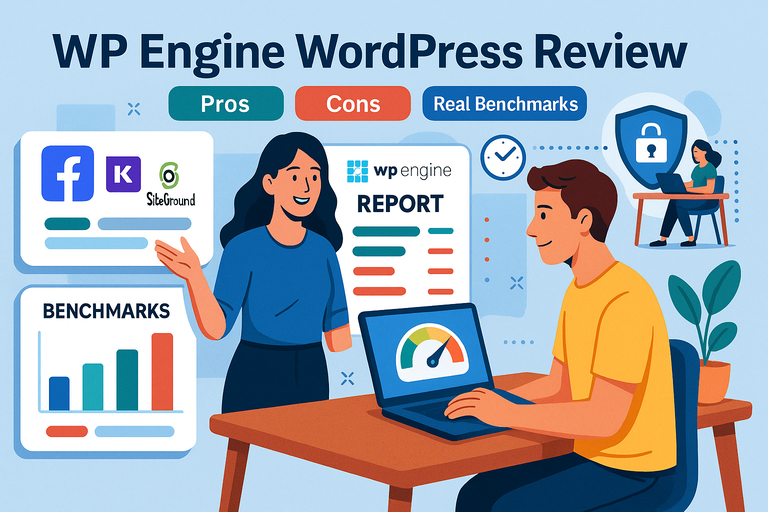 WP Engine WordPress Review: Pros, Cons, Real Benchmarks
 WP Engine Vs Kinsta Comparison: Which Wins Speed?
 How to Host a Website: A Step-by-Step Guide for Beginners
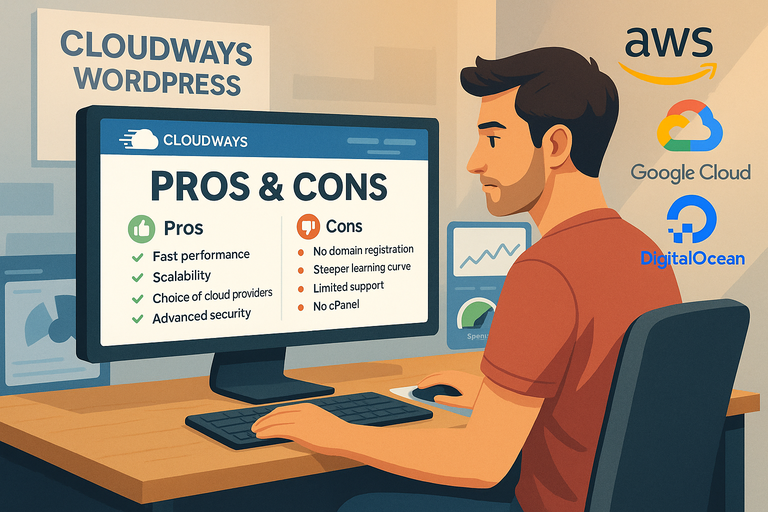 Cloudways WordPress Pros & Cons: What You Need to Know
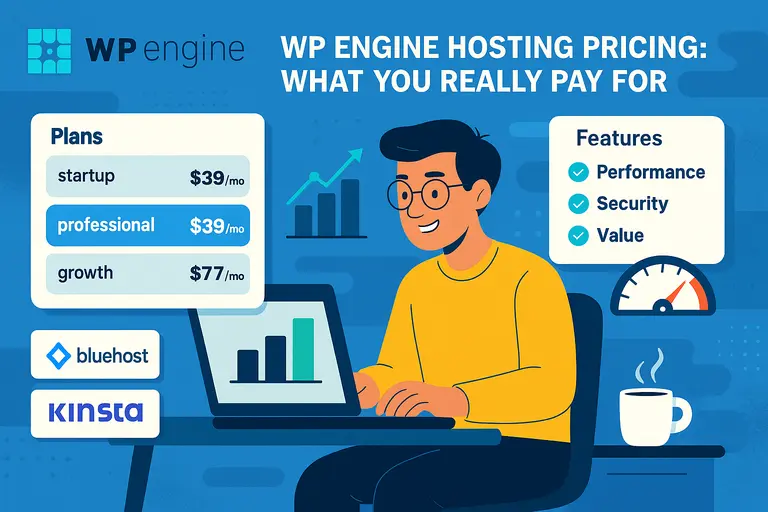 WP Engine Hosting Pricing: What You Really Pay For
 WP Engine Vs SiteGround Comparison: Speed And Uptime