
Table of Contents
Some links on The Justifiable are affiliate links, meaning we may earn a small commission at no extra cost to you. Read full disclaimer.
Integrated marketing solutions help bridge the gap between fragmented campaigns and a cohesive brand experience.
When every channel—email, social media, paid ads, SEO, and content—works together seamlessly, your marketing stops feeling scattered and starts driving real, measurable impact.
But what tools actually make that possible? And how do you bring all your efforts into one unified system that saves time, improves tracking, and boosts ROI?
This guide walks through seven proven integrated marketing solutions that can help you build a synchronized strategy across every touchpoint.
1. HubSpot: The All-In-One Growth Platform
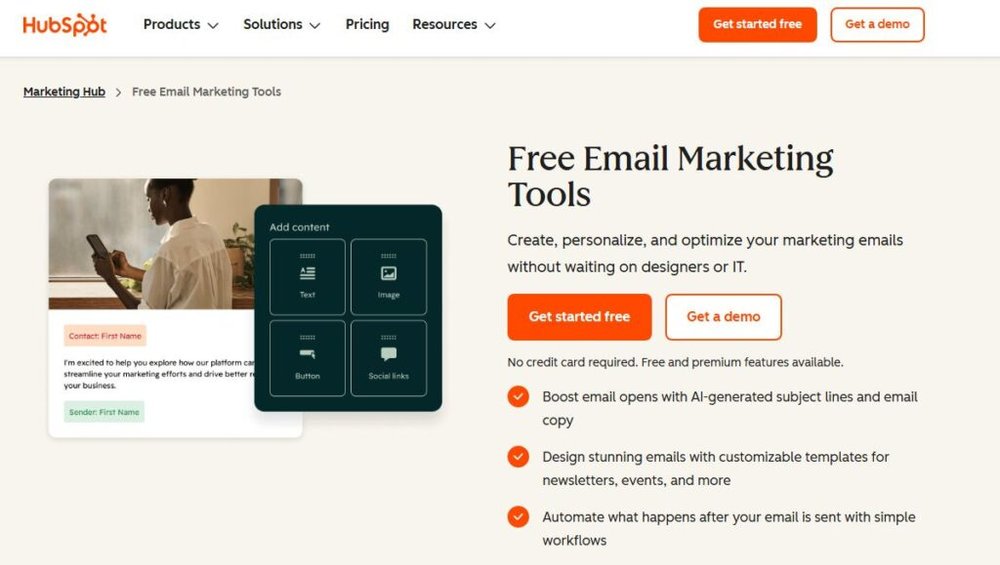
If you’ve ever juggled five marketing tools at once, you’ll appreciate why HubSpot is a favorite among growing teams. It pulls your marketing, sales, and service data into one connected ecosystem so your campaigns never work in silos.
Let’s break down how HubSpot’s integrated marketing solutions create clarity across every channel.
Centralizing Campaigns Across Every Channel
HubSpot makes it simple to manage everything—email, social, ads, and web—from one place.
Inside your HubSpot dashboard, you can:
- Create email campaigns using drag-and-drop templates.
- Schedule and monitor social media posts for LinkedIn, Facebook, and X (formerly Twitter).
- Launch Google and Meta ads directly from the Marketing Hub without leaving the interface.
This centralization matters because it eliminates switching costs and gives your team shared visibility into what’s running where.
For instance, you can see how your latest email campaign influenced paid ad conversions in real time.
I recommend using HubSpot’s Campaigns tool to tie all assets—emails, blog posts, landing pages, ads—under a single campaign name. It’s the easiest way to measure the collective performance of cross-channel initiatives.
Automating Customer Journeys and Lead Nurturing
Automation is where HubSpot shines. You can build visual workflows that trigger emails, internal notifications, or CRM updates when users take certain actions—like downloading a guide or abandoning a cart.
For example, a “Welcome Series” can send:
- A greeting email immediately after signup.
- A follow-up with a helpful resource after two days.
- A demo invite on day five.
Each step is customizable, and every message connects to contact properties in your CRM, so personalization feels natural.
In my experience, automation like this improves engagement rates by over 30% compared to manual follow-ups.
Tracking ROI with Built-In Analytics and Attribution
Every marketer struggles with proving ROI. HubSpot simplifies that with built-in attribution reports. You can trace conversions back to their first touchpoint—whether it was a blog post, ad, or webinar invite.
I find the Attribution Reporting tool especially useful when clients want to see how awareness-stage content drives revenue.
You can compare models (first-touch, last-touch, linear) and see which channels contribute most across the buyer journey.
This data transparency builds trust between marketing and leadership teams because every campaign’s impact is measurable, not theoretical.
Integrating CRM and Sales Data for Complete Visibility
HubSpot’s CRM integration is seamless since it’s built into the same platform. Your sales reps can see which marketing emails prospects opened, which pages they viewed, and even which ads they clicked—without jumping between tools.
That shared insight helps marketing refine its messaging and allows sales to time their outreach better. For example, if a lead recently downloaded a case study, your rep can follow up with a personalized offer instead of a generic pitch.
HubSpot also syncs easily with tools like Slack, Zoom, and Shopify, so everyone—from marketers to customer success—works from the same source of truth.
2. Salesforce Marketing Cloud: Enterprise-Level Integration
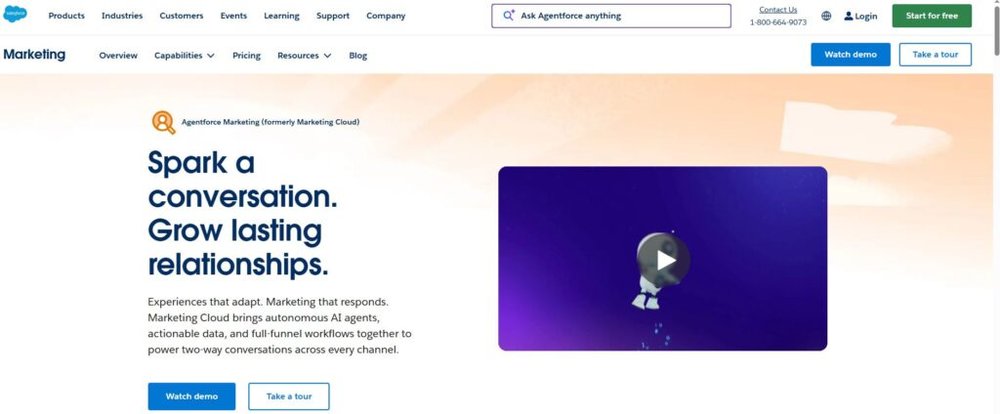
Salesforce Marketing Cloud (SMC) is like the command center for large organizations managing complex, multi-channel campaigns.
It unifies data across email, social, advertising, and mobile to deliver hyper-personalized experiences at scale.
Managing Multi-Channel Campaigns in One Dashboard
SMC lets you run email, SMS, social, and ad campaigns in one integrated dashboard. Think of it as your mission control for brand messaging.
In the Journey Builder, you can visually design customer journeys across multiple channels.
For instance, a customer might:
- Receive a promo email.
- Get an SMS reminder two days later.
- See a retargeting ad if they don’t convert.
Every touchpoint connects automatically, so you’re not duplicating work or losing context between platforms.
Personalizing Experiences Through AI and Predictive Data
Salesforce’s Einstein AI predicts what users are likely to do next based on past behaviors. That means your campaigns adjust dynamically—like sending different offers depending on whether someone is price-sensitive or product-focused.
I suggest using Einstein Engagement Scoring to group audiences by likelihood to open or click. You’ll quickly spot high-value segments and know where to focus creative energy.
Companies that leverage predictive personalization often see engagement lift by 20–40%.
Connecting Marketing, Sales, and Service for Alignment
SMC integrates deeply with the Salesforce CRM ecosystem, meaning marketing doesn’t just hand off leads—it stays part of the entire customer lifecycle.
Here’s a practical example: when a marketing-qualified lead (MQL) is handed to sales, their engagement history (emails, pages visited, content downloaded) automatically appears in the salesperson’s CRM view. No manual exports.
That connection creates tighter alignment between departments and smoother customer handoffs, improving conversion rates and retention.
Measuring Engagement and Conversion Across the Funnel
With Datorama Reports (now part of Marketing Cloud Intelligence), you can visualize performance across every channel—email opens, ad impressions, social clicks, and revenue impact—in real time.
For enterprise marketers managing global teams, this is a lifesaver. I’ve seen companies use Datorama dashboards to spot underperforming regions or campaigns within hours instead of waiting weeks for data consolidation.
When you can attribute revenue directly to campaign elements, it’s easier to justify budgets and make smarter optimization decisions.
3. ActiveCampaign: Smart Automation for Small Businesses

ActiveCampaign is built for small and mid-sized teams that want enterprise-level automation without the complexity or cost.
It blends email marketing, CRM, and automation into one intuitive platform—perfect for businesses scaling fast.
Combining Email, CRM, and Marketing Automation Seamlessly
The beauty of ActiveCampaign is that everything—emails, deals, automation—is interconnected.
For example, if a contact moves to a new sales stage in the CRM, the system can automatically send them a targeted email or assign a task to a rep.
This seamless data flow keeps everyone aligned. I often recommend setting up automation that updates deal stages automatically when a contact engages with a key email or completes a form.
It’s a simple way to reduce manual work.
Using Behavior-Based Triggers to Personalize Outreach
ActiveCampaign’s automation builder lets you create “if-this-then-that” triggers based on real behavior.
Examples include:
- Sending a discount code after a cart abandonment.
- Delivering educational content to leads who clicked on a specific link.
- Notifying a rep when a lead visits the pricing page twice.
This type of personalization feels natural to the recipient and drives better engagement.
Many users report open rates increasing by 25–35% after adopting behavior-based automations.
Integrating with E-Commerce Platforms and Apps
If you run an online store, ActiveCampaign integrates with Shopify, WooCommerce, and BigCommerce effortlessly. You can track purchases, send post-purchase follow-ups, and even recommend products dynamically.
Example: When a customer buys a specific product, you can trigger a sequence offering complementary items or tips on how to use what they bought. It’s simple to set up using the “Site Tracking” and “Deep Data” features.
These integrations turn your store data into actionable insights, giving you a clear view of lifetime value (LTV) and purchase behavior.
Simplifying Segmentation and Lead Scoring
Segmentation in ActiveCampaign is built around real actions, not just demographics. You can create segments like “engaged subscribers who clicked more than three emails this month” or “inactive contacts with high deal value.”
Add to that lead scoring, which assigns points for actions like email opens, form fills, or purchases. This makes it easy to see who’s ready for outreach and who needs more nurturing.
I suggest starting with a simple scoring system (5 points for a click, 10 for a form submission) and refining it as patterns emerge. Over time, it becomes a powerful predictor of who converts.
4. Adobe Experience Cloud: Creative Meets Data
Adobe Experience Cloud is the go-to suite for brands that want to combine creative power with data intelligence.
It blends analytics, content management, and advertising tools into one system, helping teams design beautiful campaigns while staying grounded in real data.
Creating Data-Driven Campaigns with Creative Flexibility
Adobe bridges art and analytics better than almost any platform I’ve used. Inside the Adobe Experience Manager (AEM), marketers can build, edit, and deliver digital experiences while pulling insights directly from Adobe Analytics.
You might, for instance, design a landing page for a new product using AEM’s drag-and-drop editor, then check real-time performance data from Analytics to see how users engage with specific visuals or headlines.
This closed feedback loop helps creative teams adapt campaigns on the fly. I often suggest using A/B testing within Adobe Target (part of Experience Cloud) to identify which version of your creative performs best. The result is faster optimization and more informed creative decisions.
Building Personalized Customer Journeys at Scale
With Adobe Journey Optimizer, you can map out personalized experiences across multiple touchpoints—email, web, mobile, and even offline interactions.
A quick example: Let’s say a customer browses high-end cameras on your website. Adobe automatically segments them as a “pro photographer” persona, triggering a tailored follow-up campaign that includes a product comparison email and a video ad on YouTube.
Because everything happens within the same ecosystem, you avoid the messy process of exporting and syncing audience lists across tools. It’s personalization without fragmentation.
Connecting Content, Analytics, and Advertising Workflows
Adobe Experience Cloud unifies its key tools—AEM, Analytics, and Adobe Advertising Cloud—so teams can collaborate seamlessly. Marketing can analyze which content drives conversions, while creative teams adjust design assets based on data-driven insights.
I find this integration particularly valuable when running multi-channel campaigns. For instance, you can link ad performance metrics from Advertising Cloud with audience behavior data in Analytics, then feed that insight into your next creative iteration.
This kind of workflow eliminates guesswork and aligns content, media, and strategy in one continuous cycle.
Using AI Insights to Optimize Cross-Channel Performance
Adobe’s AI engine, Adobe Sensei, powers predictive insights and automation throughout Experience Cloud. It can forecast audience behavior, recommend personalized offers, and even suggest optimal ad placements.
For example, Sensei might analyze past engagement data and suggest showing a particular product banner to returning users between 6–9 PM—when they’re most likely to convert.
From what I’ve seen, brands using Adobe Sensei’s predictive modeling often experience a 15–25% lift in conversion efficiency. It’s like having a built-in data scientist fine-tuning your campaigns in real time.
5. Mailchimp: Simplified Multi-Channel Marketing for SMBs
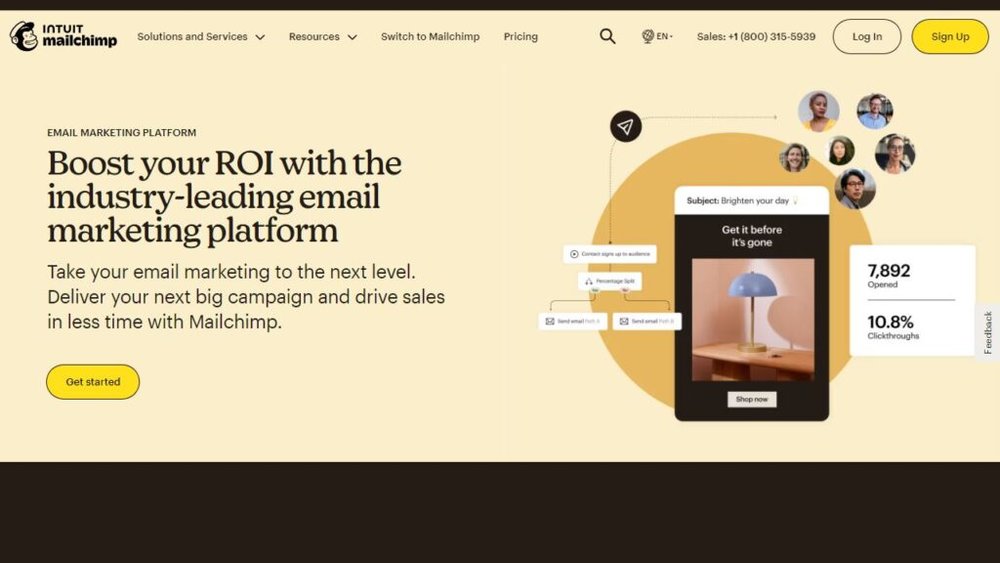
Mailchimp has evolved far beyond email.
It now acts as a complete marketing hub for small to mid-sized businesses, combining email, social, and landing page management in one friendly interface.
Unifying Email, Social Ads, and Landing Pages
Within Mailchimp, you can create an email campaign, launch a Facebook ad, and publish a landing page—all from the same workspace. The Campaign Builder visually connects these elements so your messaging remains consistent across platforms.
If you run a seasonal promotion, for example, you can:
- Send an email blast to your subscribers.
- Run a matching Facebook retargeting ad.
- Direct both to a single Mailchimp-built landing page.
Everything syncs automatically, which makes campaign management far smoother for small teams juggling multiple channels.
Leveraging Pre-Built Automations for Fast Setup
Mailchimp’s automation templates save hours of setup time. Whether it’s a welcome series, abandoned cart reminder, or post-purchase follow-up, you can activate most automations in just a few clicks.
Inside the dashboard, go to Automations > Customer Journeys, and you’ll see ready-made workflows for common goals. I usually recommend starting with a simple “welcome series” to engage new subscribers immediately—it consistently improves retention.
These templates are a lifesaver for teams without deep technical experience, yet they’re flexible enough to customize as your strategy matures.
Tracking Campaign Performance and Customer Data
The Mailchimp Analytics tab provides a clean overview of open rates, clicks, and ROI across all campaigns. You can track audience growth, measure ad performance, and even compare segments to see what content resonates most.
Mailchimp also offers “comparative reporting” for users on higher plans, which lets you benchmark performance against industry averages. This context helps you identify whether your results are good or need improvement.
For data-driven marketers, I suggest syncing Mailchimp with Google Analytics for deeper cross-channel attribution.
Integrating with E-Commerce Stores for Smarter Retargeting
Mailchimp integrates with Shopify, WooCommerce, and Magento, turning store data into marketing gold. You can automatically retarget customers who viewed a product but didn’t buy or upsell to those who made specific purchases.
Example: If someone buys a coffee maker, Mailchimp can send them a follow-up email showcasing compatible filters or mugs within a week. This type of behavior-based automation increases repeat purchase rates significantly—often by 20% or more.
6. Zoho Marketing Plus: Unified Platform for Growing Brands
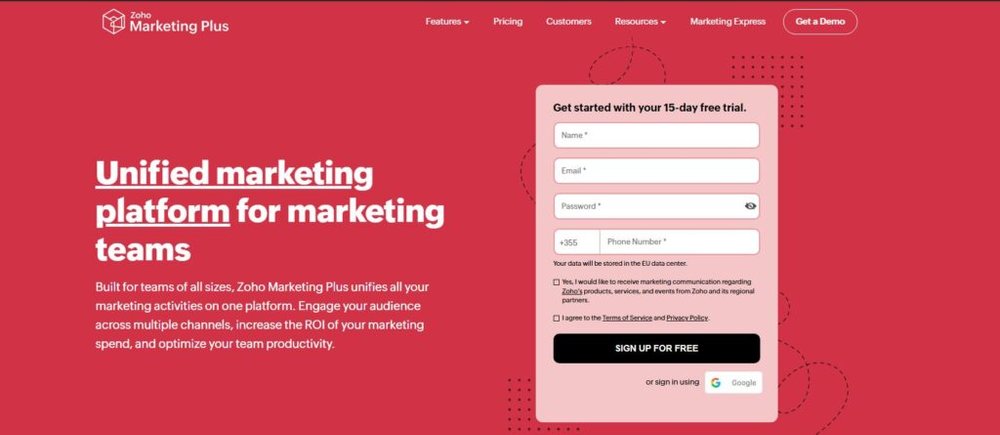
Zoho Marketing Plus is a hidden gem for teams that need an affordable yet powerful way to manage all their marketing activities in one workspace.
It connects social, email, analytics, and events—making it a true all-in-one suite.
Managing Social, Email, and Events from a Single Workspace
Zoho brings all your channels together through the Marketing Plus Dashboard. You can post to social media, schedule email campaigns, and manage webinars or physical events—all within one login.
For instance, if you’re launching a new product, Zoho lets you send event invites, post teaser updates on social, and follow up with registrants afterward—all connected under one campaign umbrella.
This unified workspace makes it easier to coordinate messaging and track engagement without needing five different tools.
Streamlining Team Collaboration and Approval Workflows
Collaboration is one of Zoho’s strongest points. The Brand Studio feature allows teams to plan campaigns together, assign tasks, and track progress in real time.
You can comment directly on campaign drafts, approve visuals, and manage version history—similar to how you’d use project management software like Asana, but built for marketers.
From what I’ve seen, this centralized workflow reduces approval delays and miscommunication, especially for teams managing multiple product lines.
Connecting Marketing Channels to Zoho CRM
Because Zoho CRM is part of the same ecosystem, your marketing and sales data stay perfectly aligned.
Leads generated from campaigns flow directly into CRM pipelines, ensuring no prospect falls through the cracks.
Example: A user fills out a form on your website. Zoho instantly assigns the lead to a sales rep, logs the source channel, and starts automated email nurturing—no manual entry required.
This kind of seamless integration helps maintain accurate data while improving lead response time.
Reporting and Analytics for Data-Driven Decisions
Zoho’s Analytics module tracks campaign performance, lead sources, and engagement metrics in customizable dashboards. You can break down reports by region, channel, or campaign type to identify what’s working.
One feature I particularly like is Zoho Analytics’ predictive forecasting, which estimates future campaign outcomes based on past data. It helps teams allocate budgets more confidently and avoid overinvesting in low-performing channels.
7. Semrush: Data-Powered Integration for Content and Ads
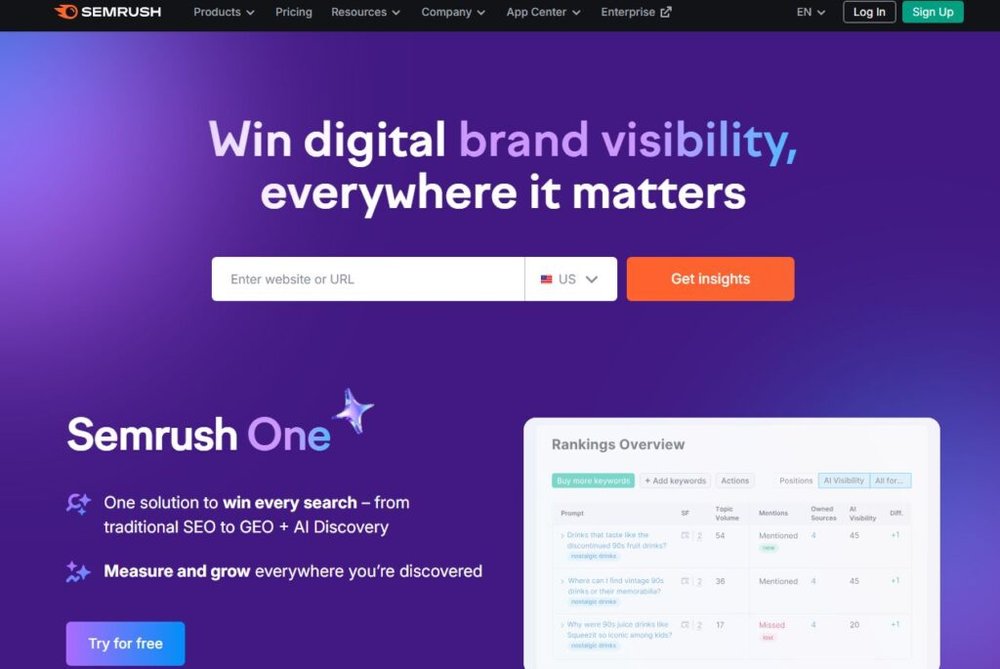
Semrush is a powerhouse for marketers who want their SEO, content, and paid campaigns working in sync.
It brings together competitive intelligence, keyword tracking, and cross-channel visibility under one intuitive dashboard.
Coordinating SEO, PPC, and Content Campaigns in One Tool
Semrush allows you to plan, execute, and monitor both organic and paid strategies side by side. You can identify top-performing keywords for SEO, then mirror those in your Google Ads campaigns for consistent messaging.
For example, if your blog ranks well for “best email automation tools,” you can target that same keyword in PPC to dominate both organic and paid results.
The Position Tracking feature shows you exactly how keywords perform across devices and regions, giving you real-time feedback on campaign alignment.
Tracking Brand Mentions and Competitor Strategies
The Brand Monitoring tool in Semrush tracks mentions of your brand (or competitors) across news sites, blogs, and social media. It’s a quick way to gauge online reputation and spot PR opportunities.
Meanwhile, the Competitive Research Toolkit provides insights into competitors’ paid ad copies, backlinks, and keyword strategies. I often use this to identify content gaps or discover new angles to outrank them.
This kind of intelligence is invaluable for adjusting strategy proactively instead of reacting after results dip.
Managing Multi-Channel Visibility with Cross-Tool Dashboards
Semrush connects with tools like Google Analytics, Google Ads, and Search Console, consolidating your data into one unified view. The My Reports section lets you build custom dashboards combining metrics from all these sources.
It’s perfect for agencies or freelancers who manage multiple clients. You can generate branded reports that show SEO, PPC, and traffic metrics in a single snapshot—saving hours of manual reporting.
Aligning Organic and Paid Strategies for Maximum Reach
What makes Semrush stand out is how it encourages alignment between content and paid advertising. By comparing organic keyword rankings with PPC data, you can identify where to double down or pull back.
For instance, if you rank highly for a term organically, you can reduce ad spend on that keyword and reallocate it toward areas where you’re weaker. This balance improves both visibility and budget efficiency.
Over time, this approach compounds results—turning your SEO insights into actionable, revenue-driven advertising strategies.

I’m Juxhin, the voice behind The Justifiable.
I’ve spent 6+ years building blogs, managing affiliate campaigns, and testing the messy world of online business. Here, I cut the fluff and share the strategies that actually move the needle — so you can build income that’s sustainable, not speculative.
Related posts:
 Marketing Tools to Maximize Your Digital Strategy
 How to Integrate Aweber with ClickFunnels
 Top 5 Email Marketing Platforms: Boost Your ROI Now!
 Boost Your Digital Marketing Business Revenue in 90 Days
 How Automated Marketing Solutions Save Time and Increase Revenue
 How Web Marketing Solutions Turn Clicks Into Conversions