
Table of Contents
Some links on The Justifiable are affiliate links, meaning we may earn a small commission at no extra cost to you. Read full disclaimer.
If you’ve been searching for the best alternative of QuillBot, you’re not alone. QuillBot has long been a favorite among writers for paraphrasing, grammar checking, and rewriting content—but it’s not perfect for everyone.
Maybe you’ve hit its character limit, found its output too robotic, or want more advanced writing assistance.
So, what other tools do real writers actually use instead of QuillBot? Let’s break down the top options worth your attention.
1. Grammarly – The Smartest Alternative Of QuillBot
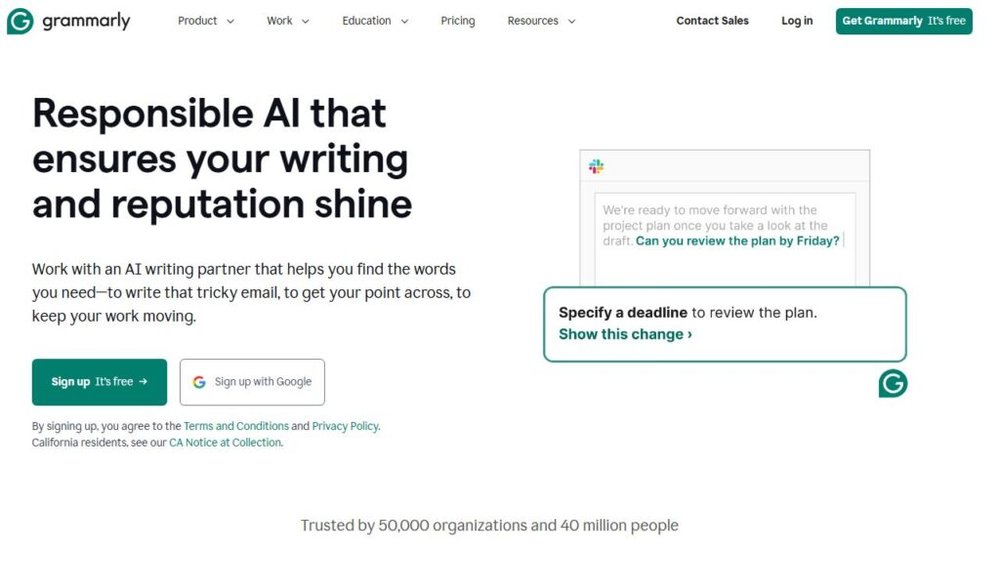
Grammarly is more than a grammar checker—it’s like having a personal editor that understands tone, clarity, and context.
If you’re looking for an alternative of QuillBot that goes beyond paraphrasing to actually elevate your writing, Grammarly is the tool to explore.
How Grammarly Refines Your Writing Style
Grammarly analyzes your text on multiple levels—grammar, tone, clarity, and engagement. It doesn’t just point out mistakes; it helps you understand why something feels off.
For example, when you write “I was able to complete the task,” Grammarly might suggest “I completed the task.” That’s not just grammar correction—it’s style refinement.
It offers four main suggestions in its interface:
- Correctness (grammar and punctuation)
- Clarity (sentence structure and flow)
- Engagement (word variety and tone)
- Delivery (confidence and formality)
I personally find Grammarly’s “clarity” tool invaluable—it often turns long-winded paragraphs into crisp, professional sentences without losing meaning.
Advanced Grammar And Context Detection Features
Unlike QuillBot, which focuses mainly on paraphrasing, Grammarly catches context-sensitive issues. It can detect the difference between “their,” “there,” and “they’re” even in complex sentence structures.
Grammarly also considers tone and audience. For instance, when writing a business email, it suggests replacing casual phrases like “Hey there!” with “Hi,” to sound more professional.
If you use Google Docs or Gmail, Grammarly integrates seamlessly and underlines issues in real-time. The browser extension also gives quick explanations for each correction, making it a fantastic learning tool.
Grammarly Premium vs Free Version: What’s Worth Paying For
The free version covers basic grammar and spelling—perfect for casual users. But if you’re serious about writing professionally, Grammarly Premium is worth the cost.
Here’s what Premium adds:
- Advanced rewrites that fix awkward phrasing
- Vocabulary enhancement for repetitive word use
- Tone analysis with suggestions to sound more confident or polite
- Citation and plagiarism checker (especially useful for bloggers and academics)
I believe the plagiarism checker alone justifies upgrading—it’s fast, reliable, and checks against billions of web pages.
When Grammarly Outperforms QuillBot For Writers
Grammarly is best when your focus is polished, human-like writing instead of rewording existing text. While QuillBot helps rephrase sentences, Grammarly helps elevate meaning and professionalism.
In my experience, Grammarly outperforms QuillBot when:
- Editing long-form blogs or reports
- Maintaining tone consistency across emails and documents
- Learning better writing habits over time
If you want your writing to sound clear, authentic, and professional—Grammarly is a smarter long-term partner.
2. ProWritingAid – A Detailed Editor For Professionals

ProWritingAid is the alternative of QuillBot I recommend for writers who love data-backed insights. It acts like an editor, coach, and writing analyst rolled into one.
Deep Writing Analytics That Go Beyond Grammar
ProWritingAid goes far deeper than fixing typos. It provides in-depth reports on style, pacing, readability, sentence length, and word variety.
For example, if you paste a 2,000-word article, it will generate charts showing how your sentence lengths vary and where your pacing drops. This level of data helps you balance rhythm—something QuillBot doesn’t provide.
Writers can view reports like:
- Overused words
- Readability score (Flesch index)
- Sticky sentences (too many filler words)
- Sentence variety and rhythm
I often use the “sticky sentence” report—it reveals hidden clutter and helps cut unnecessary words for smoother flow.
Style Suggestions Tailored To Different Writing Goals
ProWritingAid’s biggest advantage is customization. You can select your writing goal—academic, business, creative, or web—and the tool adjusts its feedback style accordingly.
For instance, when writing a blog post, it emphasizes readability and conversational flow. For fiction, it highlights repetitive dialogue tags or pacing issues.
It’s like switching between editors for each genre—smart and adaptable.
Integrations With Google Docs, Scrivener, And Word
ProWritingAid integrates seamlessly with major platforms. You can use it as a Chrome extension, desktop app, or plug-in for Scrivener, Word, and Google Docs.
If you’re a novelist or long-form writer, the Scrivener integration is a game changer—it analyzes chapters without breaking your workflow.
I advise enabling “real-time” suggestions while drafting; it helps you edit naturally without constant rewrites.
Why ProWritingAid Is A Better Fit For Long-Form Writers
While QuillBot shines for short snippets, ProWritingAid dominates in long-form content refinement. It doesn’t just paraphrase; it teaches how to write better.
It’s ideal for:
- Novelists revising story structure
- Bloggers editing long SEO articles
- Academics improving clarity in papers
If you want a tool that critiques like an editor and guides like a teacher, ProWritingAid wins hands down.
3. Wordtune – The Most Natural Alternative Of QuillBot

Wordtune focuses on making writing sound human. If QuillBot’s rewrites sometimes feel robotic, Wordtune adds warmth, tone, and conversational rhythm.
How Wordtune Rewrites Sentences With Human-Like Tone
Wordtune uses AI to understand the intent behind your words before rewriting them. When you highlight a sentence, it offers multiple versions—some more casual, others more formal.
Example:
Original: “The meeting was postponed because of the weather.”
Wordtune suggestion: “We had to delay the meeting due to bad weather.”
It keeps your voice intact while making it flow naturally. I find it perfect for polishing content that needs a human touch—like blog posts or social captions.
Tone Control And Rewrite Modes That Boost Readability
Wordtune’s Rewrite Mode gives several tone variations—casual, formal, concise, or expanded. This is incredibly helpful for tailoring content to different audiences.
If you’re writing for social media, you can choose a friendly tone. For emails, go formal. The ability to switch tones instantly saves time and maintains brand consistency.
It also has a “Shorten” option for simplifying complex sentences without losing meaning—a lifesaver when cutting down word count.
Chrome Extension And Integration With Popular Platforms
Wordtune integrates with Chrome, Google Docs, Gmail, and even LinkedIn. You can activate it while typing anywhere on the web.
Once installed, just highlight a sentence and click the Wordtune icon—a small purple “W”—to see rewrite suggestions. The real-time interaction feels intuitive and lightweight compared to QuillBot’s separate interface.
When Wordtune Beats QuillBot In Clarity And Flow
In my opinion, Wordtune is the most natural alternative of QuillBot. It doesn’t just replace words—it refines tone and rhythm.
It’s especially useful when:
- You want writing that sounds like you
- You’re refining conversational or marketing copy
- You need clear, simple rewrites that preserve intent
QuillBot is excellent for rephrasing quickly, but Wordtune’s strength lies in human-like expressiveness. If your goal is clarity, warmth, and flow, Wordtune wins effortlessly.
4. Jasper AI – Best AI Writing Tool For Creative Rewrites
Jasper AI is an alternative of QuillBot built for creators who need more than rephrasing—it’s designed to create.
Whether you’re writing blog posts, ad copy, or long-form sales pages, Jasper helps you produce original, engaging, and SEO-friendly content that sounds natural.
How Jasper Generates Engaging Long-Form Content
Jasper doesn’t just rewrite; it writes with you. It uses natural language processing (NLP) to understand your topic and generate human-like text.
When you enter a topic or prompt—like “Write a blog intro about remote work benefits”—Jasper generates several paragraph options in seconds.
You can choose between modes such as:
- Boss Mode: lets you control the direction of the writing using voice-like commands (e.g., “Write a paragraph about productivity hacks”).
- Focus Mode: ideal for long-form articles where you need to stay on topic.
I recommend keeping Jasper’s “compose” window open in split-screen with your notes—it feels like collaborating with a co-writer who never gets tired.
In real-world use, I’ve found Jasper’s Boss Mode especially useful for scaling blog content. It understands SEO context and structure, helping produce full outlines and meta descriptions in one flow.
Built-In Templates For Copywriting, Blogs, And Emails
Jasper comes with over 50 built-in templates designed for specific writing goals. These are like presets that guide Jasper’s tone, structure, and purpose automatically.
Here are a few I find most valuable:
- AIDA Framework: Generates Attention-Interest-Desire-Action marketing copy for ads or landing pages.
- Blog Post Intro/Conclusion: Writes natural openings and closings that flow with your tone.
- Email Subject Lines: Produces catchy, high-converting subject lines.
To use one, just open Jasper’s dashboard, select Templates → Choose your type → Enter a short prompt. Within seconds, you’ll have 3–5 versions to pick from. It’s intuitive and time-saving, especially if you’re managing multiple writing tasks daily.
Tone And Brand Voice Features That Personalize Output
One of Jasper’s standout features is Brand Voice. You can train Jasper to match your tone and writing style—whether it’s conversational, professional, or witty.
Once you upload writing samples or define brand traits (like “friendly,” “educational,” or “authoritative”), Jasper remembers and applies them across every piece of content.
This is something QuillBot lacks. While QuillBot can adjust tone slightly through modes like “formal” or “simple,” Jasper personalizes your entire writing experience. I’ve seen it maintain consistent brand identity across 10,000+ words, something rare in AI tools.
Why Jasper Works Better For Content Creators Than QuillBot
If QuillBot is your “editing assistant,” Jasper is your creative partner. It doesn’t just fix or rewrite—it helps build ideas.
It’s ideal for:
- Freelancers producing high-volume content
- Marketers creating ad or email sequences
- Bloggers scaling SEO-driven posts
In short, QuillBot polishes; Jasper produces. I suggest pairing them—use Jasper to generate drafts, then refine with QuillBot or Grammarly for editing precision.
5. Writesonic – Affordable AI Alternative Of QuillBot
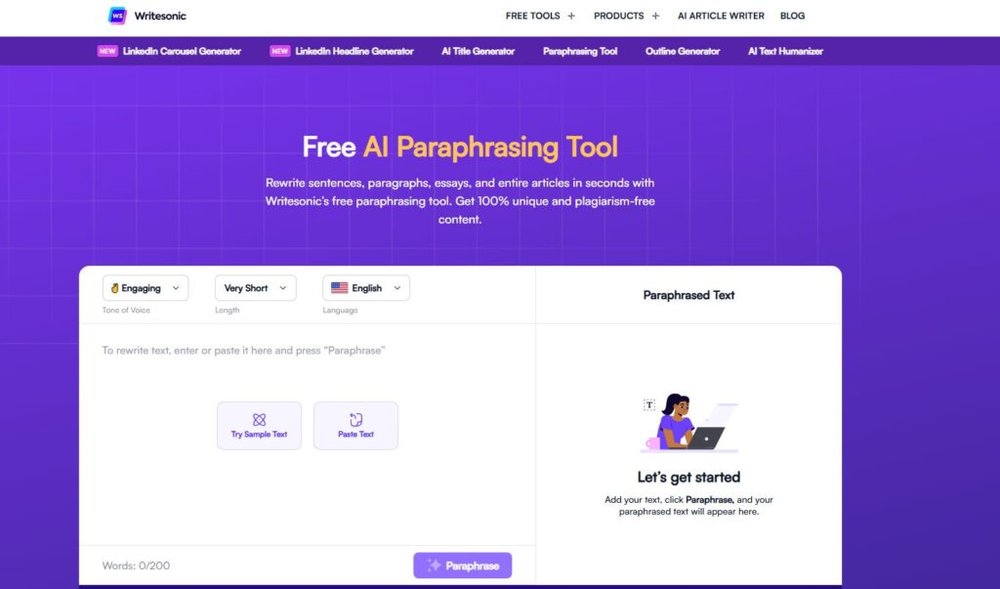
Writesonic stands out as an affordable yet powerful alternative of QuillBot that balances creativity, clarity, and cost.
It’s built on GPT models, similar to ChatGPT, giving it a flexible and natural writing tone.
Paraphrasing And Rewriting Tools Powered By GPT Models
Writesonic’s paraphrasing tool uses advanced GPT-4 technology to generate rewritten text that retains meaning but enhances style.
You can choose between different rephrase levels—standard for accuracy or creative for variety. I’ve tested both, and the creative mode often produces surprisingly natural results for blog intros or ad copy.
To use it, go to Writesonic Dashboard → Paraphrasing Tool → Paste your text → Choose mode → Generate. The output appears instantly with options for tone and length adjustments.
It’s not just a QuillBot substitute—it’s more flexible for those who want to tweak messaging for different audiences.
Real Examples Of Writesonic’s Blog And Email Templates
Writesonic’s pre-built templates save hours of manual drafting.
Popular ones include:
- Article Writer 5.0: Creates entire blog posts based on a title and keyword.
- Instant Article (1000-word mode): Ideal for quick SEO content creation.
- Email Writer: Generates engaging outreach or sales emails using the PAS (Problem-Agitate-Solution) framework.
For instance, I once used Article Writer 5.0 for a travel niche site—the AI produced a 1,200-word blog with structured sections, meta description, and internal linking ideas. It only needed minor human editing.
Customization Features That Simplify Editing
Writesonic allows fine-tuning tone, style, and even factuality. Its Fact-Checker and AI Article Editor tools are built to ensure content accuracy and reduce generic fluff.
Another helpful feature is Chatsonic—an AI chat companion integrated into Writesonic that can fact-check and edit your text conversationally. You can simply type, “Make this more persuasive for social media,” and it adjusts tone automatically.
These built-in checks make it easy to create content that’s both creative and trustworthy.
When Writesonic Is The Right Pick For Marketers And Bloggers
Writesonic is perfect if you:
- Need fast, SEO-ready content on a budget
- Want a flexible tool that can create and rewrite
- Run multiple blogs or client projects
I often recommend it for freelance writers or small business owners who want Jasper-level output at a lower price. It’s not as advanced in tone control as Jasper, but its affordability and accuracy make it a strong alternative of QuillBot.
6. Linguix – Underrated Yet Effective Grammar Assistant
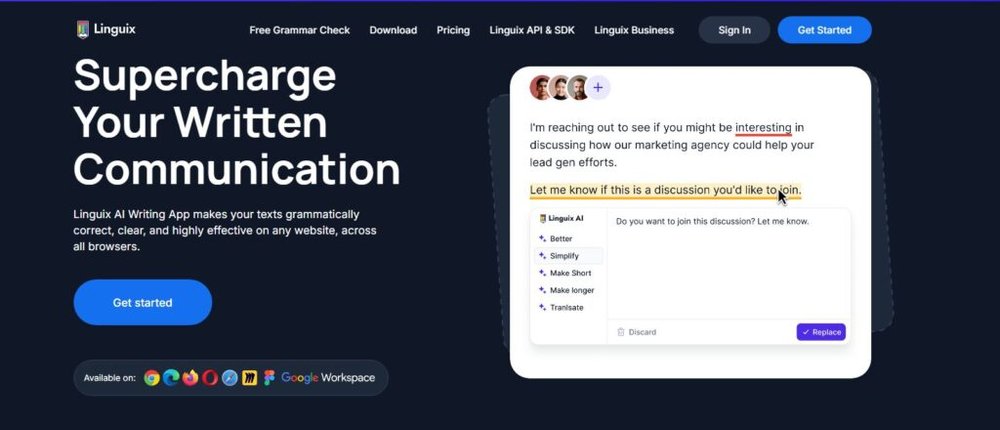
Linguix doesn’t get as much attention as Grammarly or QuillBot, but it’s quietly one of the best writing assistants for clean, professional text.
It’s lightweight, fast, and surprisingly smart in spotting real-world writing errors.
AI-Powered Paraphrasing Tool For Clearer Sentences
Linguix offers a paraphrasing tool that focuses on clarity and readability rather than heavy rewrites. It’s ideal for non-native English speakers or professionals who want cleaner, more natural phrasing.
For example, if you type “I make meeting notes every day,” Linguix might suggest “I take meeting notes daily.” The nuance here—“take” instead of “make”—is what separates it from simpler grammar tools.
It also lets you click Rewrite → Choose from multiple suggestions → Insert instantly within its editor or browser plugin.
Smart Alerts For Redundancy And Style Consistency
One of Linguix’s unique strengths is its smart alerts. These go beyond grammar to catch repetition, unnecessary adverbs, and inconsistent tone.
It will flag phrases like “very important” and suggest stronger alternatives like “crucial” or “essential.”
I find this especially helpful when editing marketing or blog content, where concise language makes a big difference.
Browser Extension For Instant Feedback
Linguix’s Chrome and Firefox extensions make it easy to edit anywhere—email, social media, Google Docs, or WordPress.
When enabled, it underlines issues in real time, just like Grammarly. Hovering over the underlined text gives you a one-click fix and short explanation.
It’s also privacy-focused—unlike some tools, it doesn’t store your content in its database, which I appreciate for client-sensitive writing.
How Linguix Competes With QuillBot In Ease Of Use
If you value simplicity, Linguix might be the best alternative of QuillBot for you. While QuillBot offers multiple paraphrasing modes, it can feel heavy and slow. Linguix runs smoother, loads instantly, and focuses on clarity.
It’s perfect for:
- Writers who want clean, consistent English
- Professionals sending frequent emails or proposals
- Freelancers editing short-form or client copy
In my experience, Linguix may not have Jasper’s creativity or Grammarly’s analytics—but it wins in practicality and precision. It’s like having a fast, quiet assistant who polishes your writing without fuss.
Expert Tip: For best results, pair Jasper or Writesonic with Linguix. Jasper creates, Writesonic drafts fast, and Linguix perfects tone and flow. This trio delivers creativity, clarity, and accuracy—a winning formula for modern writers.
7. Sapling AI – The Business Writing Alternative Of QuillBot
Sapling AI is an alternative of QuillBot designed with business communication in mind.
Instead of focusing on rewriting or paraphrasing like QuillBot, it focuses on clarity, accuracy, and speed—qualities that matter most in customer support, sales, and team messaging.
How Sapling Enhances Professional Communication
Sapling’s biggest strength is its ability to make your messages sound more professional and empathetic at the same time. It sits quietly in your browser or CRM and suggests ways to improve tone and structure while you type.
For instance, if you type “We can’t help with that issue,” Sapling might suggest “Let me look into this for you.” This subtle change transforms a blunt response into a customer-friendly message—without losing honesty.
It’s like Grammarly and QuillBot combined but tuned for business environments. I believe it’s perfect for anyone in customer service, HR, or B2B communication where tone defines brand perception.
Grammar, Autocomplete, And AI Suggestions In Real-Time
Sapling’s autocomplete is its secret weapon. It predicts what you’re trying to write and completes sentences for you—kind of like Gmail’s Smart Compose but smarter and more context-aware.
For example:
- Type “Thank you for reaching…” and Sapling will instantly suggest “…out to our support team today.”
- Type “I’ll follow…” and it auto-completes “…up with you tomorrow morning.”
It feels almost telepathic once you get used to it.
Beyond that, it provides grammar corrections, phrasing alternatives, and tone improvements in real time—ideal for fast-paced workflows where every second counts.
Integrations With CRM And Messaging Tools
Sapling integrates with major CRMs and messaging platforms, including Salesforce, HubSpot, Zendesk, Gmail, and Slack. This makes it incredibly useful for sales and support teams working across multiple channels.
For example, when a customer service agent replies inside Zendesk, Sapling automatically suggests polite and contextually accurate responses.
To set it up, you just install the browser extension, log in, and Sapling starts working instantly across tools. No heavy setup or complex training needed.
I recommend this especially for small teams—unlike QuillBot, which is more individual-focused, Sapling scales across team accounts with centralized controls and analytics.
When To Choose Sapling Over QuillBot For Teams
Sapling is best for business teams who care about consistency, tone, and productivity.
You should choose it over QuillBot when:
- You manage customer-facing communication
- You need AI writing tools embedded directly in your CRM
- You want real-time feedback on tone, empathy, and clarity
In short, while QuillBot is great for individual content editing, Sapling shines in collaborative business settings. It’s a quiet but powerful ally that keeps your writing professional and brand-consistent.
8. Copy.ai – Creative Writing Alternative For Marketers
Copy.ai is a creative-focused alternative of QuillBot built for marketers, copywriters, and entrepreneurs.
It’s ideal for writing catchy headlines, blog hooks, or high-converting social media content—basically, anywhere creativity meets persuasion.
Generating Catchy Headlines, Intros, And Social Captions
Copy.ai is a master of short-form creativity. Its AI generates multiple headline or caption ideas from just one short input.
Example: Type “Promote a new fitness app that helps users track workouts” and you’ll get:
- “Transform your workouts, one rep at a time.”
- “Meet your new fitness accountability partner.”
- “Track. Train. Triumph.”
This saves hours of brainstorming. I often use it when stuck writing blog intros or ad hooks—it helps spark direction fast.
You can access this via Copy.ai Dashboard → Templates → Social Media Tools → Captions/Headlines. It’s intuitive and beginner-friendly.
Templates For Landing Pages, Emails, And Ad Copy
Copy.ai includes dozens of templates tailored to marketing content, from landing pages to emails and ad campaigns.
Some popular ones:
- Value Proposition Generator: Clarifies your brand’s message in one sentence.
- Facebook Ads Template: Produces ad copy with variations for testing.
- Email Sequence Writer: Generates nurture or sales email flows.
For instance, if you’re launching a product, you can select “Product Launch Email,” fill in product details, and get 3–5 versions ready to test. I suggest combining this with A/B testing tools like ConvertKit or ActiveCampaign to refine your tone over time.
Why Copy.ai Appeals To Entrepreneurs And Copywriters
Copy.ai stands out for its ease of use and creativity-on-demand. It’s ideal for freelancers, solopreneurs, and small agencies who need a copy assistant but don’t want complex AI dashboards.
It also includes a Chat mode where you can brainstorm ideas conversationally—like asking, “Give me 5 angles for a social ad promoting coffee subscriptions.”
I believe it’s the most “fun” AI writing tool out there. You can explore ideas freely without feeling constrained by rigid templates or robotic phrasing, which sometimes happens in QuillBot.
When Copy.ai Rewrites Better Than QuillBot’s Standard Mode
Copy.ai outperforms QuillBot in creative rewriting. While QuillBot’s standard mode keeps phrasing close to the original, Copy.ai adds flair and rhythm.
It’s the better pick when:
- You’re writing marketing or promotional content
- You need diverse tone options (friendly, bold, emotional, humorous)
- You want ideas, not just rewritten sentences
If QuillBot is about clarity, Copy.ai is about charisma. It helps your message connect emotionally—a vital edge in marketing.
9. Ginger Software – Reliable Grammar Tool With Translation
Ginger Software is a trusted alternative of QuillBot for writers who work in multiple languages or need precise grammar checking without the bulk.
It’s fast, multilingual, and great for students, freelancers, and professionals alike.
Real-Time Grammar And Punctuation Fixes
Ginger’s grammar checker catches subtle issues that most tools miss, especially in complex or non-native writing. It provides live corrections for grammar, punctuation, and phrasing—right as you type.
For example, if you write “He go to work every day,” it instantly suggests “He goes to work every day.”
Its real-time correction works across browsers, desktop apps, and even Microsoft Word. I like how it gives quick pop-up explanations that help users learn instead of just fixing blindly.
Sentence Rephrasing And Built-In Translator
Ginger includes a Sentence Rephraser similar to QuillBot’s paraphrasing feature, but with a simpler interface. It rewrites text for fluency and variety rather than complete structure changes.
The Translator is a unique feature—it supports over 40 languages. You can write in your native tongue and translate instantly into English while maintaining sentence structure and tone.
This combination makes Ginger a fantastic tool for non-native English professionals or global teams collaborating across languages.
Why Multilingual Writers Prefer Ginger Over QuillBot
I’ve noticed that many multilingual writers prefer Ginger because it’s both light and language-aware. QuillBot performs best in English, but Ginger maintains consistent grammar support across multiple languages like Spanish, French, and German.
It’s perfect for bilingual users writing international reports, emails, or academic papers.
Also, Ginger’s personal trainer mode offers exercises based on your writing mistakes—a small but powerful touch that helps you improve over time.
How Ginger Helps Maintain Style Across Languages
Ginger doesn’t just correct—it adapts. Its contextual engine preserves tone across translations, ensuring that polite phrases remain polite, and formal writing stays professional.
For instance, translating “Could you please confirm this?” from English to Spanish keeps the same polite form—“¿Podría confirmar esto, por favor?”—instead of a blunt direct translation.
This nuance makes Ginger stand out among grammar tools.
If you often switch languages or handle international clients, Ginger is a reliable and accessible alternative of QuillBot that ensures both clarity and respect in communication.
Expert Tip: For multilingual professionals or marketing teams, a strong combination is Sapling + Copy.ai + Ginger. Sapling ensures tone accuracy, Copy.ai handles creativity, and Ginger maintains linguistic precision—covering every base from creation to communication.
10. Slick Write – Lightweight, No-Fuss Alternative Of QuillBot
Slick Write is a simple yet powerful alternative of QuillBot for those who prefer a clean, distraction-free writing tool. It doesn’t try to do everything—it just helps you write clearly and efficiently without unnecessary clutter.
Fast Grammar And Flow Analysis Without Extra Features
What I like about Slick Write is its speed. You paste your text, click “Check,” and within seconds, it highlights grammar issues, sentence flow problems, and stylistic weaknesses. There’s no sign-up, no waiting, and no hidden pop-ups trying to upsell you premium features.
It offers quick readability and structure reports showing where your sentences are too long or too complex. These reports are great for bloggers or students trying to make essays more concise.
Slick Write focuses on three core areas:
- Grammar and spelling corrections
- Sentence variety and flow
- Readability statistics (like sentence length and vocabulary density)
You don’t get AI rewrites or fancy tone analysis like in QuillBot, but you do get speed and clarity—which is sometimes all you need.
Ideal For Students, Bloggers, And Quick Editing Needs
Slick Write fits best when you need to polish drafts fast. I often recommend it to students, bloggers, or content creators who want a reliable grammar and flow checker without distractions.
For example, if you’re writing a blog post draft in WordPress, you can copy the text into Slick Write, run a quick analysis, and instantly see which sentences could be simplified or tightened.
It’s also ideal for:
- Freelancers doing final checks before client delivery
- Students reviewing essays or research summaries
- Bloggers polishing quick posts or newsletter drafts
You don’t even need an account—just open slickwrite.com and start editing.
Browser-Based And Privacy-Focused Tool For Everyday Writing
One underrated benefit is its privacy. Slick Write runs entirely in your browser and doesn’t store your writing on external servers. For people concerned about content security—like journalists, freelancers, or academic writers—that’s a big plus.
Its browser-based design also means it works on any device. Whether you’re using a Chromebook or a shared public computer, you can access it instantly.
The interface is clean—just a white editor, a few buttons, and detailed reports. Nothing extra, nothing confusing.
When Slick Write Is A Simpler Choice Than QuillBot
Slick Write is best when you don’t need all the bells and whistles of QuillBot. If your goal is clean grammar, smoother flow, and readable sentences, Slick Write is faster and lighter.
Choose Slick Write over QuillBot when:
- You need a free, quick grammar check
- You want to write without login or data tracking
- You prefer simplicity over feature overload
I’d describe it as the “notebook” version of QuillBot—minimalist, reliable, and refreshingly fast.
Choosing The Right Alternative Of QuillBot For You
With so many AI writing tools available, it’s easy to feel overwhelmed. The right alternative of QuillBot depends on your writing goals, style, and workflow. Let’s break it down practically.
Comparing Features Based On Writing Goals
Here’s how I see it:
| Writing Goal | Best Tool | Why It Fits |
| Grammar & Clarity | Grammarly | Excellent real-time suggestions and tone analysis |
| Deep Editing | ProWritingAid | Detailed reports and structure insights |
| Natural Rewriting | Wordtune | Human-like tone and sentence flow |
| Creative Content | Jasper or Copy.ai | Generates full blogs, ads, and scripts |
| Affordable Versatility | Writesonic | Great balance of price and features |
| Business Writing | Sapling AI | CRM and email integrations for teams |
| Multilingual Writing | Ginger | Built-in translator and style consistency |
| Simplicity | Slick Write | Fast grammar checks without sign-up |
This quick comparison helps match your tool to your task instead of chasing one-size-fits-all solutions.
Balancing Price, Performance, And Ease Of Use
Price matters, but usability and performance matter more. I believe the best approach is to test tools for their speed and accuracy on your real writing samples.
For instance:
- Grammarly Premium offers precision but comes at a higher cost.
- Writesonic and Copy.ai deliver affordability with creative flexibility.
- Linguix provides mid-range pricing with strong clarity features.
If you’re just starting, begin with free versions. Most tools (Grammarly, ProWritingAid, Wordtune, Ginger) offer enough free checks to evaluate performance.
Once you find one that feels natural and complements your writing flow, that’s your signal to upgrade.
My Recommendations Based On Writing Style And Needs
Here’s what I’d suggest, based on your style:
- For academic or formal writing: Grammarly or ProWritingAid
- For blogging and content creation: Jasper, Writesonic, or Wordtune
- For marketing or sales copy: Copy.ai or Sapling AI
- For quick grammar fixes: Linguix or Slick Write
In my experience, no single AI tool replaces thoughtful writing—it only supports it. Pick the tool that amplifies your strengths rather than replacing your voice.
Pro Tip For Writers
There’s a simple truth: No AI tool will make you a great writer—but it can make you a faster and sharper one. The secret is knowing how to use them wisely.
Test Two Or Three Tools Together For The Best Results
I suggest pairing tools to cover each writing phase.
For instance:
- Jasper or Copy.ai to create content ideas and first drafts
- Grammarly or Linguix to refine grammar and flow
- Slick Write or ProWritingAid for the final readability check
Combining these gives you the speed of AI with the polish of manual editing.
Use AI Tools As Writing Partners, Not Replacements
AI should assist your creativity, not replace it. Let these tools handle the repetitive parts—grammar, paraphrasing, or structure—so you can focus on your message.
I often remind writers: AI doesn’t understand emotion or context like you do. Always read your work aloud before publishing. You’ll hear tone shifts that even advanced tools miss.
Keep Refining Your Voice Beyond Any AI Tool
Your writing voice is your fingerprint—it’s what makes your words memorable. No software can teach that.
To strengthen it:
- Read high-quality writing daily.
- Edit your AI-assisted drafts manually.
- Write for clarity first, cleverness second.
If you use AI tools strategically—as partners rather than crutches—you’ll write faster, sound more professional, and keep evolving as a creator. That’s the real alternative of QuillBot: your growing skill backed by the right technology.

I’m Juxhin, the voice behind The Justifiable.
I’ve spent 6+ years building blogs, managing affiliate campaigns, and testing the messy world of online business. Here, I cut the fluff and share the strategies that actually move the needle — so you can build income that’s sustainable, not speculative.
Related posts:
 Quillbot Alternative Review: Top 5 Choices
 Grammar Quillbot Review: Is It Better Than Grammarly?
 How To Use QuillBot Tool To Rewrite Like A Pro
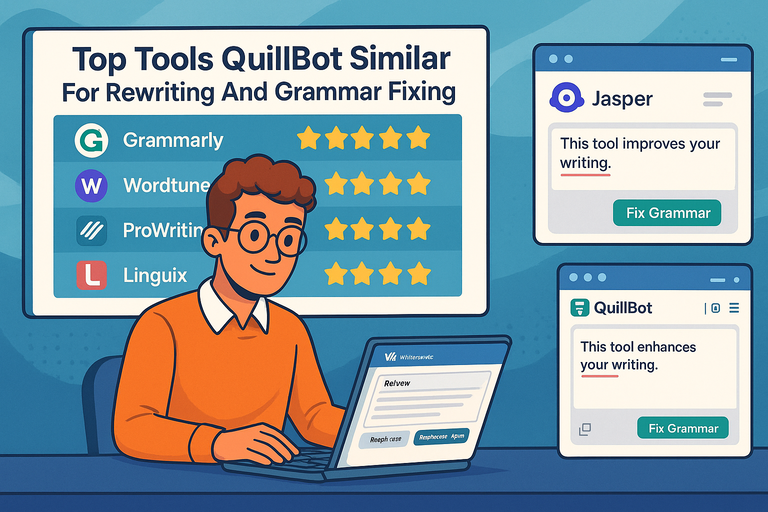 Top Tools QuillBot Similar For Rewriting And Grammar Fixing
 Paraphrase Tool QuillBot: Rewrite Smarter, Not Harder
 How to Use Quillbot Paraphrase Free Without Limits