Table of Contents
Some links on The Justifiable are affiliate links, meaning we may earn a small commission at no extra cost to you. Read full disclaimer.
If you’ve been searching for websites like Upwork to kickstart or expand your freelancing career, you’re in the right place.
Whether you’re a designer, writer, developer, or marketer, there’s a world of freelance platforms offering fresh opportunities and fair pay. But here’s the real question: which freelancing websites are actually worth your time and effort?
In this guide, I’ll walk you through 15 of the best Upwork alternatives, explaining what makes each platform unique, who it’s best for, and how to get started.
1. Fiverr – The Gig-Based Platform for Creative Freelancers
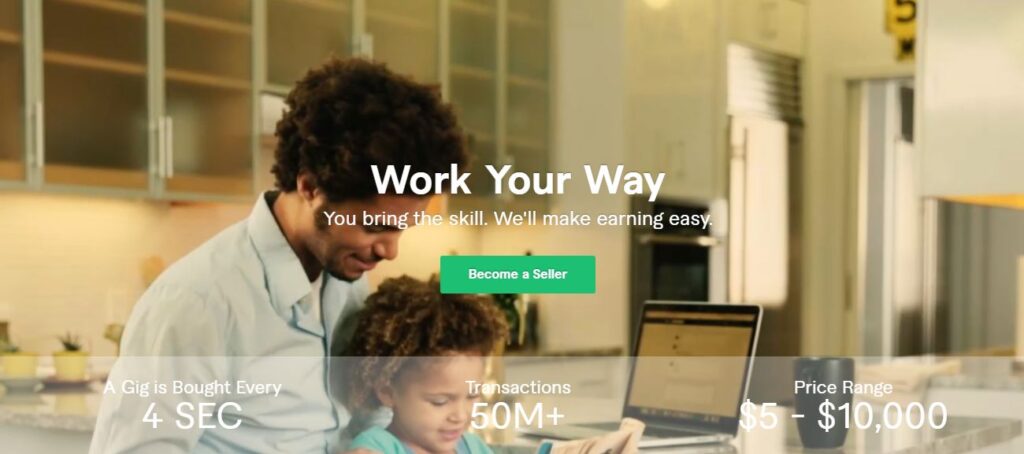
If you’ve been looking for websites like Upwork that let you start freelancing quickly, Fiverr is one of the easiest places to begin. It flips the traditional model — instead of bidding for jobs, you post your own services (called “gigs”) and clients come to you.
Whether you’re a logo designer, copywriter, or video editor, Fiverr gives you full control over what you offer and at what price.
How Fiverr’s System Works for Beginners
Getting started on Fiverr feels surprisingly simple once you understand the gig structure.
Here’s the flow:
- Create your seller profile. Think of it like your personal brand page. Add a professional photo, a short description, and your key skills.
- Build your first gig. From the top menu, go to Gigs > Create a New Gig. You’ll be prompted to choose a category (like “Graphic Design” or “Digital Marketing”), add tags, and write your gig title.
- Set your pricing tiers. Fiverr lets you create up to three packages (Basic, Standard, Premium). For example, a logo designer might charge $30 for one concept, $80 for three, and $150 for five revisions plus vector files.
- Deliver and get rated. Once a buyer orders your gig, you deliver the work through Fiverr’s dashboard. Ratings matter a lot — positive reviews boost visibility and trust.
What I like about Fiverr is its clarity: you decide what you’re selling, and clients decide if they want it. You don’t chase projects; your profile does the marketing for you.
Why Fiverr Appeals to Creative and Tech Talents
Fiverr has evolved far beyond $5 gigs. Today, it’s a serious marketplace where top freelancers earn six figures. Creative professionals thrive here because it celebrates individuality — you can niche down deeply.
For instance:
- Graphic designers can specialize in logo animations, YouTube thumbnails, or NFT art.
- Developers can offer website fixes, app prototyping, or API integrations.
- Writers can create SEO blog posts, brand tone guides, or ad copy.
Fiverr’s “Pro” tier is another game changer. It’s an invite-only segment where top-rated freelancers get verified and gain premium exposure. If you’ve got a solid portfolio and industry experience, applying for Fiverr Pro can easily double your earnings.
In my experience, Fiverr’s biggest advantage is its buyer-driven discovery — the platform promotes relevant gigs when clients search by keywords. If your gig title and visuals match what they want, you’ll be seen. It’s SEO, but for freelance profiles.
Tips for Building a High-Converting Fiverr Gig
Here’s how to turn casual clicks into actual orders:
- Use a keyword-focused title. Think like a buyer. “I will design a modern minimalist logo” works better than “Professional logo design.”
- Add eye-catching visuals. Fiverr allows up to three images and one video. Showcase your work visually — it builds instant credibility.
- Offer fast delivery options. Many clients pay extra for 24-hour turnaround. If you can deliver quickly, highlight that.
- Respond instantly. Fiverr tracks your response time. A quick reply boosts your ranking and client trust.
- Collect social proof early. Offer discounts to your first few buyers to get reviews. After that, your gig’s reputation will work for you.
Fiverr rewards responsiveness, creativity, and professionalism. Treat your gig page like your storefront — the more appealing and detailed it is, the more buyers will walk in.
2. Toptal – A Premium Network for Top-Tier Freelancers
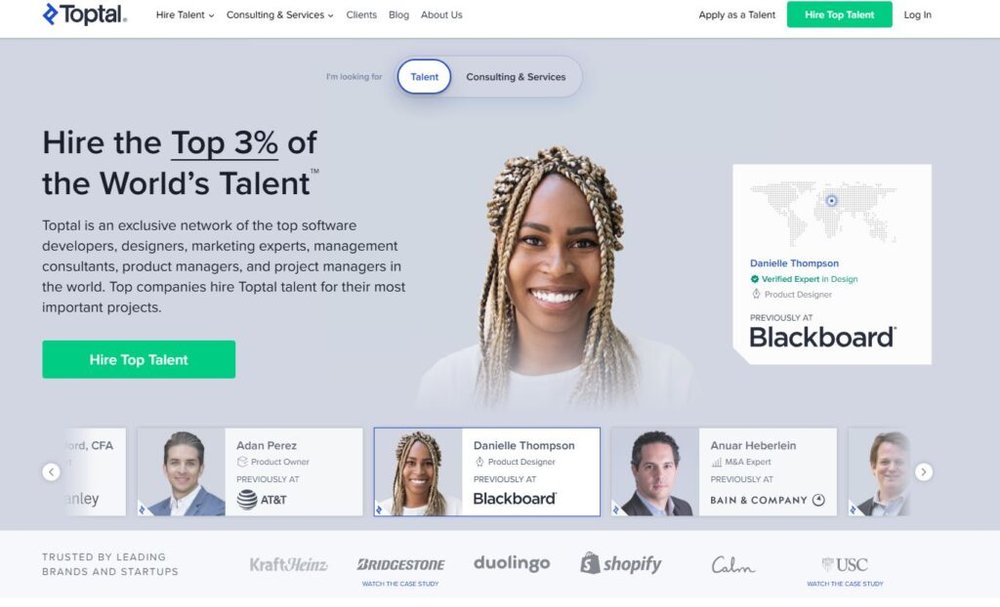
Toptal is one of the most exclusive websites like Upwork, designed for high-end freelancers. Its name comes from “Top Talent,” and that’s exactly what it aims to represent.
Unlike Fiverr or Freelancer.com, you can’t just sign up — you have to pass a screening process to prove you’re among the best in your field.
What Makes Toptal Different from Upwork
Upwork lets nearly anyone create a profile, but Toptal handpicks its freelancers through testing and interviews. Only about 3% of applicants get accepted.
Here’s the major difference:
- Upwork is an open marketplace where freelancers pitch to clients.
- Toptal is a talent-matching service where Toptal’s internal team pairs clients with the right freelancer.
When you join Toptal, you skip the endless bidding. Clients are often tech startups, Fortune 500 companies, or funded entrepreneurs looking for senior developers, designers, and finance experts. It’s more like joining an elite consulting network than a job board.
Toptal’s UI is clean and structured. From your dashboard, you’ll see “Available Projects” and can indicate your interest level. There’s no manual bidding — Toptal’s recruiters handle client matches based on your skills and rates.
Skills and Professions Best Suited for Toptal
Toptal primarily attracts experienced professionals. The most in-demand categories include:
- Software Development: Full-stack, DevOps, AI, blockchain.
- Design: UI/UX, product design, interaction design.
- Finance: Fractional CFOs, financial analysts, and consultants.
- Project Management & Product Management.
If you’ve led projects, have a strong portfolio, and can handle client communication professionally, Toptal is a fantastic fit.
In my opinion, it’s best for freelancers who are ready to scale up from mid-tier gigs to enterprise-level work — think $60–$200/hour rather than $10–$30.
How to Pass Toptal’s Rigorous Screening Process
Toptal’s application process has several steps, and each one filters for both skill and personality:
- Initial screening: Profile review and communication skills test.
- Skill-specific test: Coding challenges (for developers) or design exercises.
- Live technical interview: You’ll be asked to solve real-time problems or explain past projects.
- Test project: A short, paid project that mirrors client expectations.
If you pass, you’ll join Toptal’s network and can start accepting projects immediately.
My advice? Prepare like it’s a job interview. Be ready to showcase your past work, explain your decision-making, and show how you think under pressure. Toptal isn’t looking for perfection — they’re looking for reliability and professional maturity.
3. Freelancer.com – A Global Marketplace with Huge Variety
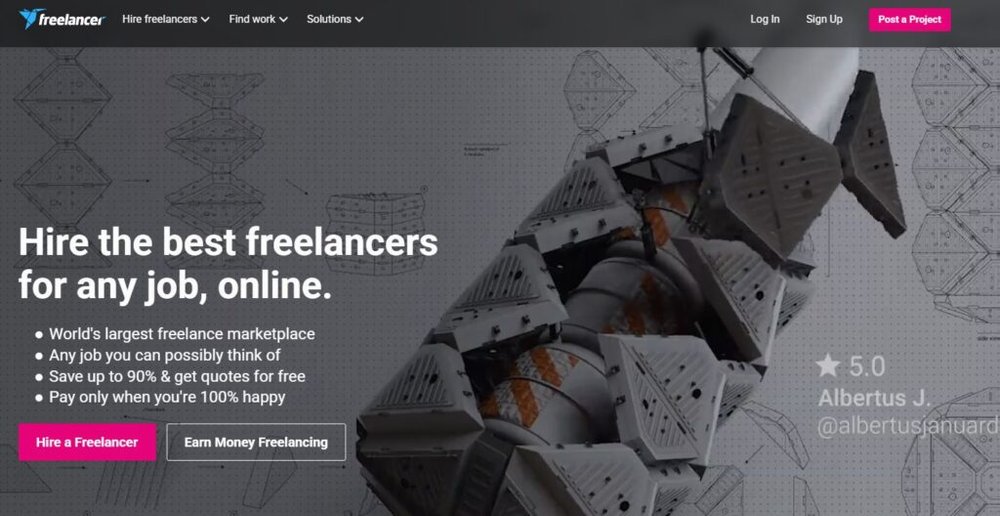
Freelancer.com is one of the oldest and largest websites like Upwork, with millions of registered users and thousands of live projects across almost every niche imaginable.
It operates on a bidding model, which means freelancers compete for posted jobs by submitting proposals and price offers.
The Bidding System Explained
Once you sign up and verify your account, you can browse projects under Projects > Browse Projects.
Here’s how it works:
- Find a project you like. You’ll see details such as budget range, timeline, and client rating.
- Submit a bid. Click Bid on This Project, set your price, and write a short proposal describing how you’ll do the job.
- Chat with the client. If they’re interested, they’ll message you through Freelancer’s built-in chat tool.
- Complete milestones. Payments are often split into milestones — you get paid as you deliver parts of the work.
Freelancer.com also runs contests, where clients post a challenge (like “Design a landing page”) and freelancers compete by submitting work. The winner gets paid. It’s competitive, but a good way to build a portfolio fast.
How to Stand Out in Competitive Project Listings
Freelancer.com can feel crowded, so positioning matters.
Here’s what I suggest:
- Target specific niches. Instead of “web developer,” describe yourself as “React developer for eCommerce sites.”
- Optimize your proposal. Start with a personalized first line referencing the client’s project. Example: “I recently built a Shopify store with similar features — here’s how I’d handle your request.”
- Use Freelancer’s portfolio feature. Upload real work samples; many freelancers skip this, but it’s what wins trust.
- Stay active. The platform ranks active users higher in search results. Checking in daily pays off.
Consistency wins here — you’ll start landing clients once your first few reviews come in. From there, it snowballs.
Pros and Cons of Using Freelancer.com
Pros:
- Wide range of projects and clients from all over the world.
- Flexible — you can find hourly, fixed-price, or contest work.
- Built-in milestone payment protection.
Cons:
- High competition and occasional underpricing from new users.
- Platform fees can add up (10–20%).
- Some clients post vague or low-budget jobs.
Still, if you approach Freelancer strategically — bidding on quality projects, filtering by client reviews, and showcasing expertise — it’s a powerful launchpad for freelancers at any level.
4. PeoplePerHour – Best for Hourly Freelance Projects
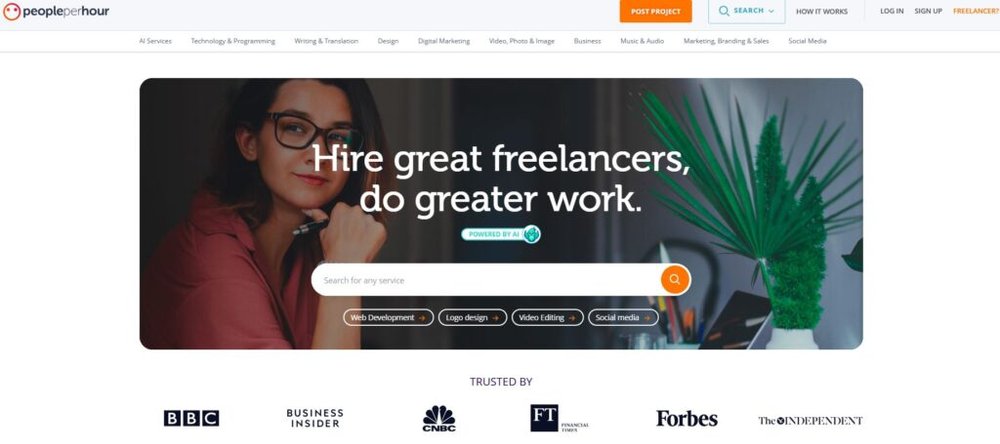
If you’re exploring websites like Upwork that focus on hourly freelance work, PeoplePerHour deserves your attention.
It’s built around connecting freelancers and clients for project-based or hourly work — making it ideal for professionals who prefer consistent, ongoing gigs over one-off jobs.
How the Hourly Project Model Works
PeoplePerHour’s “hourly” model is simple once you’ve explored the dashboard. Instead of bidding endlessly, you can create pre-defined offers — small packages of work priced by time or deliverable.
Here’s how it plays out in practice:
- Set up your profile. From the dashboard, click Profile > Edit Profile. Add a friendly photo, a headline describing your niche (“SEO Copywriter for B2B Brands”), and showcase examples of your work.
- Create an Hourlie offer. Go to Offers > Add New Offer. Here, you’ll specify your service, price, and delivery time. For example, you might offer: “I will write a 1,000-word blog post for $75 in 48 hours.”
- Get discovered. Clients browse Hourlies in categories or search results. When they purchase, you start immediately — no proposal phase needed.
- Track time with WorkStream. The WorkStream tool logs all communication, invoices, and time tracking in one place, keeping everything transparent.
I really like the mix of structure and flexibility. You can still apply to client-posted jobs, but your Hourlie offers act as mini storefronts that bring work directly to you.
Tips for Creating an Attention-Grabbing Profile
Think of your profile as your shop window. Clients decide in seconds whether to click or scroll past, so small details matter.
Here’s what I recommend:
- Use client-first language. Instead of saying “I’m a great graphic designer,” say “I help businesses design scroll-stopping social ads.”
- Add project-specific visuals. PeoplePerHour lets you upload image samples, PDFs, and even short videos. Use these to show, not tell, your skills.
- Keep pricing transparent. Clear pricing builds trust. For example, “Logo design package: $150 for 3 revisions and vector files” instantly sets expectations.
- Collect quick testimonials. Even one or two reviews can dramatically increase your visibility. Offer discounts early on to build momentum.
The platform’s algorithm favors active users. I suggest updating your profile every few weeks to keep it fresh — even a small tweak can improve search ranking.
Earning Potential and Project Variety on PeoplePerHour
Your earnings depend on how you price and position yourself. The average freelancer earns between $25–$60/hour, though top-rated experts in design, coding, or SEO can make far more.
Popular categories include:
- Digital marketing and SEO.
- App and web development.
- Graphic and brand design.
- Content writing and translation.
What makes PeoplePerHour stand out is its project diversity. You’ll find startups looking for a few blog posts alongside established brands hiring for six-month UX contracts.
The built-in invoicing and escrow system means you’re protected — clients deposit funds before work begins, and you’re paid automatically once it’s approved.
5. Guru – A Reliable Platform for Long-Term Clients
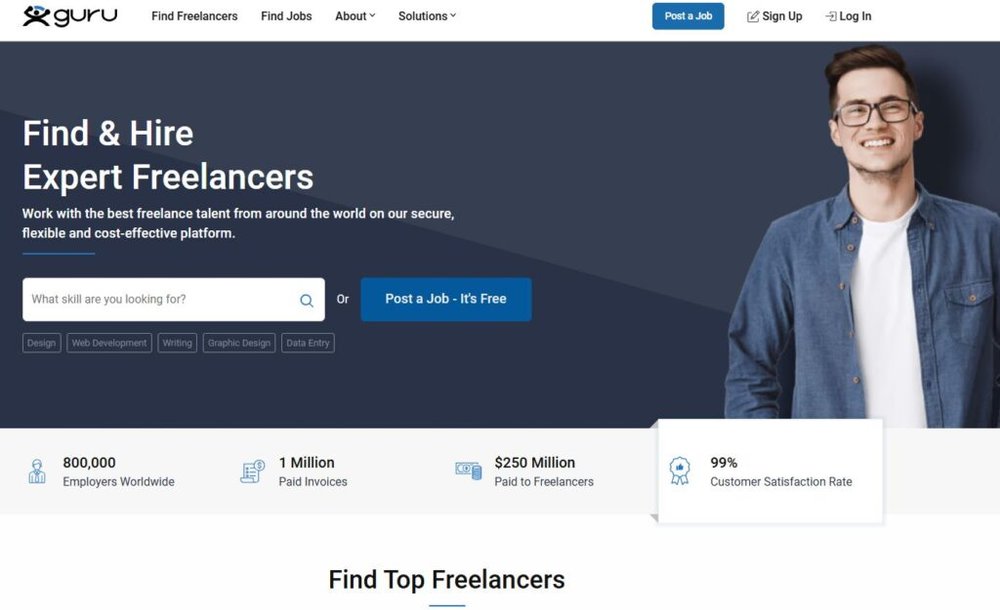
Guru is one of those platforms that doesn’t always get the hype, but quietly delivers.
If you’re looking for websites like Upwork where you can build steady, long-term client relationships, Guru is one of the most reliable options out there.
Understanding Guru’s Workroom Feature
Guru’s secret weapon is the Workroom — a built-in project management space that makes collaboration feel natural.
Here’s how it works in the real world:
- When a client hires you, the project appears under Dashboard > Workrooms.
- Inside each Workroom, you can exchange messages, upload files, set milestones, and send invoices.
- It’s a self-contained space, so every project detail stays organized and easy to find.
For example, say you’re working on a web design project. You can upload mockups in the Workroom, request feedback, and send milestone updates — all without leaving Guru. This keeps communication transparent and professional.
The more I use Guru, the more I appreciate how it minimizes misunderstandings. It feels like a mix between a freelance platform and a mini project management tool.
Why Businesses Trust Guru for Skilled Talent
Guru’s focus is on verified professionals. Many clients using it are small businesses or agencies looking for freelancers they can work with long-term, not just one-time hires.
Reasons clients stick with Guru include:
- SafePay protection: Clients deposit funds before work begins, ensuring you’re paid once deliverables are approved.
- Detailed vetting system: Reviews, earnings history, and repeat-business badges help clients identify reliable freelancers.
- Niche categories: From architecture to IT to legal services, Guru supports over 20 industries.
I find that Guru fosters a more relationship-driven environment than most platforms. Instead of chasing short-term gigs, you often end up with ongoing monthly work or retainer contracts.
How to Negotiate Secure Payments through Guru
Guru’s SafePay system is your best friend when it comes to getting paid safely.
Here’s how to make the most of it:
- Always request milestones. Split big projects into smaller, paid segments (e.g., “Phase 1: Wireframes – $300”).
- Send work through the Workroom. This ensures everything is timestamped and verifiable if there’s a dispute.
- Release payments only after client confirmation. Clients must approve each milestone before funds hit your account.
Pro tip: When discussing terms, frame payment requests around value, not time. Instead of “$30/hour,” say “$120 for a full homepage redesign.” It sounds more professional and aligns with project outcomes.
Guru is especially great if you prefer structured, secure work with a steady stream of clients — rather than constant pitching.
6. SimplyHired – Job Aggregator for Freelance Opportunities
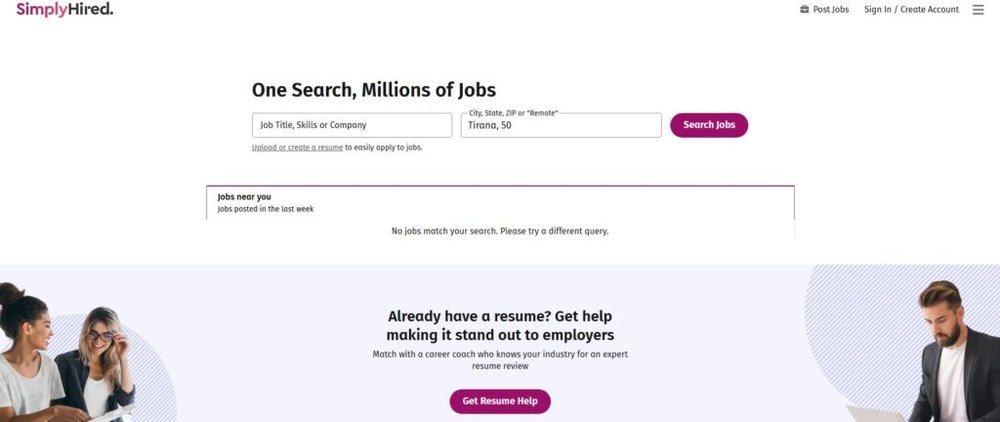
SimplyHired isn’t a freelance marketplace in the traditional sense — it’s a job aggregator, meaning it collects listings from all over the web (including company sites, boards, and portals) and puts them in one easy-to-search place.
If you’re exploring websites like Upwork to find both freelance and remote jobs, SimplyHired makes discovery effortless.
How SimplyHired Collects and Displays Jobs
When you visit SimplyHired’s homepage, you’ll see a clean search bar labeled “What job title, skill, or company?” and “Where?” Enter “freelance writer” or “remote designer,” and SimplyHired pulls in jobs from partner sites like Indeed, LinkedIn, and ZipRecruiter.
The result? Thousands of listings aggregated in one place.
Here’s a quick path to try:
- From the homepage, type “freelance content writer” in the job title box.
- Click Search.
- Use the sidebar to filter by job type (Contract/Freelance) or date posted (Last 7 days).
Each job listing links directly to the original posting site, so you can apply there. SimplyHired acts as a bridge — saving you hours of manual searching.
Using Filters to Find Freelance-Friendly Roles
SimplyHired’s strength lies in its filters.
You can narrow results by:
- Remote work options. Tick “Remote” to instantly remove office-only listings.
- Experience level. Filter out senior roles if you’re starting out.
- Pay range. Choose your minimum rate to avoid underpaid gigs.
I suggest setting up email alerts for keywords like “freelance designer” or “contract developer.” You’ll get new listings straight to your inbox — a great way to stay ahead without refreshing daily.
For freelancers juggling multiple platforms, SimplyHired acts as an intelligence tool — showing where the opportunities are trending across industries.
Why It’s Ideal for Beginners Exploring Freelancing
If you’re new to freelancing and not sure where to start, SimplyHired gives you an overview of the market without the pressure of bidding.
You can explore different job types, see salary trends, and identify growing niches before committing to a platform like Upwork or Fiverr.
A few reasons it’s great for beginners:
- No profile setup required — just search and apply.
- Transparency in pay ranges and job sources.
- Exposure to both freelance and full-time remote roles.
It’s especially helpful if you’re still deciding what services to offer. Browsing SimplyHired’s listings gives you a real-time look at what companies actually pay for, helping you position your skills effectively.
7. FlexJobs – Curated Remote and Freelance Jobs

If you’re looking for websites like Upwork but want verified, scam-free remote jobs, FlexJobs is worth every minute of your time.
It’s not just another freelancing site — it’s a curated job board that screens every listing for legitimacy before publishing it.
In other words, you skip the spam, the fake postings, and the endless scroll of low-paying gigs.
Why FlexJobs Focuses on Quality and Verification
FlexJobs was created out of frustration with fake job postings that plague free sites. Every job that appears on FlexJobs is manually reviewed by their in-house research team before it goes live.
Here’s what that means for you:
- No scams or “too good to be true” offers. You won’t find fake data entry jobs or “crypto side hustles” here.
- Legitimate employers only. FlexJobs partners with companies like Microsoft, Zapier, and The Humane League.
- Peace of mind. You can focus on applying instead of questioning whether the job even exists.
From your dashboard, you can click Jobs > Find Jobs, then use filters such as “Freelance,” “Remote,” and “Entry-Level” or “Experienced.” Every listing includes full company details, job type, and salary range.
I personally love how transparent FlexJobs feels. You see exactly who’s hiring and for what — something many freelance platforms keep hidden behind generic “Client from USA” profiles.
Top Freelance Categories on FlexJobs
FlexJobs covers over 50 career categories, but a few consistently have strong freelance demand.
These include:
- Writing & Editing – Blog writing, copywriting, and proofreading.
- Customer Service – Remote chat and phone support roles.
- Marketing & SEO – Social media management and PPC campaigns.
- IT & Software Development – App testing, QA, and support.
- Design & Multimedia – UI/UX design, infographics, and presentation design.
A quick stat worth noting: according to FlexJobs’ 2024 data, writing, marketing, and design were the top three freelance categories by job volume.
If you’re unsure what niche fits you best, try browsing each category’s job listings — FlexJobs makes it easy to spot industries with strong remote growth.
How to Maximize Your Membership and Job Matches
FlexJobs isn’t free, but it’s absolutely worth the small membership fee (plans start around $24.95/month).
Here’s how to get your money’s worth:
- Set up daily job alerts. Go to My Dashboard > Job Alerts, then add specific keywords like “freelance designer” or “remote writer.”
- Use the advanced filters. Filter by “Freelance” under “Job Type” and “100% Remote” under “Remote Level.”
- Check company profiles. Each listing links to a verified employer page — great for understanding a company’s hiring history and reviews.
- Leverage their career resources. FlexJobs offers skill tests, résumé reviews, and webinars for members.
In my experience, FlexJobs works best when you treat it like a curated newsletter — check it daily, apply selectively, and use it to build relationships with reputable clients who value professionalism over price.
8. SolidGigs – Curated Freelance Leads Delivered to You
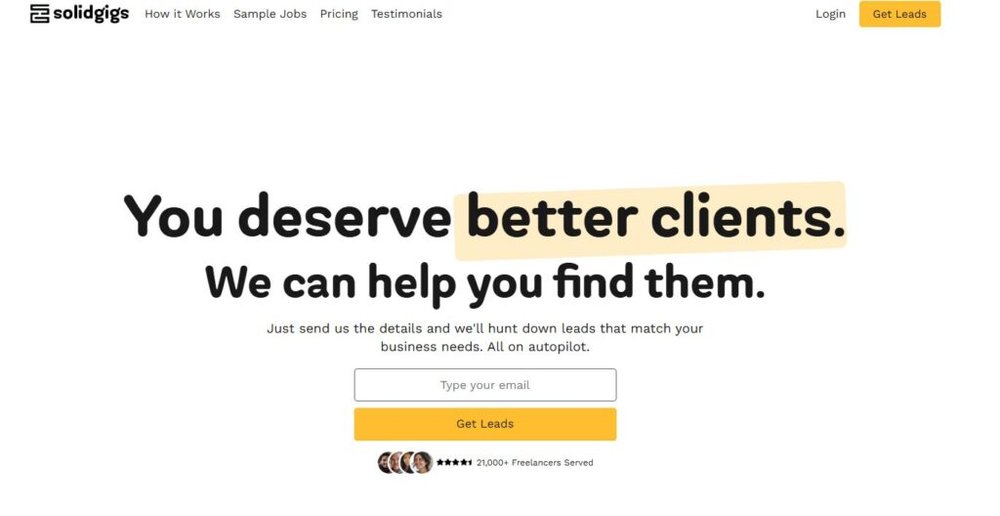
If scrolling through dozens of job boards makes your eyes glaze over, SolidGigs offers a simpler approach. Instead of you searching for clients, SolidGigs sends the best freelance opportunities directly to your inbox.
It’s designed for freelancers who already know their niche but want to save time on prospecting.
How SolidGigs Simplifies Job Searching
Here’s how SolidGigs works in practice:
- You sign up and select your niche (like “Copywriting,” “Web Development,” or “Virtual Assistance”).
- Their team of curators scours dozens of sources — from LinkedIn and remote job boards to private groups — and handpicks the best listings.
- You receive a curated list of gigs every week, right in your inbox or dashboard.
Each listing includes details like the client type, pay rate, and where to apply. It’s like having a personal assistant filtering out the noise of the internet so you only see high-quality gigs.
If you go to Dashboard > Latest Gigs, you’ll see new leads organized by date and category. Clicking any listing takes you straight to the application link.
I believe SolidGigs shines because it respects your time — no endless bidding or sifting through fake posts.
Why It’s a Time-Saver for Experienced Freelancers
For experienced freelancers, SolidGigs is a dream tool. You’re not competing with 200 applicants for every listing, and you don’t waste hours browsing.
Some of my favorite benefits include:
- Curation by humans, not algorithms. Their small team filters manually, which means better-quality results.
- Time efficiency. Spend your time pitching and working, not searching.
- No platform fees. You apply directly to clients outside SolidGigs, so you keep 100% of your earnings.
If you already have a portfolio and know how to pitch, this model can save you several hours each week. Think of it as a lead-generation service, not a marketplace.
Subscription Details and What You Get Weekly
SolidGigs charges around $21/month, but they often run promotions or $2 trial offers for new users.
Here’s what’s included:
- Weekly gig lists: 30–40 handpicked freelance jobs tailored to your field.
- Job hunting resources: Templates, negotiation scripts, and proposal examples.
- Training materials: Access to their library of short freelancing courses.
For example, a copywriter might get 15–20 new job leads weekly, all from reputable companies.
I suggest treating it as a supplement, not a replacement — pair SolidGigs with Fiverr or Guru to balance inbound and outbound opportunities. That’s how most freelancers turn short-term gigs into ongoing clients.
9. 99designs – Best for Designers and Visual Creators
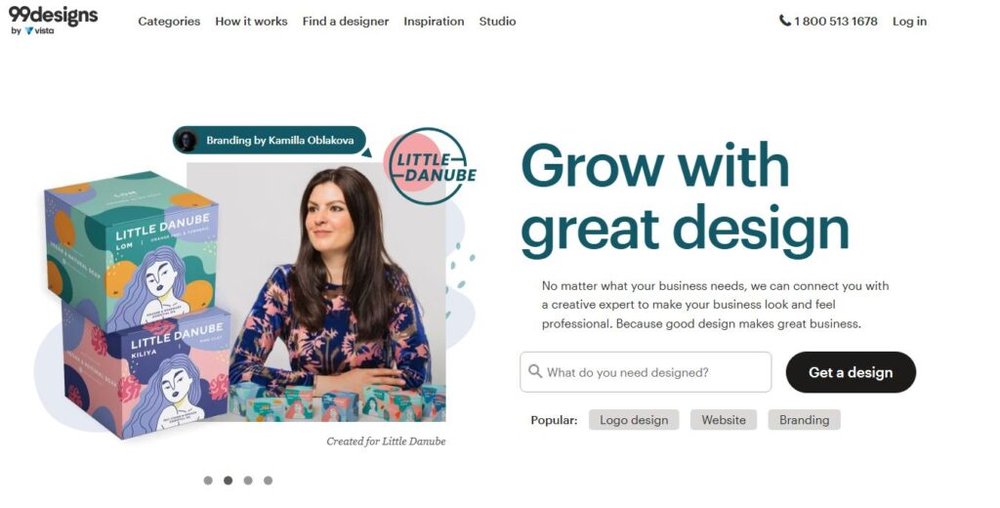
If you’re a visual creator, 99designs is easily one of the best websites like Upwork for creative freelancers who thrive on competition.
It’s tailored for designers — from logo makers and illustrators to brand identity experts — and offers two ways to work: contests or direct client projects.
How Design Contests Work on 99designs
When a client needs a logo, website, or packaging design, they can launch a contest. Designers from around the world submit their concepts, and the client picks their favorite.
Here’s a typical workflow:
- Go to Find Work > Contests.
- Browse open contests by category (e.g., Logo Design, Web Design, Product Packaging).
- Choose one that fits your skill and budget, then click Submit a Design.
- Upload your design mockup (JPG or PNG). You can revise it based on client feedback.
- If you win, you receive the prize amount — often anywhere from $200 to $1,500 depending on the contest.
I’ve seen many designers build their first client relationships through contests. Once you win a few, you can unlock 1-to-1 Projects, where clients invite you directly for paid work without competition.
Why Designers Prefer This Over Traditional Bidding
99designs is loved by creatives for one big reason: it celebrates artistry over negotiation. You don’t have to underbid or write lengthy proposals — your work speaks first.
Other benefits include:
- Transparent pricing. Contest budgets are visible upfront.
- Direct feedback. Clients comment on entries, helping you improve your design skills quickly.
- Portfolio growth. Each contest you enter adds work samples visible on your profile.
From a creative standpoint, I find it refreshing. Instead of chasing clients, you showcase your ideas and get discovered through quality and consistency.
Tips for Winning Design Contests Consistently
Winning on 99designs takes strategy, not luck. Based on what I’ve seen from top designers, here’s what works:
- Enter early. Submitting within the first 24 hours gives you more feedback time and visibility.
- Read briefs carefully. Most designers lose because they ignore small client preferences (like color tone or typography style).
- Use mockups. Presenting your logo on realistic mockups (e.g., on a business card or packaging) helps clients visualize it.
- Follow up politely. Even if you don’t win, thank the client. Many later hire runners-up for future work.
Top designers use 99designs as both a showcase and client funnel. Once you’ve built your credibility, the platform promotes your portfolio in its designer search — and that’s when you start getting invited to premium projects.
10. TaskRabbit – Freelance Work Beyond the Digital World

If you’re searching for websites like Upwork but prefer hands-on, local work instead of online freelancing, TaskRabbit is one of the best options.
It connects people who need help with everyday tasks — from assembling IKEA furniture to running errands — with freelancers (called “Taskers”) ready to lend a hand.
It’s freelancing in the real world, not behind a screen.
How TaskRabbit Connects You with Local Clients
TaskRabbit works on a hyperlocal model, meaning it matches you with clients in your physical area rather than remote ones.
Once you create your account, you’ll go through a short onboarding process that includes ID verification and a background check.
Here’s how it works step-by-step:
- Create your Tasker profile. From the TaskRabbit website or app, click Become a Tasker > Sign Up. Add your location, skills, and a friendly profile photo.
- Select task categories. You can choose from dozens — like cleaning, delivery, handyman work, or moving help.
- Set your hourly rate. You decide how much you charge for each category. For example, “Furniture Assembly – $45/hour.”
- Get matched. TaskRabbit shows your profile to clients nearby. When they post a job, you can either respond to an invitation or pick available “Quick Assign” tasks directly from your dashboard.
Once you complete a task, the client pays securely through the app — no cash required. Ratings and reviews appear instantly on your profile, which helps you rank higher in local searches.
I like that TaskRabbit feels more human and immediate — you’re helping people in your own community, not sending digital files across time zones.
Types of Tasks You Can Offer
There’s surprising variety on TaskRabbit. While it started with simple errands, it’s expanded into several service categories:
- Home Repairs & Assembly: Furniture building, TV mounting, minor plumbing.
- Delivery & Errands: Grocery runs, package delivery, or event setup.
- Cleaning Services: Residential and office cleaning gigs.
- Moving Assistance: Packing, loading, and unloading help.
- Personal Assistance: Data entry, scheduling, or organization tasks.
If you’re flexible, you can create multiple “task types” under one account and switch between them. Many Taskers earn between $25–$80/hour, depending on their city and skills.
I’ve noticed that handyman services and furniture assembly tend to pay the most, while delivery and errands provide steady, fast-turnaround jobs.
What Makes It a Great Side Hustle Platform
TaskRabbit is ideal for anyone who wants extra income without committing to full-time freelancing. It’s perfect for students, part-timers, or professionals who enjoy hands-on work.
A few things make it stand out:
- Instant local demand. Once approved, you can start getting task offers the same day.
- Flexible scheduling. You decide when you’re available.
- Direct pay. TaskRabbit deposits earnings weekly via direct deposit.
I suggest setting up your account strategically — focus on high-demand categories in your city and use clear, friendly descriptions like, “I’ve assembled over 50 IKEA pieces with 5-star reviews.” Small details build trust quickly.
11. Hubstaff Talent – 100% Free for Freelancers and Clients
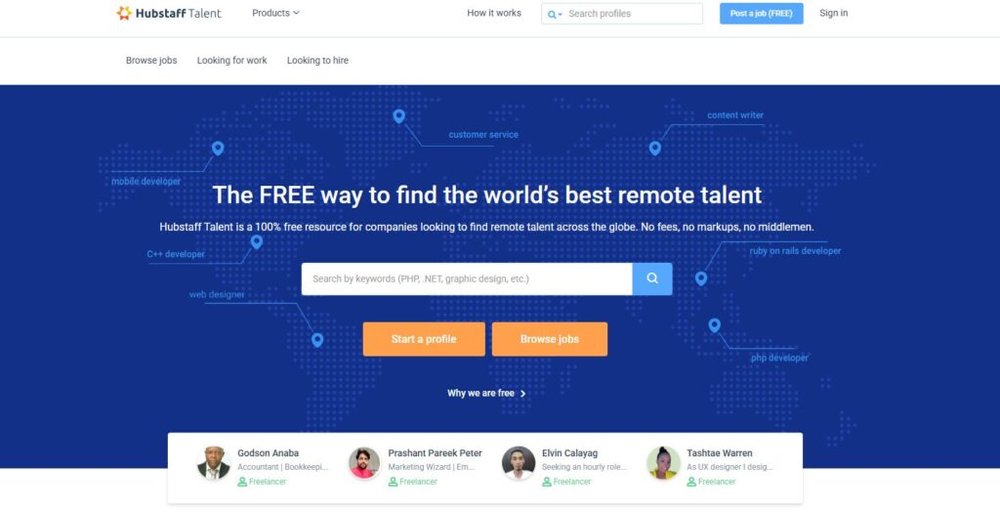
If you’re tired of platforms taking hefty service fees, Hubstaff Talent is a breath of fresh air. It’s completely free — no commissions, no hidden deductions, no premium tiers.
Both clients and freelancers use it to connect directly for remote projects across tech, design, marketing, and admin roles.
It’s part of the Hubstaff ecosystem, which also includes time-tracking and team management tools.
How Hubstaff Talent Stands Out from Paid Platforms
Most websites like Upwork charge up to 20% of your income in platform fees. Hubstaff Talent doesn’t. It operates as a free directory where companies can find freelancers, agencies, or remote employees directly.
Here’s how it works:
- Visit talent.hubstaff.com and click Create a Profile.
- Add your skills, hourly rate, time zone, and short bio.
- Upload a professional photo and portfolio links.
- Wait for clients to reach out or browse available projects manually.
From your dashboard, go to Find a Job > Browse Projects to view open roles. You can filter by category, budget, or time commitment (part-time or full-time).
Since there’s no algorithm favoring paid profiles, everyone starts on equal ground — your experience and communication make the difference.
Best Roles and Industries on Hubstaff
Hubstaff Talent primarily attracts companies hiring for remote teams.
You’ll find jobs in areas like:
- Software Development: Frontend, backend, and full-stack roles.
- Design: UI/UX, product design, and graphic design.
- Marketing: SEO, content marketing, and lead generation.
- Virtual Assistance & Admin: Email management, scheduling, and customer support.
- Finance & HR: Accounting, bookkeeping, and recruiting.
For example, you might find listings like “Part-time React Developer – $40/hr – 20 hrs/week – Remote.”
Because Hubstaff Talent is connected to the main Hubstaff app, many clients already use it for time tracking and productivity monitoring, which means projects tend to be ongoing and structured.
How to Build Trust and Get Hired Faster
To stand out, you need more than a well-written profile. You need trust signals.
Here’s what I suggest:
- Add a verified email and LinkedIn profile. It shows professionalism.
- Show real numbers. Instead of vague phrases, write specifics like “10+ years in WordPress development” or “Managed 50+ marketing campaigns.”
- Respond fast. Hubstaff highlights active freelancers. Replying within a few hours to messages increases visibility.
- Request testimonials. You can add endorsements from past clients outside Hubstaff to build early credibility.
The platform’s simplicity is its strength. You’re judged on skill and reliability — not your ability to outbid others.
12. Workana – Best for Latin American Freelancers
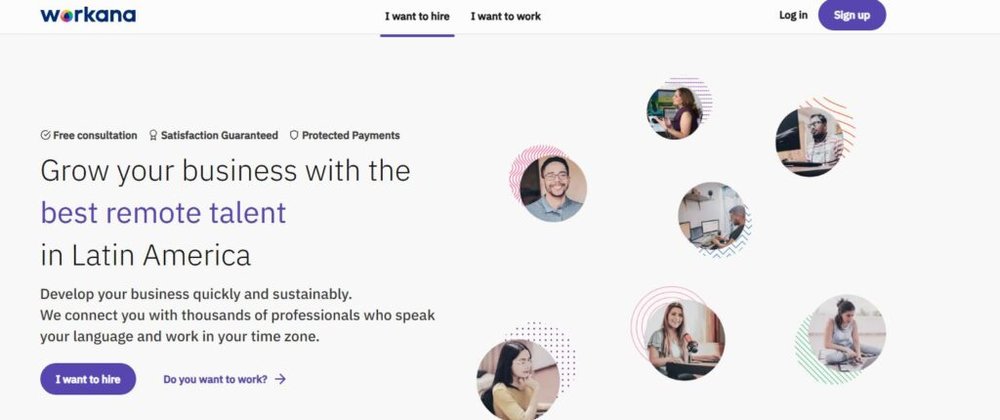
If you’re based in Latin America or want to collaborate with clients in that region, Workana is one of the best websites like Upwork for building your freelance career.
It’s a leading platform for Spanish and Portuguese-speaking professionals, offering a mix of local and global projects.
How Workana Supports Regional Freelance Growth
Workana was founded in Argentina and focuses on empowering freelancers across Latin America.
Unlike global marketplaces that can feel oversaturated, Workana provides a localized experience, including region-specific payment methods like Mercado Pago and Payoneer.
Here’s what makes it especially appealing:
- Language accessibility. The entire platform is available in Spanish and Portuguese.
- Regional payment options. Easier withdrawals and lower transfer fees.
- Localized demand. Many clients post projects from Brazil, Mexico, and Argentina, which means you’re working with familiar business contexts and time zones.
From your dashboard, click Proyectos > Buscar Proyectos to browse live listings. You’ll find everything from “Redacción de blogs SEO” (SEO blog writing) to “Desarrollo de apps móviles.”
Workana bridges the gap between local freelancers and international clients — something that’s still rare in the freelancing world.
Industries and Projects Common on the Platform
While Workana offers opportunities in almost every field, some industries dominate:
- Marketing & Copywriting: Blog content, translation, and email marketing.
- Tech & Development: Mobile app and website development.
- Design & Multimedia: Logos, brand kits, and video editing.
- Administrative Support: Virtual assistance and customer service.
A 2024 Workana report revealed that IT, design, and writing made up nearly 70% of total projects.
For instance, a small business in Mexico might post, “Necesitamos redactor SEO para artículos semanales” (We need an SEO writer for weekly articles). The pay and cultural fit often make these gigs ideal for regional freelancers building long-term client relationships.
Steps to Build a Reputation on Workana
Like Upwork, your success on Workana depends on reputation. The more reviews and completed projects you have, the more visible your profile becomes.
Here’s how to get started smartly:
- Optimize your profile. Add a professional photo and short intro in your native language.
- Start with small projects. Completing smaller, lower-paying gigs quickly helps build early credibility.
- Request ratings immediately after delivery. Each 5-star review boosts your ranking.
- Respond quickly. The platform rewards freelancers who reply promptly to job invitations.
- Use Workana’s Premium plan once you’re active — it offers more monthly bids and visibility.
I suggest treating Workana as your launchpad for international growth. Once you’ve built a strong base there, expanding to platforms like Fiverr or Toptal becomes easier — because you’ll already have the portfolio and experience to compete globally.
13. Behance – Creative Showcase and Freelance Hub
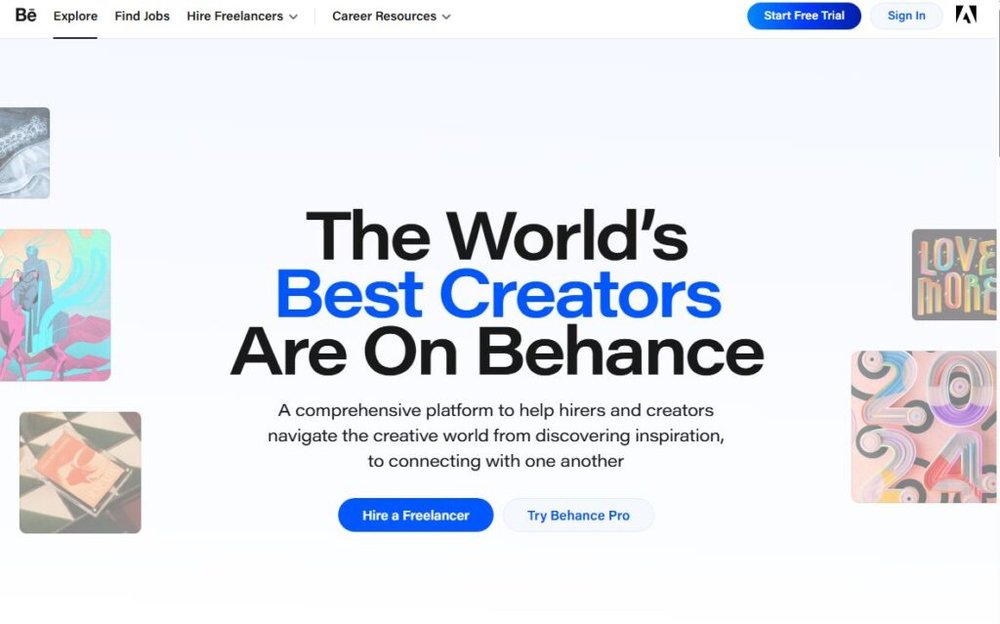
If you’re a creative professional looking for websites like Upwork but hate the idea of constant bidding, Behance might be your dream platform. It’s part of the Adobe ecosystem and serves as both a portfolio showcase and freelance job board.
Designers, photographers, illustrators, and motion artists use it to display their best work — and attract clients organically.
How to Use Behance to Attract Freelance Clients
Think of Behance as your digital gallery. Clients don’t browse proposals here — they browse art. So your goal is to create a visually rich portfolio that sells your skill at a glance.
Here’s how you can use it strategically:
- Create an Adobe account. From behance.net, click Sign Up using your Adobe ID or social login.
- Upload projects, not just images. Each Behance “project” lets you add multiple visuals, videos, and written context (like goals and process).
- Tag smartly. Use relevant keywords like “Logo Design,” “Brand Identity,” or “UI/UX Design” in your project tags — this helps you appear in search.
- Publish regularly. Behance’s algorithm rewards consistency. Posting even once a month keeps your work visible on the “Discover” feed.
What I love most about Behance is that clients come to you, not the other way around. Once you’ve published several strong projects, you might get messages directly in your Behance inbox or through the “Hire Me” button on your profile.
Pro tip: Connect your Behance account with your Adobe Portfolio site for a polished, personal domain that links straight back to your Behance gallery.
What Kinds of Freelancers Thrive on Behance
Behance is designed for creative and visual professionals. If your work can be showcased visually — this platform amplifies it beautifully.
You’ll see freelancers thriving in:
- Graphic and Brand Design – Logo design, posters, typography.
- Web and UX/UI Design – Wireframes, mobile app mockups.
- Photography and Videography – Product shoots, film reels, and editing.
- Illustration and Animation – Concept art, character design, and 2D animation.
A common thread among successful Behance users? Storytelling. The best portfolios don’t just display final results; they explain thought process. Adding captions like “Here’s how I simplified the user flow to improve conversions” makes your work relatable and memorable.
How to Optimize Your Portfolio for Discovery
Getting discovered on Behance isn’t luck — it’s about small, strategic tweaks.
- Curate your first six thumbnails. These are what appear on your profile grid. Make them diverse but visually cohesive.
- Write SEO-friendly project titles. Example: “Minimalist Coffee Brand Identity for Urban Cafés.”
- Join curated galleries. Behance curates categories like Branding, Typography, or UI Design. Being featured there boosts visibility dramatically.
- Engage with others. Comment genuinely on other designers’ work. Behance’s community interaction also influences how often your projects are seen.
I believe Behance works best as your freelance magnet — it quietly markets your skills 24/7 while you focus on creating.
14. DesignCrowd – Crowdsource Design Opportunities
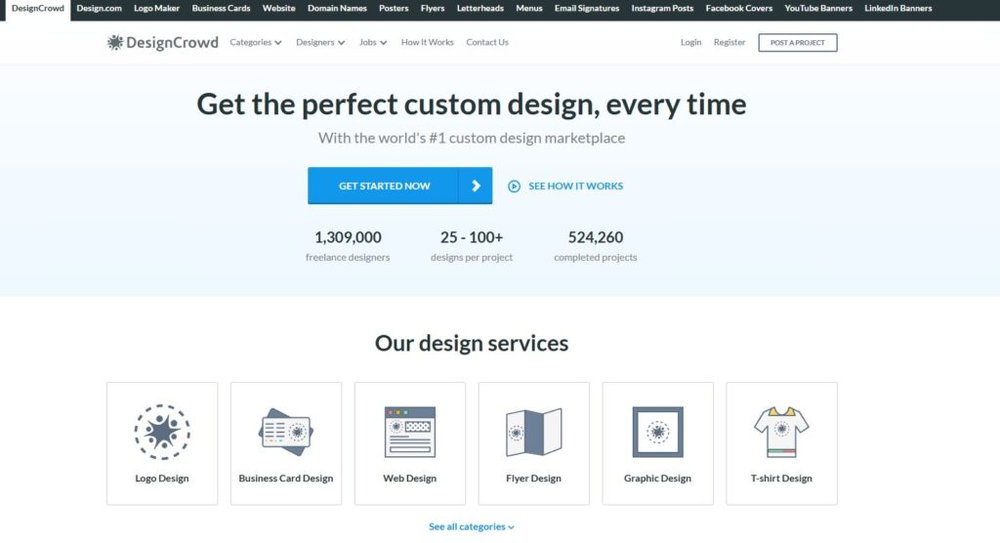
If you enjoyed the creative competition of 99designs, DesignCrowd offers a similar yet more flexible model for designers worldwide.
It’s one of the top websites like Upwork for crowdsourced design work, allowing you to enter design contests or pitch directly to clients.
Difference Between DesignCrowd and 99designs
Both platforms revolve around design contests, but they serve slightly different purposes:
| Feature | DesignCrowd | 99designs |
| Contest Volume | Higher (thousands globally) | Lower, more curated |
| Entry Barrier | Easier to join (open to beginners) | Selective, especially for “Pro” tier |
| Client Budgets | Typically $100–$600 range | Usually $300–$1500+ |
| Focus | Quantity of opportunities | Quality and branding depth |
In my experience, DesignCrowd is fantastic for building experience and confidence early on, while 99designs suits more seasoned creatives looking for premium projects.
How to Join and Compete in Design Challenges
Joining DesignCrowd takes just a few steps:
- Go to designcrowd.com > Join as Designer.
- Fill in your profile — upload your portfolio, add categories (e.g., logo, flyer, or business card design).
- Browse Projects > Open Contests to see available challenges.
- Submit your designs directly from the contest page using the Submit Design button.
Each contest includes clear design briefs, examples, and prize amounts. Clients typically choose from 50–100 submissions and select winners within 7 days.
A tip that helped me (and others): Submit early and refine. The first few entries often get the most feedback, giving you a chance to improve before the deadline.
When to Use DesignCrowd to Grow Your Client Base
DesignCrowd is especially useful if you’re building your portfolio or client base from scratch. Every contest you enter — even if you don’t win — adds another piece of work to your public profile.
Use it when:
- You’re exploring new design niches.
- You want exposure to diverse client briefs.
- You’re testing pricing or creative directions.
Many designers start on DesignCrowd to build visibility, then transition to repeat work with clients who liked their style.
I suggest keeping a balance — dedicate a few hours each week to contests, then invest your best pieces into your Behance or personal portfolio. That’s how you convert short-term contests into long-term client relationships.
15. LinkedIn Services Marketplace – Leverage Your Network
LinkedIn’s Services Marketplace is one of the most underrated yet powerful websites like Upwork. Instead of bidding or posting gigs, it lets freelancers showcase services directly on their LinkedIn profiles — reaching potential clients already in their professional network.
It’s ideal for consultants, marketers, writers, and specialists who thrive on referrals and relationships.
How to Set Up Freelance Services on LinkedIn
If you already have a LinkedIn profile, setting up your services is surprisingly quick.
Here’s the path:
- Go to your profile and click the “Open to” button under your headline.
- Choose “Providing Services.”
- Add your service categories (e.g., Graphic Design, Content Writing, or Marketing Strategy).
- Write a short description outlining what you offer, who you serve, and what results clients can expect.
Once published, your profile will display a “Providing Services” badge — making it visible in search results and allowing clients to contact you directly through LinkedIn’s messaging system.
I recommend adding a call-to-action at the end of your “About” section too — something like:
“Looking for help with SEO content strategy? Message me directly here or click ‘Request Services.’”
This simple addition turns your LinkedIn page into a conversion-ready freelance landing page.
Why Networking Gives You an Edge Over Traditional Platforms
What sets LinkedIn apart is the trust factor. Clients browsing your profile can instantly see your work history, mutual connections, and recommendations. That built-in transparency gives you an edge over anonymous marketplaces.
Unlike Upwork or Fiverr, you’re not competing in a blind pool — you’re leveraging relationship capital.
I suggest:
- Posting short updates about your current projects (without breaching client privacy).
- Sharing insights or before-and-after results of your work.
- Commenting meaningfully on potential clients’ posts.
The goal isn’t cold pitching — it’s visibility through expertise. When people see consistent, valuable content, they begin associating you with your niche automatically.
How to Get Client Inquiries Through LinkedIn Visibility
To attract inquiries passively, focus on LinkedIn SEO — yes, it’s a real thing.
- Optimize your headline. Instead of “Freelancer,” write “Freelance Web Designer | Helping Brands Build Clean, Modern Sites.”
- Post weekly content. Share practical insights or small wins. For example: “Just redesigned a startup’s landing page and increased sign-ups by 32%.”
- Collect recommendations. Ask happy clients to leave a testimonial. These act as social proof for new leads.
- Engage daily. Even five thoughtful comments per day can dramatically boost your reach.
LinkedIn’s algorithm rewards genuine interaction. If you engage consistently, your posts — and your service offerings — appear in more feeds.
Expert Tip to Maximize Your Freelance Success
Freelancing success rarely comes from being everywhere at once — it comes from picking two or three platforms that fit your goals and mastering them deeply.
Here’s what I recommend:
- Start on Fiverr to build your first client base.
- Use Behance if you’re in the creative field and want to showcase visual work.
- Move to Toptal once you’ve developed a strong reputation and want high-value, long-term clients.
Also, maintain a personal website or portfolio that ties everything together. No matter where clients discover you — whether it’s LinkedIn, Behance, or DesignCrowd — they’ll always have one place to explore your best work.
Freelancing isn’t just about finding gigs. It’s about building trust, consistency, and visibility — one platform, one project, and one conversation at a time.

I’m Juxhin, the voice behind The Justifiable.
I’ve spent 6+ years building blogs, managing affiliate campaigns, and testing the messy world of online business. Here, I cut the fluff and share the strategies that actually move the needle — so you can build income that’s sustainable, not speculative.